Cms Bund: The Ultimate Laravel Login Authentication & Development Bundle
Unlock a new era of web development efficiency. This comprehensive guide explores the powerful Cms Bund, a curated suite of Laravel packages designed to supercharge authentication, security, and content management for modern developers and businesses.
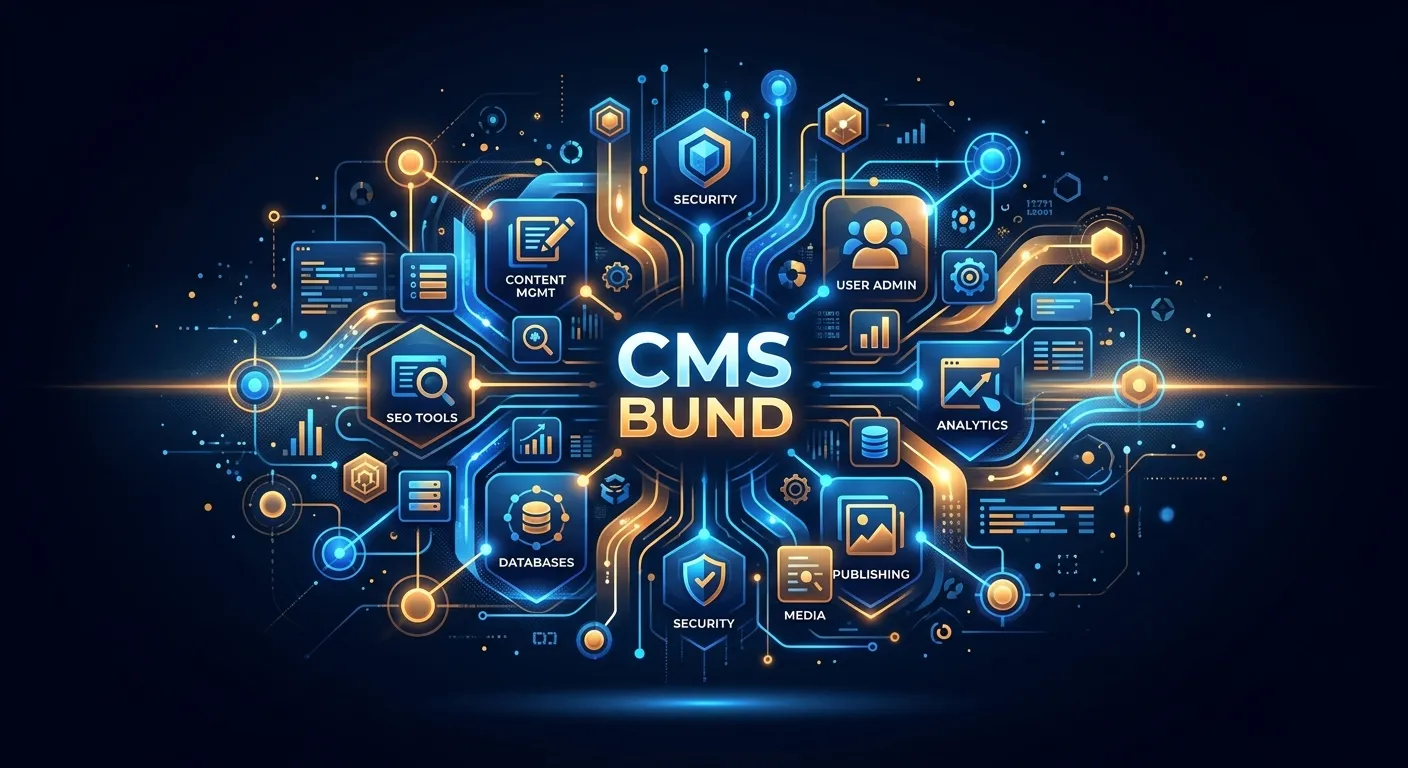
A Multi-Category Overview of Cms Bund
What is Cms Bund?
Cms Bund represents a paradigm shift in Laravel development. It is not a single tool but a strategically assembled collection of packages, scripts, and configurations designed to eliminate boilerplate code and accelerate project delivery. Think of it as a foundational toolkit that provides a robust, secure, and scalable starting point for any Laravel-based content management system or web application.
In an ecosystem where developers often spend days integrating authentication, admin panels, and API layers, Cms Bund delivers these components pre-integrated and battle-tested. It aligns perfectly with platforms like the Laravel Platform, offering a cohesive environment for building enterprise-grade solutions. For teams looking to hire top talent, understanding this bundle is key to specifying the right expertise.
Pro Tip: When evaluating a Cms Bund, look for modularity. The best bundles allow you to"eject" or disable components you don't need, preventing bloat. This is a core philosophy behind solutions like Waravel's core features.
Advanced Laravel Login Authentication
At the heart of most Cms Bund implementations is a superior Laravel Login Authentication system. This goes far beyond Laravel's built-in Breeze or Jetstream. We're talking about multi-guard systems (admin, user, api), socialite integrations (Google, GitHub, Facebook) pre-configured, two-factor authentication (2FA) with QR code generation, role-based access control (RBAC) with permissions managed via a UI, and secure session management across devices.
This robust layer is critical for security and user experience. It prevents common vulnerabilities and provides a seamless login flow, whether you're building a member portal or a complex B2B application. For projects involving user migration from legacy systems, a Cms Bund with a strong auth system ensures credentials are handled securely and transition smoothly.
Accelerated Development Tools
A Cms Bund supercharges the developer workflow. It typically includes:
- CRUD Generators: Scaffold full modules (Model, Controller, Views, Migration) from the command line in seconds.
- Admin Panel: A ready-to-use, responsive admin interface (often based on Nova, Backpack, or custom) for managing all site content and users.
- API Resources: Pre-built Transformers and Controllers for creating robust JSON:API or RESTful endpoints.
- Media Managers: Tools for handling file uploads, image cropping, and cloud storage integration.
This toolkit is essential for agencies and developers who need to deliver high-quality work rapidly. It complements the extensive tools discussed in our Top Laravel Packages Guide.
Tangible Business Impact
Adopting a Cms Bund is a strategic business decision, not just a technical one. It directly impacts ROI by:
- Reducing Time-to-Market: Launch projects 40-60% faster by building on a proven foundation.
- Lowering Development Costs: Less custom code means fewer billable hours and reduced long-term maintenance costs.
- Ensuring Consistency & Quality: All projects start with the same high-security, well-architected baseline.
- Future-Proofing: A modular bundle is easier to update and adapt to new business requirements.
This approach is central to a strategic brand building digital presence, where a reliable, performant website is non-negotiable.
Key Features & Benefits of a Modern Cms Bund
Enterprise-Grade Security
Pre-configured with industry-standard security practices: SQL injection prevention, XSS protection, CSRF tokens, secure password hashing, and rate limiting. The Laravel Login Authentication core is fortified, giving you peace of mind from day one.
This is a major upgrade over typical CMS security, as highlighted in comparisons like the Laravel CMS Comparison.
Blazing Performance
Optimized for speed with built-in caching strategies (Redis, Memcached), image optimization pipelines, lazy loading, and minimal front-end bloat. Delivers a Core Web Vitals score that outperforms traditional CMS platforms.
Learn more about fine-tuning this in our guide on Performance Optimisation.
Developer Experience (DX)
Includes Artisan command extensions, comprehensive documentation, IDE helpers, and a consistent project structure. Makes onboarding new developers—whether you hire staff or work with contractors—significantly faster and smoother.
It embodies the principles found in Laravel Custom Development Services.
Modular CMS Functionality
Delivers WordPress-like content management ease (pages, posts, categories, tags, WYSIWYG editor) but within Laravel's clean architecture. Offers a compelling Laravel CMS like WordPress experience without the technical debt.
It serves as a powerful Laravel CMS October alternative for those seeking more modern tooling.
Seamless Migration Pathway
Often includes tools or detailed guides for migrating from legacy systems. This is crucial for businesses executing a WordPress to Laravel migration. A good Cms Bund provides the target architecture for your data.
For automated processes, explore the WordPress Migration Tool.
API-First Architecture
Built from the ground up to support headless CMS implementations. Provides clean, versioned API endpoints for your content, enabling modern JAMstack sites, mobile apps, and third-party integrations with ease. This future-proofs your digital assets.
This aligns with the extensible approach of the broader Plugins ecosystem.
Implementing Cms Bund: A Strategic Deep-Dive
Adopting a Cms Bund requires careful planning and execution. It's a strategic investment that pays dividends in developer productivity, system security, and business agility. Let's explore the key phases of a successful implementation.
Phase 1: Evaluation & Selection
Not all bundles are created equal. Your selection criteria must align with your project's specific needs.
- Project Scope: Is it a simple brochure site, a complex e-commerce platform, or a SaaS application? The bundle must match the complexity.
- Team Expertise: Does your team have deep Laravel knowledge, or do they come from a WordPress background? Some bundles, like those powering platforms that facilitate migrating WordPress to Laravel effortlessly, are designed for smoother transitions.
- Licensing & Cost: Is it open-source (MIT/GPL) or commercial? Commercial bundles often come with professional support and updates, which can be valuable for business-critical projects.
- Community & Support: Check GitHub activity, issue resolution times, and the quality of documentation. A vibrant community is a strong indicator of longevity.
Case Study: Migration Success with a Structured Bund
A mid-sized publishing company with a decade-old WordPress site faced constant security patches and performance issues. They chose a Laravel-based Cms Bund with robust migration utilities as their target platform.
Using a combination of the bundle's import tools and dedicated WordPress tools, they executed a plan similar to our guide on How To Migrate Your Entire WordPress Site To Laravel Without Losing A Single Byte Of Data. The result? A 70% reduction in page load time, elimination of security vulnerabilities, and a modern admin interface that boosted editorial productivity by 25%.
This demonstrates the transformative power of choosing the right foundational technology.
Phase 2: Installation & Configuration
A modern Cms Bund should install via Composer. The process typically looks like this:
composer create-project vendor/prime-cms-bund my-project --stability=stable
cd my-project
cp .env.example .env
php artisan key:generate
php artisan migrate --seed
php artisan serve
Post-installation, critical configuration steps include setting up the Laravel Login Authentication providers (e.g., setting up mail for password resets, configuring socialite keys), defining user roles and permissions, and tailoring the admin panel to your content models.
Phase 3: Customization & Extension
The true power of a Cms Bund lies in its extensibility. This is where you differentiate your project.
- Theming: Replace the default front-end views with your custom design. Most bundles use Blade templates, making this a straightforward process for any Laravel developer.
- Adding Modules: Use the bundle's generators to create new, custom content types (e.g., Portfolio, Team, Testimonials) complete with admin management.
- Integrating Services: Connect payment gateways, CRM systems, email marketing platforms, and CDNs. The clean architecture of a Laravel bundle makes these integrations cleaner than in monolithic CMSs.
- Performance Tuning: Implement advanced caching strategies and database indexing specific to your data patterns, going beyond the bundle's defaults.
Frequently Asked Questions About Cms Bund
It depends on the specific bundle. Some are designed as developer-centric toolkits requiring solid Laravel knowledge. Others, particularly those aiming to be a user-friendly Laravel CMS like WordPress, offer intuitive admin interfaces that content managers and beginners can use immediately. However, significant customization and underlying configuration will always require developer expertise. If you lack this in-house, consider using our service to hire staff with the right skills.
Standard Laravel authentication (e.g., via Breeze) provides a basic scaffold: login, registration, password reset. A Cms Bund's Laravel Login Authentication system is production-ready and feature-complete. It typically adds: a full admin GUI for managing users/roles/permissions, multi-guard support (admin vs. user), integrated 2FA, login activity logs,"remember me" functionality, account verification emails, and often social login out of the box. It's the difference between a foundation and a finished, secure building.
Absolutely. This is a primary use case. The process involves exporting your WordPress data (users, posts, pages, categories) and transforming it to fit the database structure of your chosen Laravel Cms Bund. Many bundles provide migration scripts or guides. For a comprehensive, automated solution, services like the one detailed in this migration guide can handle the entire process, preserving your SEO rankings and content integrity.
You are responsible for maintaining the core Laravel framework, the Cms Bund package(s), and your custom code. This involves applying security updates, testing compatibility with new PHP versions, and updating dependencies. The structured nature of a bundle often makes this easier than maintaining a sprawling custom codebase. Choosing a well-maintained bundle with an active developer is crucial. For businesses without a dedicated tech team, partnering with a Laravel Custom Development Services provider for ongoing support is a wise strategy.
It can actually simplify hiring. Instead of seeking developers who know your unique, one-off architecture, you can look for developers with experience in that specific, popular Cms Bund or with strong general Laravel skills who can quickly learn its conventions. It standardizes the codebase. When you're ready to hire top talent, you can specify"Experience with [Bundle Name]" as a desirable skill, attracting candidates who can hit the ground running.
Ready to Leverage the Power of Cms Bund?
Transform your development workflow, enhance your security with robust Laravel Login Authentication, and deliver superior digital experiences. Whether you're planning a new build or a strategic migration from WordPress, the right foundation is everything.
Explore more about our platform and services: About Us | Case Studies | Terms of Service