Waravel vs
Filament, October CMS,
Statamic & More
Waravel is a lightweight Laravel package, not a standalone CMS. Designed to drop into existing Laravel applications for instant page management, media handling, and WordPress import capabilities. See how it compares to Filament, October CMS, Statamic, Orchid, and Webflow.
What makes Waravel unique
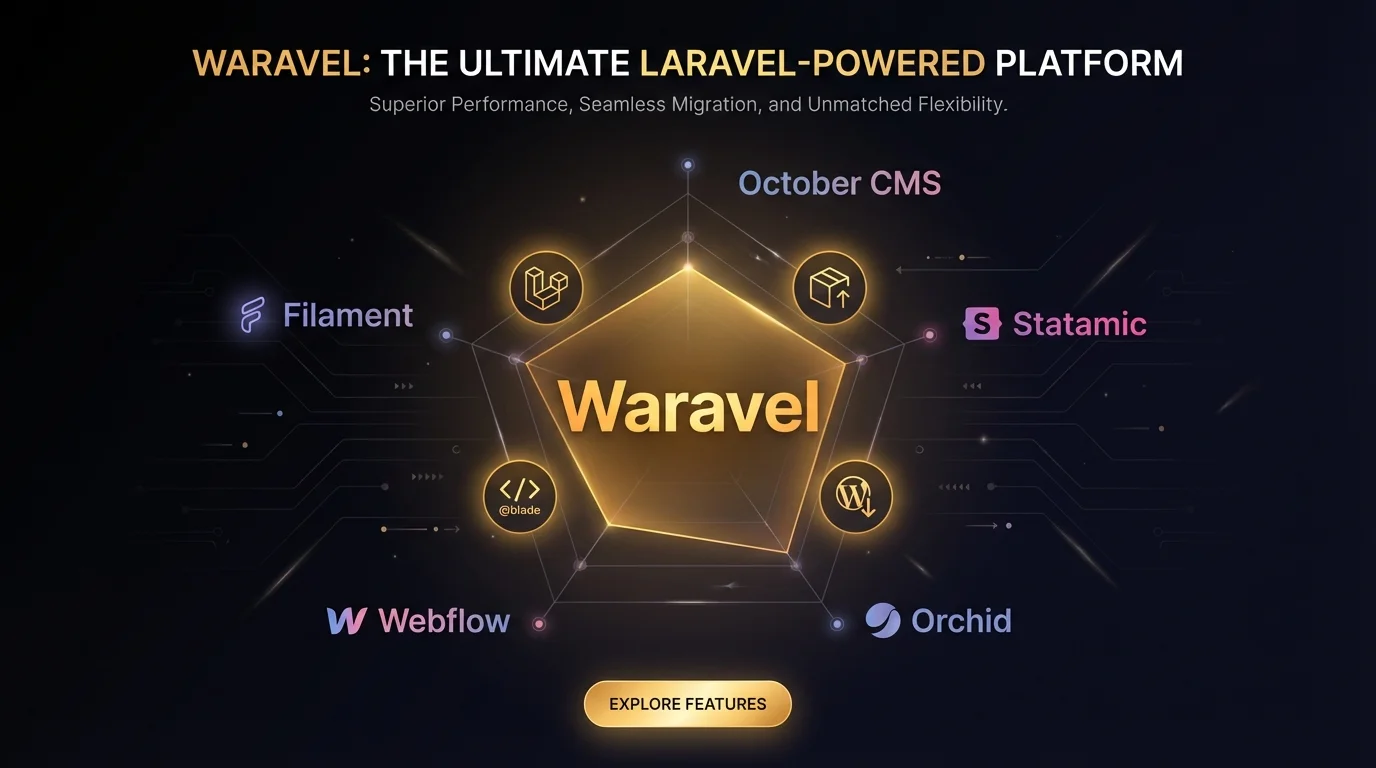
What is Waravel?
Waravel is a Laravel Package, not a standalone CMS.
It is designed to be "dropped in" to an existing Laravel application to give it page management, media handling, and WordPress import capabilities. It is lightweight and uses standard Laravel patterns including Blade templates, Controllers, and Models.
Core Capabilities:
✅ Page Management - Pre-built models and frontend routing
✅ Media Library - Robust file handling and organization
✅ WordPress Importer - Specialized migration tool
✅ Standard Laravel Patterns - Blade, Controllers, Models
✅ Existing App Integration - Respects your auth and routing
Ready to add content management to your existing Laravel app?
Learn More About Waravel Get the PackageWaravel vs Filament
Both are Laravel Packages, but serve fundamentally different purposes.
Filament
Admin Panel Framework
Focus:
Building CRUD interfaces (Forms, Tables) for data models like Users, Products, Orders. Uses the TALL stack (Tailwind, Alpine, Livewire, Laravel).
Strengths:
✅ Massive ecosystem
✅ Rapid development of internal tools/dashboards
✅ Highly interactive UI
Weakness for Content:
❌ No built-in page management
❌ No frontend rendering out of the box
❌ You build the "Page" resource yourself
❌ No WordPress importer
Waravel
Content Management Module
Focus:
Pre-built models for Pages and Media. Handles frontend routing and rendering automatically. Ready to use immediately.
Differentiators:
✅ Includes WordPress Importer
✅ Automatic frontend routing
✅ SEO-friendly pages out of the box
✅ Blade templates for public pages
Perfect For:
✅ Adding Pages/Blog to existing apps
✅ WordPress migrations
✅ Content-focused features instantly
📊 The Verdict:
Use Filament to build an app/dashboard with complex data models and admin interfaces. Use Waravel if you want to add a Pages/Blog section to your existing Laravel app instantly, especially when migrating from WordPress.
Waravel vs October CMS & Statamic
These are Standalone Platforms (though Statamic can be a package). Fundamentally different architecture.
October CMS / Statamic
Standalone Platforms
Architecture:
They ARE the application. You usually start your project with them. They are full-blown CMS platforms with their own marketplace, theming engine, and control panel.
Strengths:
✅ Extremely mature ecosystems
✅ Powerful flat-file options (Statamic)
✅ Dedicated marketplace and plugins
✅ Professional theming engines
Weakness for Integration:
❌ Heavy - requires full commitment
❌ Converting existing apps is overkill or impossible
❌ Not designed for SaaS apps needing pages
❌ Can't "just add" to complex Laravel apps
Waravel
Lightweight Addition
Architecture:
Composer package that respects your existing app's auth and routing. Adds content features without taking over your application.
Perfect For:
✅ SaaS applications needing marketing pages
✅ Existing Laravel apps adding blog/docs
✅ Custom applications with content needs
✅ Teams wanting lightweight integration
Key Benefit:
✅ Works alongside your app
✅ No need to rebuild everything
✅ Standard Laravel patterns (Blade)
✅ Install in minutes, not days
📊 The Verdict:
Waravel is better for integration into custom apps. October CMS and Statamic are better for building websites from scratch. If you have an existing Laravel application (e.g., a SaaS platform) and just want to add pages or a blog, Waravel is the clear choice. Learn more about our October CMS alternative approach.
Waravel vs Orchid
Both are Laravel Packages, but with very different philosophies for content management.
Orchid
Code-Driven Admin Panel
Approach:
Very developer-centric. You write PHP classes to generate UI layouts. It's "Radical" in its code-first philosophy.
User Experience:
❌ Less visual "drag-and-drop"
❌ Requires writing PHP for every layout
❌ Not ideal for content editors
❌ Focused on data administration
Best For:
Developers who prefer programmatic control over visual interfaces and database-focused admin panels.
Waravel
Visual Content Approach
Approach:
Provides a more visual approach to page content specifically. Deals with Media and Templates in a way that's more familiar to content editors.
User Experience:
✅ WordPress-like interface
✅ Built for content editors, not just devs
✅ Media library management
✅ Template-based page building
Best For:
Teams with content editors who need intuitive interfaces and developers who want Blade templates over complex PHP classes.
📊 The Verdict:
Choose Orchid if you prefer programmatic, code-driven admin interfaces. Choose Waravel if you need a WordPress-like experience for content management that's accessible to non-developers, with Blade templates and visual media handling.
Waravel vs Webflow
Webflow is a SaaS Design Tool. Completely different category and use case.
Webflow
SaaS Design Tool
Focus:
Design first. No-code visual builder. Hosting included as a cloud service.
Strengths:
✅ Unmatched design control for designers
✅ No-code website building
✅ Hosting and CDN included
Limitations:
❌ You don't own the code nicely
❌ Backend logic is limited
❌ Expensive hosting at scale
❌ Can't integrate with existing Laravel apps
Waravel
Developer Control
Focus:
Developer control. You own the code and database. Complete customization freedom within Laravel.
Strengths:
✅ Full code ownership
✅ Unlimited backend logic with Laravel
✅ Your choice of hosting
✅ Integrates into existing applications
Perfect For:
✅ Developers building custom applications
✅ Teams needing complex backend logic
✅ Projects requiring database integration
✅ Long-term cost efficiency
📊 The Verdict:
Totally different audience. Webflow is for designers who want visual control without code. Waravel is for developers who need CMS features in their custom Laravel codebase with full ownership and control. If you're considering WordPress to Laravel migration, Waravel offers the developer control Webflow can't match.
Quick Comparison Table
Solution
Type
Focus
Integration
WordPress Import
Best For
Waravel
Laravel Package
Content Management
✅ Lightweight
✅ Yes
Existing Apps
Filament
Laravel Package
Admin Panel
✅ Lightweight
❌ No
Dashboards
October CMS
Platform
Full CMS
❌ Heavy
❌ No
New Sites
Statamic
Platform
Full CMS
❌ Heavy
❌ No
New Sites
Orchid
Laravel Package
Admin Panel
✅ Lightweight
❌ No
Code-driven
Webflow
SaaS
Design Tool
❌ N/A
❌ No
Designers
Waravel's Unique Selling Point
Waravel occupies a sweet spot for Laravel developers who need specific CMS capabilities.
Choose Waravel if You:
✅ Have an existing Laravel application (SaaS, e-commerce, custom platform)
✅ Need to add SEO-friendly pages or a blog to your app
✅ Need a robust media library with WordPress-like ease
✅ Might be migrating from WordPress (The Importer is a key feature)
✅ Don't want the overhead of a massive CMS platform like October or Statamic
✅ Prefer standard Blade templates over Livewire/Vue components for public pages
The Perfect Balance
Not as heavy as a standalone CMS platform. Not as bare-bones as a pure admin panel framework. Just the right content management features you need, when you need them.
WordPress Import: The Game Changer
Unlike Filament, Orchid, October CMS, or Statamic, Waravel includes a specialized WordPress Importer that makes migrating from WordPress seamless. This is a key differentiator that saves developers countless hours.
Ready to Add Content Management
to Your Laravel Application?
Choose the lightweight Laravel package that gives you page management, media handling, and WordPress import without the overhead of standalone platforms. Perfect for existing applications.
Install with just one command:
composer require sobberrc/waravel
The lightweight Laravel package for content management. Not a standalone platform, just the features you need.
Questions About Integration?
Our team can help you choose the right CMS solution for your Laravel project.