How to Migrate Your Entire WordPress Site to Laravel Without Losing a Single Byte of Data Using Waravel’s Automated Tools
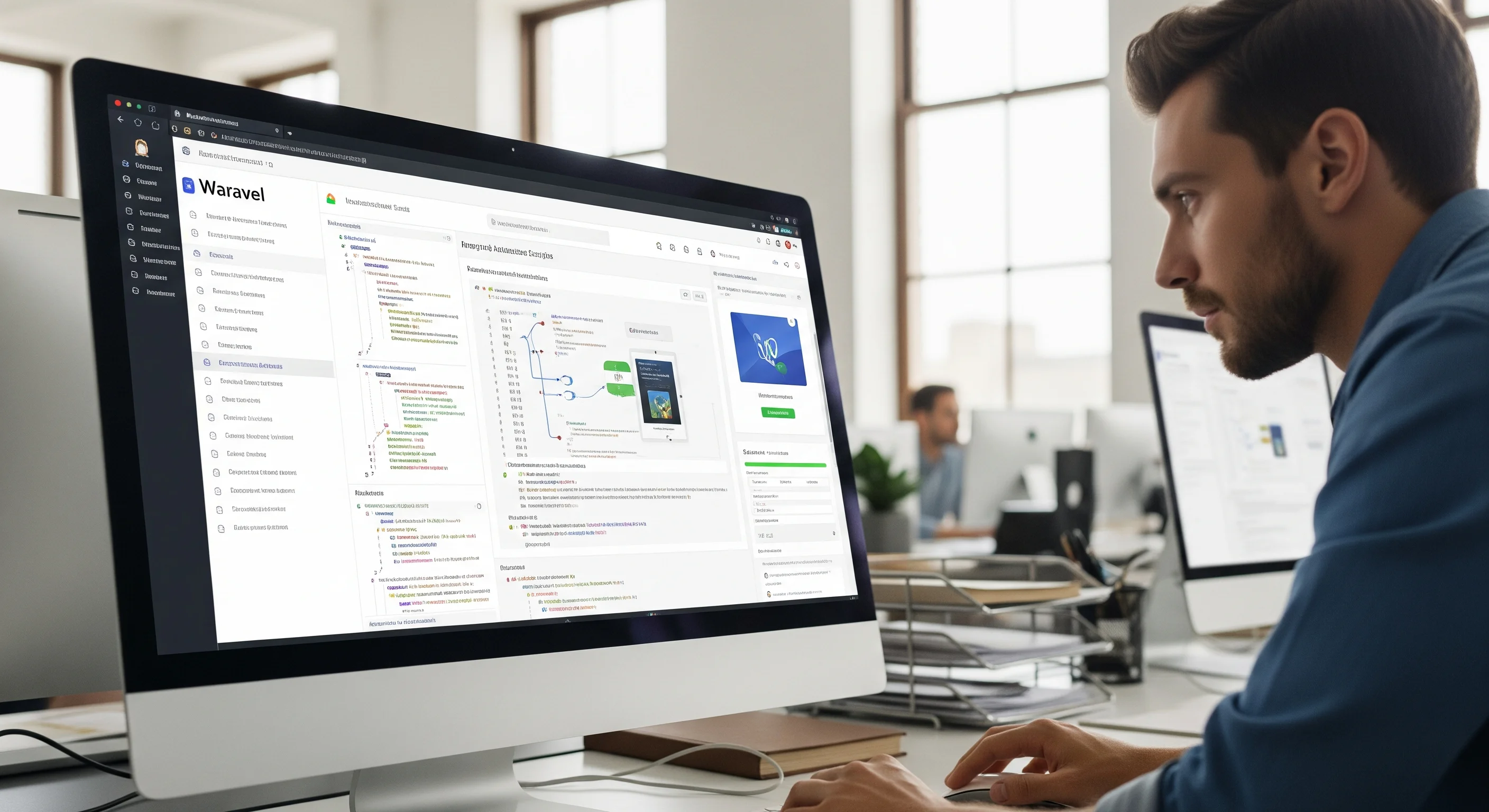
Introducing Waravel: The Automated Solution for Flawless Migration
Waravel positions itself as the bridge between WordPress convenience and Laravel excellence. It’s not just a tool; it’s a comprehensive ecosystem designed to manage your content within Laravel and bring your existing WordPress content over with zero fuss. Their promise is bold: "Transform Your WordPress Content Into Laravel Applications In One Click" and "Import WordPress Sites to Laravel in Minutes."
The key differentiator here is "automated tools." Instead of manually exporting databases, tweaking SQL files, writing custom scripts for content transformation, and configuring redirects one by one, Waravel claims to handle the heavy lifting. This automation is crucial for ensuring "not a single byte of data is lost." It implies intelligent mapping of WordPress data structures to a Laravel-friendly format, seamless transfer of media, and preservation of crucial SEO elements.
The Waravel Migration Process: A Step-by-Step Guide to Seamless Transition
While Waravel's specific technical documentation isn't widely public, we can infer the logical steps its automated tools would undertake, combined with essential best practices, to achieve a "zero data loss" migration. This guide outlines how Waravel likely orchestrates the transition, ensuring every aspect of your site is meticulously moved.
Phase 1: Meticulous Preparation – The Foundation for Success
Even with automated tools, a little preparation on your end goes a long way. Think of this as laying the groundwork for Waravel to do its best work.
- Comprehensive WordPress Audit: Before you even think about migrating, take stock. What plugins are essential? What custom post types do you have? Are there outdated themes or functionalities you can discard? Waravel's automated tools are smart, but a cleaner starting point makes for a smoother migration.
- Full Site Backup (The Non-Negotiable Step): This is paramount. Even though Waravel guarantees data integrity, having your own complete backup of your WordPress database and files (using a plugin like UpdraftPlus or your hosting provider's tools) provides ultimate peace of mind. This is your safety net.
- Clean Up Your WordPress Database: Remove old post revisions, spam comments, unapproved users, and orphaned data. A leaner database means a faster, more efficient transfer by Waravel.
- Identify Key Functionalities: List out all critical features of your WordPress site (e-commerce, forums, membership, etc.). While Waravel excels at content migration, you'll need to consider how these functionalities will be rebuilt or replaced within your new Laravel application. Waravel's CMS features can handle many standard content management needs.
Phase 2: Automated Data Transfer & Intelligent Transformation – Waravel's Core Magic
This is where Waravel's automated tools are expected to perform their most critical function: meticulously extracting and transforming your WordPress data into a Laravel-compatible structure.
Connecting Waravel to Your WordPress Site: You'd likely start by providing Waravel with the necessary credentials to access your WordPress database and files. This secure connection allows its tools to begin the data extraction process.
Database Schema Mapping and Content Migration:
Posts, Pages, and Custom Post Types: Waravel's tools will intelligently map your WordPress wp_posts table content (including all post types, pages, and their associated metadata) to a new, optimized Laravel database schema. It understands relationships between posts, categories, and tags, ensuring everything lands in its correct place.
Comments and Users: User accounts, roles, and comments will be carefully extracted and migrated, preserving relationships and data integrity. Password hashing might be re-evaluated to fit Laravel's security standards, often requiring users to reset their passwords upon first login to the new platform, but their account data remains intact.
Metadata and Custom Fields: This is where many manual migrations stumble. Waravel's automation is designed to handle complex WordPress metadata and custom fields (e.g., from ACF, Elementor, etc.), ensuring that associated data remains tied to its respective content.
Media Library Transfer and Optimization:
File Copying: All images, videos, PDFs, and other media stored in your WordPress wp-content/uploads directory will be securely copied to your new Laravel application's storage.
Path Rewriting: Crucially, Waravel will automatically rewrite all internal links and media URLs within your content. This means an image embedded in an old blog post will seamlessly point to its new location in the Laravel app, preventing broken images and improving user experience.
Image Optimization (Potential Feature): Given Waravel's focus on performance, its tools might also include features to optimize images during migration, resizing them for different viewports or converting them to modern formats like WebP, further enhancing your new site's speed.
Phase 3: Crafting the Laravel Application – Rebuilding Your Digital Face
While Waravel excels at migrating content, the visual layer and custom functionalities of your WordPress site will need to be recreated or re-envisioned within your new Laravel environment.
- Leveraging Waravel's Integrated CMS: Waravel provides a "No-Code Laravel Content Management" dashboard. This means once your content is migrated, you can use Waravel's intuitive interface to build out your new Laravel site's pages, manage layouts, and integrate your migrated content without writing a single line of code. This effectively replaces the WordPress theme and page builder experience.
- Custom Development for Unique Functionalities: For highly specialized WordPress plugins (e-commerce, complex membership systems, forums), you'll likely need custom Laravel development to replicate their functionality. This is where the power of Laravel truly shines, allowing you to build exactly what you need, rather than relying on pre-built plugins that may not fully fit.

Phase 4: SEO & URL Management – Preserving Your Search Engine Authority
One of the biggest fears in any migration is losing hard-earned SEO rankings. Waravel understands this implicitly, proclaiming "SEO Excellence Built Into Every Feature."
- Automatic Permalink Reconstruction: Waravel's tools will analyze your old WordPress permalink structure and automatically generate or map them to an equivalent, SEO-friendly URL structure within Laravel.
- 301 Redirects Generation: This is absolutely critical for SEO. Waravel will identify all old WordPress URLs and generate the necessary 301 (permanent) redirects to their new Laravel counterparts. This tells search engines that your content has moved permanently, passing on your link equity and preventing "Page Not Found" errors for your users.
- Meta Tag and Structured Data Preservation: Your existing SEO titles, descriptions, keywords, and any structured data (schema markup) from WordPress will be carried over and correctly implemented within the Laravel application, ensuring your search engine visibility remains intact.
- Canonical Tag Implementation: Waravel will ensure correct canonical tags are applied, preventing duplicate content issues and signaling to search engines the preferred version of a page.
Ensuring Data Integrity: How Waravel Delivers "Not a Single Byte Lost"
The promise of "not losing a single byte of data" isn't just marketing fluff; it's a testament to the sophistication of Waravel's automated processes. Here's how such integrity is achieved:
- Direct Database-to-Database Mapping: Rather than relying on error-prone export/import file formats (like CSVs that can lose data types or character encoding), Waravel's tools likely perform a more direct database-to-database transfer with intelligent schema transformation.
- Comprehensive File System Transfer: All media and other relevant files are moved at a file system level, preserving their original state and integrity.
- Automated Link Rewriting: Every internal link, image source, and embedded asset URL is scanned and updated, preventing broken links that can lead to lost content visibility.
- Pre- and Post-Migration Validation: While not explicitly detailed, any robust automated migration tool would include checksums and data comparison routines to verify that the target data exactly matches the source data after the transfer.
Post-Migration Validation & Go-Live: The Final Touches
Even with automation, a human touch is indispensable for final verification.
- Thorough Testing of the Laravel Site:
- Content Verification: Spot-check a representative sample of pages, posts, and custom post types. Ensure all text, images, and embedded media are displaying correctly.
- Functionality Testing: Test any custom features you've rebuilt or implemented in Laravel.
- User Flow Testing: Simulate user journeys (e.g., account creation, commenting, form submissions).
- Broken Link Checks: Use a tool (like Screaming Frog) to crawl your new Laravel site and identify any remaining broken links.
- SEO Health Check:
- Verify 301 Redirects: Test a good sample of old WordPress URLs to ensure they correctly redirect to their new Laravel counterparts.
- Check Google Search Console: Monitor for any crawl errors or drops in indexing once the new site is live.
- Google Analytics Verification: Ensure your analytics are correctly tracking traffic on the new site.
- Performance Benchmarking: Compare the loading speed and performance metrics of your new Laravel site against your old WordPress site. Expect significant improvements!
- Go-Live! Once you're confident everything is perfect, switch your DNS to point to your new Laravel application.
The Undeniable Benefits of Using Waravel for Your Migration
Choosing Waravel for your WordPress to Laravel migration isn't just about moving data; it's about investing in a smoother, more secure, and more performant future for your website.
- Speed and Efficiency: What could take weeks or months of manual effort is condensed into a fraction of the time.
- Guaranteed Data Integrity: Their "zero data loss" promise means you can migrate with confidence.
- SEO Preservation: Your hard-earned search rankings are protected through automated redirect and meta-data handling.
- Reduced Risk: Manual migrations are prone to human error. Automation drastically reduces this risk.
- Focus on Innovation: By offloading the tedious migration, you and your team can focus on building new features and enhancing your Laravel application.
- Cost-Effectiveness: While specific pricing isn't always clear for such tools, the time saved in manual labor can translate to significant cost reductions.
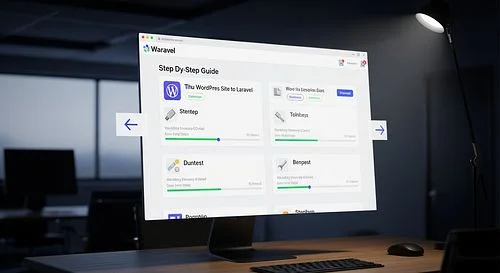
Conclusion: Embrace the Future with Confidence
Migrating your WordPress site to Laravel is a strategic move that can unlock a new era of performance, security, and flexibility for your digital platform. The prospect of such a significant overhaul has historically been fraught with peril and complexity. However, with innovative solutions like Waravel’s automated tools, the journey is no longer daunting.
By ensuring Migrating Your Entire WordPress Site to Laravel Without Losing a Single Byte of Data Using Waravel’s Automated Tools, you're not just switching platforms; you're upgrading your entire digital foundation with peace of mind. Say goodbye to the anxieties of data loss and hello to a seamless transition to a faster, more robust, and future-proof web application. It’s time to unleash the full potential of your online presence with Laravel, powered by Waravel.
Frequently Asked Questions (FAQs) About WordPress to Laravel Migration with Waravel
Let's address some common concerns you might have about transitioning your WordPress site to Laravel using Waravel.
Q1: Will I really not lose any data during the migration process with Waravel?
A1: Waravel's primary promise is "100% content integrity" and migrating "without losing a single byte of data." Its automated tools are designed to meticulously map and transfer your WordPress database content (posts, pages, users, comments, custom fields, etc.) and media files to your new Laravel application. They handle complex tasks like URL rewriting and meta-data preservation to ensure everything lands correctly. While a full backup before starting is always a wise precaution, Waravel aims to make data loss a non-issue.
Q2: How does Waravel handle SEO during the migration to prevent ranking drops?
A2: Waravel incorporates "SEO Excellence Built Into Every Feature." This means its automated tools are designed to preserve your search engine authority. It will typically reconstruct your permalink structures, generate essential 301 redirects from your old WordPress URLs to the new Laravel ones, and migrate your existing SEO titles, descriptions, and structured data. This comprehensive approach helps inform search engines of the change and minimize any negative impact on your rankings.
Q3: Do I need to be a Laravel developer to use Waravel's tools for migration?
A3: Waravel emphasizes "Zero Coding Required" and states that its dashboard "empowers non-technical users to manage complex sites without touching code." While understanding the basics of web development and the benefits of Laravel is helpful, Waravel's automated migration and integrated content management system are designed to abstract away much of the technical complexity, making the transition accessible even if you're not a seasoned Laravel developer. You'll likely use its intuitive interface to manage your content post-migration.
Q4: How long does a typical migration take using Waravel?
A4: The time taken can vary depending on the size and complexity of your WordPress site (e.g., number of posts, media files, custom functionalities). However, Waravel advertises the ability to "Import WordPress Sites to Laravel in Minutes" and showcases case studies where agencies migrated dozens of sites in a matter of weeks. The "automated tools" significantly reduce the manual effort and time typically associated with such migrations, making the process much faster than traditional methods.
Q5: What happens to my WordPress theme and plugins after the migration with Waravel?
A5: Your WordPress theme and plugins are not directly migrated as-is to Laravel. Laravel is a framework, not a CMS like WordPress, so its architecture is different. Waravel primarily focuses on migrating your content and data. For the visual design and functionalities previously provided by your WordPress theme and plugins, you will either use Waravel's integrated Laravel CMS to build out your new site's look and content layouts, or you'll need custom Laravel development to replicate specific, complex plugin functionalities within your new application. Waravel's tools facilitate the content transfer, giving you a clean slate to build a superior Laravel experience.