Unlock Unprecedented Power: The Ultimate Guide to WordPress AI Plugin Integration
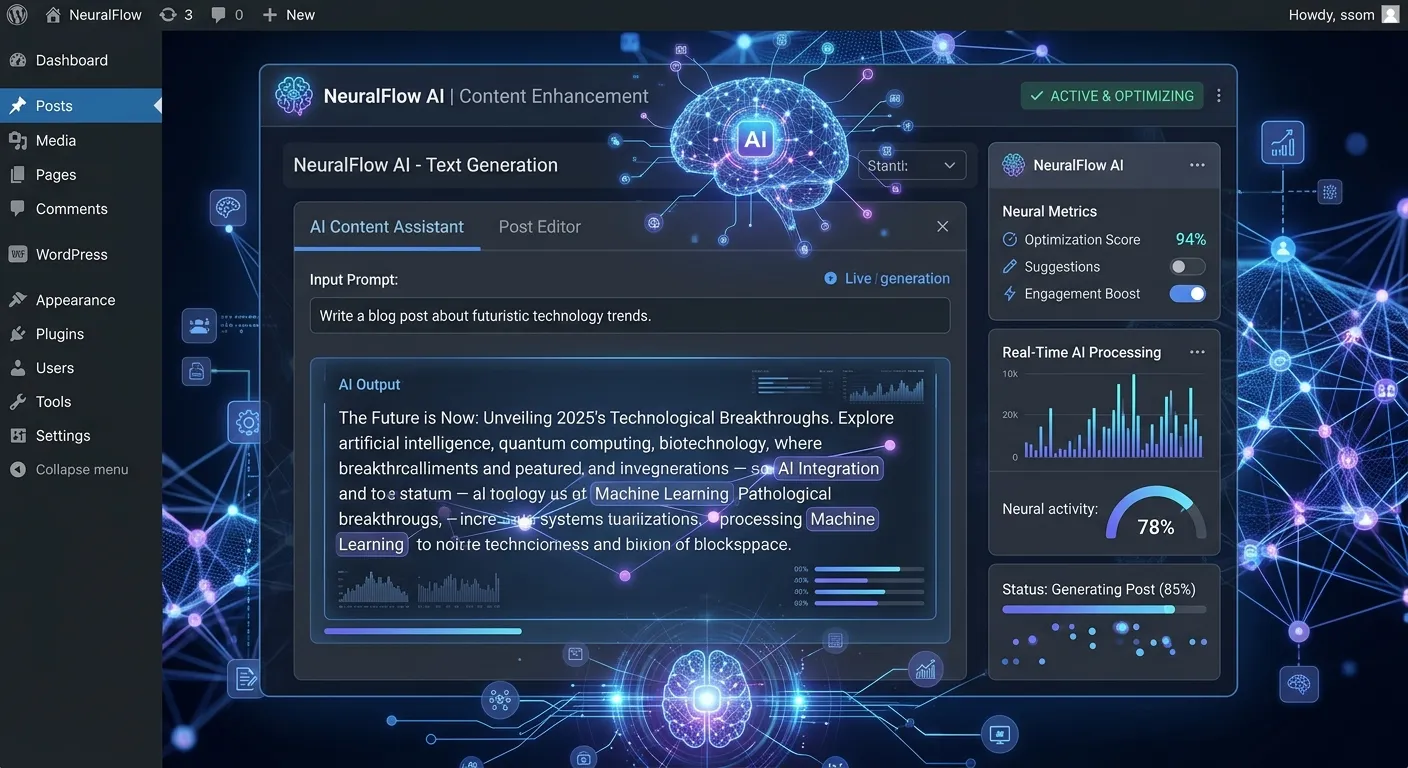
In the dynamic world of content management, integrating a WordPress AI Plugin is no longer a luxury—it's a strategic imperative for businesses seeking efficiency, personalization, and a competitive edge. This comprehensive guide delves into how AI is revolutionizing WordPress, transforming it from a simple CMS into an intelligent, proactive digital powerhouse.
Multi-Category AI Plugin Overview
WordPress AI plugins cater to diverse needs. Use the tabs below to explore the primary categories transforming website management.
AI-Powered Content Creation & SEO Optimization
Plugins in this category leverage large language models (LLMs) to generate draft posts, optimize meta descriptions, suggest keywords, and even rewrite content for clarity and tone. They act as a virtual writing assistant, drastically reducing the time spent on content production while improving quality and search engine visibility. For businesses in CMS Bangalore and other tech hubs, these tools are essential for scaling content strategies.
Pro Tip: The best AI content plugins don't just generate text; they analyze your existing content and audience engagement to suggest topics that will perform best, creating a feedback loop for continuous improvement. This aligns with principles of Strategic Brand Building by ensuring consistent, high-quality messaging.
Intelligent Chatbots & Customer Support
AI chatbots integrated via WordPress plugins can handle customer inquiries 24/7, qualify leads, book appointments, and provide instant support. They learn from interactions to deliver more accurate and helpful responses over time. This not only enhances user experience but also frees up human staff for more complex tasks, a key consideration when you look to hire top talent for strategic roles.
AI-Driven Performance & Security Monitoring
These plugins use machine learning to monitor website performance, predict traffic surges, optimize asset delivery, and detect security threats in real-time. They can automatically implement caching rules or block suspicious IP addresses, acting as a proactive shield. This focus on robustness is shared by modern platforms like Laravel; for insights into performance after a platform shift, see our guide on Performance Optimisation.
Core Benefits of Implementing a WordPress AI Plugin
Integrating AI into your WordPress site delivers tangible advantages across all operational facets.
Exponential Content Velocity
Overcome writer's block and scale your content calendar. AI tools can produce first drafts, create multiple headline variations, and repurpose existing content for different channels in minutes, not hours.
Hyper-Personalized User Experience
AI analyzes user behavior to dynamically recommend products, content, and offers. This creates a unique journey for each visitor, dramatically increasing engagement, time-on-site, and conversion rates.
Proactive Security & Maintenance
Move beyond reactive security. AI plugins continuously learn from attack patterns and can predict and neutralize threats before they cause harm, while also automating routine maintenance tasks like database optimization.
Data-Driven SEO & Insights
Go beyond basic keyword suggestions. AI can analyze top-ranking competitor content, identify semantic search opportunities, and provide actionable recommendations to improve your organic search rankings systematically.
Significant Operational Cost Savings
By automating content creation, customer support, and technical monitoring, AI plugins reduce the need for large teams for routine tasks. This allows businesses, including agencies in CMS Bangalore, to reallocate resources to innovation and core feature development.
Seamless Integration & Workflow Automation
Modern AI plugins are designed to integrate smoothly with popular page builders, e-commerce platforms, and CRM systems. They can automate complex workflows, such as triggering personalized email sequences based on user actions on the site.
Strategic Implementation & Future Trends
Choosing the Right WordPress AI Plugin for Your Business Goals
Selecting an AI plugin is not a one-size-fits-all decision. Begin by auditing your primary pain points: Is it content creation bandwidth, high support ticket volume, or site performance? Evaluate plugins based on their specific AI model, integration capabilities with your existing tech stack, data privacy policies, and cost versus ROI. For complex, high-traffic sites, consider that a more robust foundation might be necessary. Many businesses find that after leveraging AI tools on WordPress, their next evolution involves migrating to a more powerful, secure, and scalable framework like Laravel. Tools like Waravel's WordPress Migration Tool make this transition seamless.
Expert Insight: The Integration Imperative
"The most successful AI implementations are those where the plugin doesn't operate in a silo. It must feed data into and pull context from your CRM, analytics, and email marketing platforms. This creates a unified intelligence layer across your entire digital ecosystem, a principle that holds true whether you're using WordPress or exploring advanced Laravel CMS solutions."
See a direct comparison of content creation speed between a standard WordPress editor and an AI-enhanced platform.
The Future: AI and the Evolving CMS Landscape
The future of AI in CMS platforms points towards fully autonomous website management. We are moving towards systems that can A/B test layouts in real-time, generate personalized layouts for different user segments, and self-heal from minor issues. This evolution raises important considerations about platform architecture. WordPress, with its plugin-based approach, offers quick AI integration but can lead to performance and security challenges. Modern PHP frameworks like Laravel, especially with packages focused on AI, offer a more integrated, performant, and secure environment for building intelligent applications from the ground up. Understanding the Laravel CMS Comparison can inform long-term platform decisions.
For businesses in tech-centric regions like CMS Bangalore, staying ahead means not just adopting AI tools, but also evaluating whether their current platform can support the next wave of AI-driven features without compromising stability. Sometimes, the most strategic move is to hire specialized developers who can architect a future-proof solution, whether that involves optimizing WordPress with advanced AI plugins or executing a planned migration to a more capable framework.
Frequently Asked Questions
Get answers to the most common questions about WordPress AI Plugin integration and strategy.
Will an AI WordPress Plugin replace my content writers?
No, it should augment them. AI excels at overcoming blank page syndrome, generating drafts, researching, and repurposing content. Human writers are essential for injecting brand voice, strategic insight, emotional intelligence, and final editorial polish. Think of AI as a powerful assistant that handles the heavy lifting, allowing your creative team to focus on high-value strategy and storytelling. This synergy is key to effective digital branding.
Are there significant data privacy concerns with AI plugins?
Yes, this is a critical consideration. You must vet where the plugin sends data for processing. Opt for plugins that offer local processing or use reputable, compliant AI service providers (like OpenAI with proper enterprise agreements). Always review the plugin's privacy policy and ensure its use aligns with regulations like GDPR. For maximum control over data, some businesses opt for custom AI implementations within a private framework, a service offered by expert Laravel custom development teams.
My site is slow already. Will an AI plugin make performance worse?
It can, if not chosen carefully. Some AI plugins, especially those with heavy front-end JavaScript for chatbots or real-time features, can add load. Look for plugins that are well-coded, offer asynchronous loading, and have minimal impact on core web vitals. If performance is a primary concern, it may indicate your WordPress site is overloaded. In such cases, implementing AI might be part of a larger overhaul that includes performance optimisation or even a platform migration to a more efficient system.
Can I migrate my AI-enhanced WordPress site to another platform later?
Yes, but the complexity varies. Core content (text, images) can typically be migrated. However, the specific AI functionalities, trained models, and plugin-specific data may not transfer directly. The migration process would involve recreating the intelligent features natively on the new platform. This is a significant technical undertaking, but services exist to manage it. For a detailed look at how this can be done without data loss, review our guide How To Migrate Your Entire WordPress Site To Laravel.
Ready to Integrate AI and Transform Your WordPress Site?
Implementing a WordPress AI Plugin is a powerful step, but its success depends on strategic selection, expert integration, and potentially, a future-proof platform strategy. Whether you need to augment your current WordPress setup or are considering a more powerful foundation for AI-driven features, having the right team is crucial.
Explore more resources: WordPress Tools | Plugins | Case Studies
A Step-by-Step Guide to Implementation
Successfully deploying a WordPress AI plugin requires a methodical approach. Follow this detailed, five-phase process to ensure a smooth and effective integration.
Discovery & Goal Alignment
Before browsing the plugin directory, conduct an internal audit. Map out specific workflows you aim to enhance. For example:
- Content Team:"Reduce draft creation time by 60% while maintaining quality scores."
- Support Team:"Automate 40% of Tier-1 customer inquiries (password resets, order status, business hours)."
- Marketing Team:"Dynamically personalize homepage hero content for three distinct user segments."
Quantify these goals with baseline metrics (e.g., current average draft time is 4 hours). This phase ensures you select a tool that solves business problems, not just one with impressive features.
Technical & Security Vetting
This critical phase involves due diligence beyond star ratings. Create a checklist:
Technical Specs:
- PHP/WordPress version compatibility
- JavaScript loading (async/defer)
- Database query impact
- API call frequency & caching
- Conflict history with major page builders
Security & Compliance:
- Data processing location (EU/US/On-prem?)
- GDPR/CCPA compliance statements
- Data retention & deletion policies
- Encryption standards for data in transit
- Vendor's security audit history
Action: Install a staging site. This is non-negotiable. Test the shortlisted plugin here first, monitoring performance with tools like Query Monitor and GTmetrix.
Phased Rollout & Team Training
Avoid a full-site launch. Implement in controlled phases:
- Pilot Group: Roll out to a small, tech-savvy user group (e.g., 2-3 content creators or support agents) for two weeks. Gather their feedback on UX and bottlenecks.
- Workflow Integration: Document new, AI-augmented SOPs. For a content plugin, this might be:"Step 1: Use AI to generate 3 draft outlines. Step 2: Human editor selects and expands the best. Step 3: Use AI for meta description and keyword suggestions. Step 4: Human final review."
- Comprehensive Training: Move beyond basic"how-to-click" training. Conduct workshops on"prompt engineering" for content plugins or"conversation flow design" for chatbot plugins. Teach the team how to guide the AI for optimal results.
This phase transforms the plugin from a novelty into a core operational tool.
Performance Benchmarking & KPI Tracking
Establish what success looks like with hard data.
- For Content AI: Track time-to-publish, content quality scores (via tools like Clearscope), and organic traffic growth for AI-assisted posts.
- For Chatbots: Measure deflection rate (%), user satisfaction score post-chat, and average resolution time.
- For Performance AI: Monitor Core Web Vitals (LCP, FID, CLS), server response time, and number of mitigated threats.
Compare these metrics against your baselines monthly. Is the ROI evident?
Iterative Optimization & Scaling
AI integration is not a"set and forget" task. Schedule quarterly reviews.
- Analyze KPI reports. Where are the gaps?
- Re-train teams based on new plugin features or best practices.
- Explore advanced integrations (e.g., connecting your AI content plugin to your email marketing automation).
- Assess if increased site intelligence has created new technical debt, prompting a review of your overall platform strategy.
This cycle of measure, learn, and optimize ensures continuous value extraction.
Case Study: Scaling a Niche E-Commerce Brand
How"ArtisanCraft Supplies," a mid-sized online retailer, leveraged a multi-plugin AI strategy to achieve 150% revenue growth in 10 months.
The Challenge
ArtisanCraft had a passionate customer base but struggled with:
- Content creation bottleneck (only 2 blog posts/month)
- High cart abandonment rate (72%)
- Overwhelmed customer support with repetitive product queries
- Inability to personalize marketing for different craft niches (e.g., woodworking vs. ceramics).
The AI Solution Stack
A targeted, multi-plugin approach:
- Content & SEO Plugin: For generating in-depth project tutorials and optimized product descriptions.
- Conversational AI Chatbot: Trained on their product catalog to answer sizing, material, and shipping questions.
- Personalization Engine: Dynamically showcased products and blog content based on user's browsing history.
The Quantifiable Results
- Content Output: Increased from 2 to 15 posts/month. Organic traffic grew by 210%.
- Support Efficiency: Chatbot handled 65% of pre-sales queries, freeing staff for complex issues.
- Conversion: Cart abandonment dropped to 58%. Average order value increased by 22% due to personalized upsells.
- ROI: The total plugin and implementation cost was recouped within 4 months via increased sales and reduced support overhead.
The Strategic Takeaway
ArtisanCraft's success wasn't due to one magical plugin. It resulted from a strategic audit that identified key friction points, followed by the targeted implementation of complementary AI tools. Crucially, they started with a high-performance, well-optimized WordPress host to accommodate the new processing load. This case underscores that AI works best when solving specific, measured business problems, not as a blanket solution. For businesses whose growth is now constrained by WordPress itself, the next logical step explored is often a migration to a Laravel-based CMS for greater flexibility and control.
Beyond Plugins: Emerging AI Trends & Architectural Implications
1. The Rise of Multimodal AI in CMS
The next frontier is plugins that understand and generate multiple content types simultaneously. Imagine describing a product in text and having an AI generate a complementary product image, a short video script, and social media posts. This multimodal approach (text-to-image, text-to-video) is beginning to surface in premium plugins. However, these features are computationally intensive.
Architectural Impact: Heavy multimodal processing often occurs via external APIs. This creates latency and ongoing cost per use. For high-volume sites, this model can become prohibitively expensive and slow. This is driving interest in on-premise or hybrid AI models, where core logic is built into the application framework itself—a paradigm where Laravel with machine learning libraries (like TensorFlow PHP or dedicated Laravel packages) can offer more cost-effective and performant long-term control.
2. Predictive Analytics & Autonomous Optimization
Future AI tools won't just react; they will predict. Plugins will analyze historical data, seasonal trends, and competitor movements to automatically adjust marketing campaigns, inventory highlights, and content schedules. For instance, an AI could predict a surge in demand for"home baking kits" and automatically schedule relevant blog posts, update category page banners, and launch a targeted email campaign—all without human intervention.
3. The Composability Challenge & Headless WordPress
As businesses adopt a"best-of-breed" approach—using a specialized AI tool for content, another for search, and a third for personalization—integrating them seamlessly becomes a major challenge. This is pushing the growth of headless WordPress, where WordPress acts primarily as a content repository (managed via AI), while a separate, modern front-end framework (like React, Vue.js, or Laravel for API-driven sites) consumes that content and handles interactive AI features.
Developer Insight: The Integration Tax
"Every additional AI plugin in a traditional WordPress setup adds an 'integration tax'—potential conflicts, cumulative performance hits, and a fragmented admin experience. When you reach a certain scale of complexity, the cost of maintaining this plugin ecosystem often exceeds the cost of building custom, integrated AI features within a unified framework like Laravel. This is the tipping point many growing businesses eventually face."
4. Ethical AI & Governance
As AI becomes more autonomous, governance frameworks are essential. This includes:
- Bias Auditing: Ensuring content or product recommendations don't perpetuate bias.
- Transparency: Disclosing AI-generated content to users where appropriate.
- Human-in-the-Loop (HITL) Protocols: Defining which decisions (e.g., content publishing, refund approval) require human sign-off.
Forward-thinking businesses are already drafting AI use policies. Plugin selection will increasingly hinge on whether the tool provides the controls and audit trails needed to comply with these internal policies and external regulations.