Unlock Your Digital Potential: The Ultimate Guide to Modern Content Management Software
From WordPress to enterprise AEM, discover how the right CMS transforms your content strategy, empowers your team, and scales your business. A comprehensive 2500+ word analysis.
In This Definitive Guide:
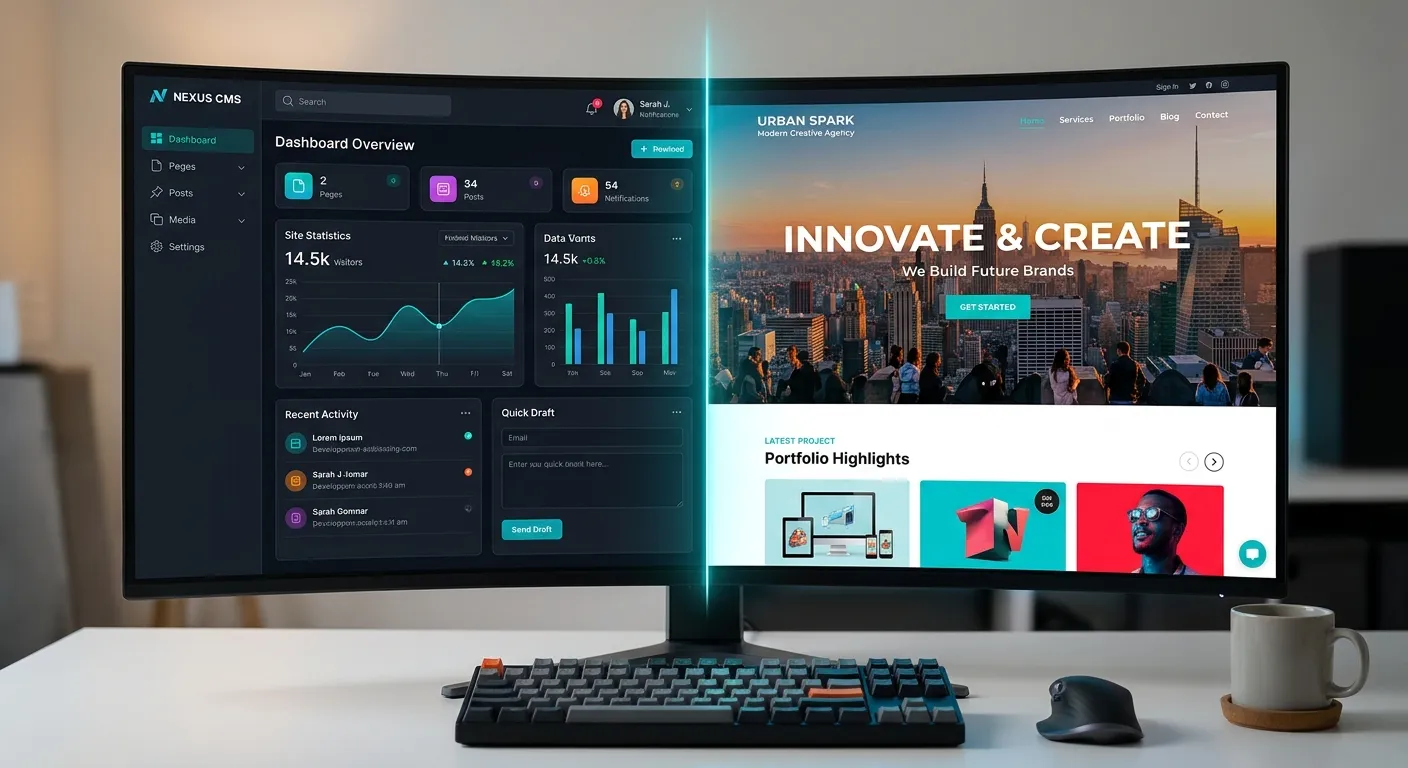
Navigating the CMS Landscape: A Multi-Category Overview
Content Management Software is not a one-size-fits-all solution. Your choice fundamentally impacts your team's workflow, your site's performance, and your business's scalability. Use the tabs below to explore the primary categories.
The Bedrock of the Web: WordPress, Drupal, Joomla
These monolithic platforms bundle the front-end presentation layer with the back-end content repository. They are renowned for their user-friendly admin interfaces, vast plugin ecosystems, and low barrier to entry. WordPress alone powers over 40% of the web. However, this coupled architecture can become a bottleneck for performance and innovation at scale. As businesses grow, they often find the need to modernize their stack, leading to projects like a WordPress to Laravel migration to unlock greater flexibility and developer control.
Pro-Tip:
While open-source CMSs are free to use, the total cost of ownership (TCO) includes hosting, security, premium plugins, and developer maintenance. Always budget for ongoing optimization, which you can learn more about in our guide to performance optimisation.
The Future-Proof Architecture: Contentful, Strapi, Waravel
Headless CMS decouples the content backend from the front-end presentation layer, delivering content via APIs to any device or channel (website, app, IoT). This provides unparalleled freedom for developers to use modern frameworks like React, Vue.js, or Laravel for the frontend. Platforms like Waravel exemplify this by offering a powerful Laravel-based headless backend with a streamlined admin panel, combining developer agility with content editor simplicity.
This approach is ideal for omnichannel strategies, complex applications, and teams that prioritize site speed and a superior developer experience. It shifts the focus from managing pages to managing structured content components.
Powering Global Organizations: Adobe Experience Manager, Sitecore
Enterprise Content Management Software solutions are comprehensive digital experience platforms (DXPs) designed for large, regulated organizations. They offer robust features for multi-site management, workflow automation, personalization, and deep integration with marketing and CRM stacks. The complexity and cost are significant, but so is the capability. A common strategic move for growing enterprises is a WordPress to AEM migration, trading the familiarity of WordPress for the governance and scalability of a true enterprise platform. Success in such a complex transition requires an expert team for WordPress to AEM migration.
Critical Insight:
Implementing an enterprise CMS is as much an organizational change management project as it is a technical one. It requires aligning IT, marketing, and compliance teams, a process detailed in resources like our Strategic Brand Building Guide.
Core Capabilities: What Defines Modern Content Management Software
Beyond basic page editing, today's leading platforms offer a suite of features designed for efficiency, security, and growth.
Intuitive Content Modeling
The ability to define custom content types (e.g., Article, Product, Author) with specific fields is paramount. This structures your content as data, making it reusable across your site and future-proof. Modern systems like the Laravel Platform provide elegant, developer-friendly tools for this, moving beyond rigid post formats.
Performance & Scalability
A CMS should be an engine, not an anchor. Look for built-in caching, image optimization, CDN integration, and clean code output. Performance bottlenecks in traditional CMSs are a primary driver for migrations to more robust frameworks. For insights on achieving top-tier speed, review our dedicated performance optimisation strategies.
Security & Governance
Enterprise-grade security features are non-negotiable. This includes role-based access control (RBAC), audit logs, regular security patches, and compliance with standards like GDPR. Proprietary platforms like AEM provide this out-of-the-box, while for open-source solutions, it's crucial to hire expert development teams to implement and maintain a hardened security posture.
Extensibility & Ecosystem
No CMS is an island. The availability of plugins, extensions, and integrations (e.g., e-commerce, CRM, analytics) determines how well it will fit into your tech stack. A vibrant ecosystem, like the one offered through the Waravel package features, can dramatically accelerate development and add powerful functionality without custom coding.
Workflow & Collaboration
For teams, features like draft/preview modes, scheduled publishing, content versioning, and multi-user editing are essential. Advanced platforms offer granular approval workflows, ensuring brand consistency and compliance, a key aspect covered in our brand building guide.
Omnichannel Readiness
Content must flow seamlessly to websites, mobile apps, digital displays, and voice assistants. A headless or hybrid CMS architecture is critical for this. It treats content as structured data, delivered via APIs, making it the cornerstone of a modern digital branding strategy.
The Strategic Imperative: Platform Migration
As businesses evolve, their initial CMS choice often becomes a constraint. Migrating to a more powerful, scalable, or secure platform is a complex but critical strategic project. Two of the most significant migration paths today are WordPress to AEM Migration for enterprises and WordPress to Laravel for performance-driven businesses.
A WordPress to AEM migration is typically driven by the need for global scale, stringent compliance, and deep personalization capabilities. It's a major undertaking that requires meticulous planning around content mapping, template conversion, and user training.
Conversely, a migration from WordPress to a modern PHP framework like Laravel, facilitated by tools like Waravel's automated system, is often motivated by the need for bespoke functionality, superior performance, and full developer control without sacrificing content editor experience.
Expert Advice:
Never migrate without a comprehensive content audit first. Identify what to migrate, archive, or rewrite. A successful user migration also involves planning for user roles, permissions, and data integrity.
Migration Pathway Comparison
WordPress → Adobe Experience Manager (AEM)
- Driver: Enterprise governance, compliance, multi-site management.
- Complexity: Very High. Involves business process realignment.
- Key Challenge: Translating flexible WordPress content into AEM's structured component model.
- Resource: Essential to hire staff with specific AEM and migration expertise.
WordPress → Laravel (via Waravel)
- Driver: Technical debt reduction, performance, custom application needs.
- Complexity: Moderate to High, but automated tools reduce risk.
- Key Challenge: Preserving SEO rankings and URL structures.
- Resource: Leverage guides like this step-by-step migration guide and consider hiring Laravel development services.
The Future of Content Management Software
AI-Powered Content Intelligence
Artificial Intelligence is moving beyond simple chatbots. Future CMS platforms will use AI for automated content tagging, SEO optimization suggestions, predictive personalization, and even generating content drafts or variations. This will make content teams more productive and allow for hyper-personalized user experiences at scale.
Composable & MACH Architecture
The era of the monolithic"suite" is fading. The future is composable: Microservices-based, API-first, Cloud-native, and Headless (MACH). Businesses will assemble their digital experience from best-of-breed components—a best-in-class CMS, a separate e-commerce engine, a dedicated search tool—all communicating via APIs. This offers unparalleled flexibility and resilience.
Low-Code/No-Code Editor Experiences
The power of headless architecture will be paired with visual, drag-and-drop page builders for non-technical users. This"hybrid" or"visual headless" approach, seen in platforms like Waravel, gives marketers the freedom to build pages while developers maintain control over the underlying components and design system, ensuring brand consistency and performance.
Content Management Software: Your Questions Answered
We address the most common and critical queries about choosing, implementing, and migrating CMS platforms.
Key warning signs include: Performance issues (slow page loads despite optimization), security concerns (constant vulnerability patches), development bottlenecks (every custom feature requires fighting the platform), and scalability limits (struggling with high traffic or complex content models). If your team is constantly working around the CMS instead of with it, it's time to evaluate alternatives. Exploring a Laravel CMS comparison can provide a clear perspective on modern options.
It depends on the platform. A pure headless CMS (API-only) can be challenging for marketers used to WYSIWYG editors. However, hybrid headless CMS solutions are bridging this gap. They offer a familiar, powerful admin interface for content creation and management while providing headless APIs for developers. This allows marketers to work efficiently while developers use modern frameworks. Evaluating an option like the Laravel CMS October alternative Waravel can show how this balance is achieved.
Data loss and SEO degradation. Incorrectly mapped content, broken links, and lost metadata can devastate traffic. Mitigation requires a phased approach: a thorough content audit, using reliable migration tools (like the WordPress Migration Tool), comprehensive testing on a staging environment, and implementing 301 redirects for all changed URLs. The expertise of your team is critical; for high-stakes migrations, it's prudent to hire elite developers with specific migration experience.
Absolutely. While generic CMSs can be adapted with plugins, a framework-based approach is often superior for niche needs. For example, you can build a car dealership CMS with Laravel to create custom vehicle inventory management, lead forms, and finance calculators that off-the-shelf software can't match. The key is choosing a platform with a strong foundation (like Laravel) that allows for custom development without limitations.
Ready to Transform Your Content Strategy?
Choosing and implementing the right Content Management Software is a pivotal business decision. Whether you're planning a critical WordPress to AEM migration, seeking to modernize with a headless Laravel CMS, or need to build a custom industry solution, success hinges on having the right team.
Don't let platform limitations hold back your digital ambitions. Access top-tier talent who can guide your strategy, execute complex migrations, and build the custom, high-performance CMS your business deserves.
Explore our case studies to see real-world successes, or review our terms of service.
From Constraint to Catalyst: Real-World CMS Transformation
Theory is one thing; practice is another. Here’s a detailed look at how a strategic CMS migration solved critical business challenges for a growing enterprise.
Scaling Beyond WordPress: A 300% Traffic Growth Story
A multinational manufacturer was running 12 regional websites on a heavily customized WordPress Multisite installation. While initially effective, they hit a wall: site performance slowed to a crawl during product launches, content teams struggled with inconsistent templates across regions, and adding new digital channels (like a customer portal) was prohibitively expensive and slow.
The Strategic Shift: After a full audit, they opted not for a monolithic enterprise suite, but for a composable architecture. They migrated their content backend to a headless Laravel CMS for its robust content modeling and API flexibility. This backend now feeds a modern React-based frontend for their marketing sites and a separate Laravel application for their customer portal—all sharing the same content pool.
Tangible Outcomes Post-Migration:
- Performance: Core Web Vitals scores improved by an average of 58%, leading to higher SEO rankings and user engagement.
- Team Efficiency: Centralized content creation reduced regional website update time from days to hours.
- Innovation Speed: Launching the new customer portal took 70% less time than estimated on the old platform, as developers were no longer fighting the CMS.
- Cost Control: While initial migration required investment, the total cost of ownership (TCO) over three years decreased by an estimated 40% due to reduced plugin licenses, fewer security incidents, and lower developer maintenance overhead.
This case underscores that"upgrading" your CMS doesn't always mean buying the most expensive platform. It means choosing the most appropriate and flexible architecture for your specific growth trajectory.
Key Migration Insights
-
Phased rollout by region minimized business risk and allowed for process refinement.
-
Investing in comprehensive user training and migration was as critical as the technical data transfer.
-
Establishing a dedicated cross-functional"content ops" team post-migration ensured ongoing ROI.
The Engine Room: Advanced Content Modeling for Future-Proofing
The true power of a modern CMS lies beneath the surface, in how content is structured. A well-designed content model is your single most important strategic asset.
Beyond Pages and Posts: The Component Model
Legacy CMSs think in terms of full pages ("templates") and sequential blog posts. Modern Content Management Software thinks in components: reusable, structured blocks of content like"Hero Banner,""Feature Grid,""Testimonial Slider," or"Product Card."
This shift is revolutionary. A marketer can now assemble a page by mixing and matching these pre-approved components, ensuring brand consistency. Developers can build and optimize each component independently. More importantly, the same"Product Card" component can be used on the website, in a mobile app, and in an email newsletter—all pulling from a single source of truth.
Example: Building a"Team Member" Content Type
In a flexible CMS, this isn't just a post with a title and body. It's a structured data model with fields:
- Name: Text Field
- Bio: Rich Text Field
- Headshot: Image Field (with automatic responsive image generation)
- Role: Taxonomy Field (linked to a"Roles" list)
- Social Links: Repeatable Group Field (Platform, URL)
This structure allows you to reliably display team members anywhere, sort them by role, and ensures every entry has the necessary information. This is the essence of treating content as data.
The Implementation Spectrum: From Out-of-the-Box to Fully Custom
Different platforms offer varying levels of content modeling flexibility:
1. Pre-Defined Models (Traditional CMS)
Platforms like basic WordPress have fixed models (Post, Page). Customization relies on plugins or custom post types, which can become messy and slow. This often leads to the need for a platform migration as needs evolve.
2. Visual Model Builders (Headless/Hybrid CMS)
Tools like Strapi or the Waravel admin panel provide a UI for editors or developers to create custom content types and fields without writing database code. This offers a great balance of power and accessibility.
3. Code-First, Framework-Native (Maximum Flexibility)
Using a framework like Laravel with a CMS package allows developers to define content models directly in code. This integrates seamlessly with the application's business logic, offers ultimate control over validation and relationships, and is ideal for complex, custom applications. The trade-off is a higher technical barrier to entry.
The Bottom Line: Investing time in designing a coherent content model before choosing or implementing a CMS pays exponential dividends. It future-proofs your content, accelerates development, and enables true omnichannel delivery. It turns your CMS from a publishing tool into a content intelligence engine.