Master Your Backend: The Definitive Guide to Laravel Admin Documentation
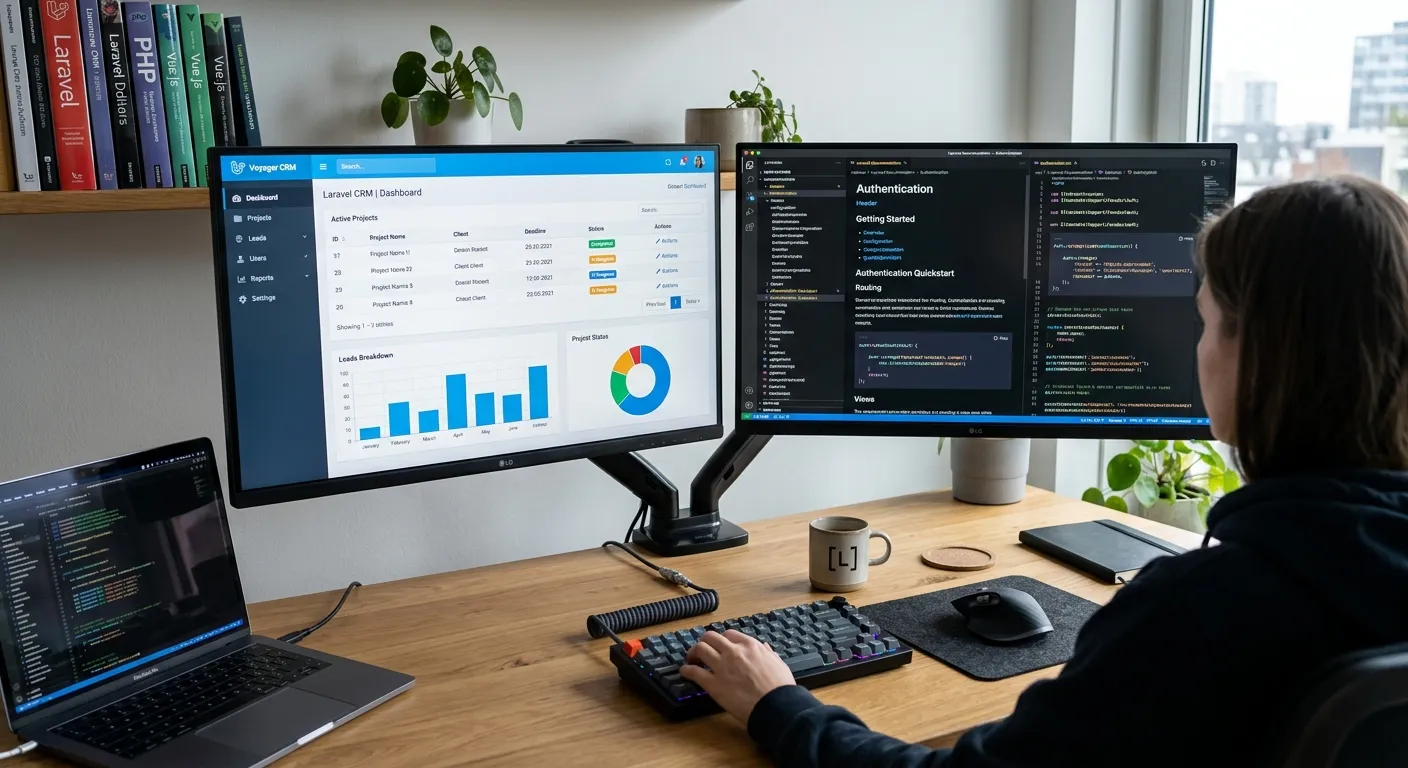
In the world of modern web development, a powerful admin interface is the command center of your application. Comprehensive Laravel Admin Documentation is not just a technical manual; it's the blueprint for efficiency, scalability, and maintainer sanity. This guide dives deep into the principles, tools, and best practices for creating and utilizing exemplary admin documentation, with a special focus on platforms like Laravel Botble CMS, empowering you to build, manage, and scale with confidence.
Navigating the Laravel Admin Ecosystem
Whether you're building a custom admin or leveraging a CMS, understanding the landscape is crucial. Use the tabs below to explore the core facets of Laravel administration.
The Foundation of Laravel Administration
At its heart, a Laravel admin is built on MVC architecture, Eloquent ORM, and Blade templating. Documentation must cover authentication gates, middleware for role-based access (e.g., `admin` middleware), service providers for registering admin-specific resources, and Artisan commands for scaffolding. A well-documented admin separates concerns clearly, ensuring that business logic remains in services and models, while controllers remain lean. For teams looking to unlock the power of Laravel, mastering these fundamentals is non-negotiable. Documentation should include clear examples of policy classes for authorization, ensuring that"who can see what" is explicitly defined and easily auditable.
👨💻 Pro-Tip: The Gatekeeper Pattern
Always document your authorization logic using Laravel's Gates and Policies *outside* of your controllers. Create a dedicated `Policies` documentation section that maps user roles (Admin, Editor, Viewer) to specific model actions (create, view, update, delete, restore). This creates a single source of truth for permissions that is easier to maintain and scale than inline controller checks.
Furthermore, your Laravel Admin Documentation should meticulously detail environment configuration, database seeding for default admin users, and the integration of logging/monitoring packages. This foundation is critical for any subsequent performance optimisation efforts, as a poorly understood admin can become a bottleneck.
Leveraging Pre-built Solutions: Botble & Beyond
Platforms like Laravel Botble CMS offer a significant head start, providing a fully-featured admin panel out-of-the-box. Your documentation's role shifts from"how to build" to"how to extend and customize." This involves detailing the CMS's architecture—its plugin system, theme structure, and hook/event listeners. A comparative analysis, like our Laravel CMS Comparison, can be invaluable here. Documentation must cover how to create custom modules, override core views safely, and integrate third-party APIs within the CMS's ecosystem.
For projects not using a full CMS, a curated package suite is essential. Document the integration of Nova, Backpack, Orchid, or Filament. Include setup guides, customization examples (e.g., creating custom resource tools, filters, and actions), and troubleshooting common issues. This is where exploring top Laravel packages becomes a strategic part of your admin planning.
Documentation for Scalability & Security
Elite Laravel Admin Documentation anticipates growth and threats. It should mandate practices like using database transactions for multi-step admin operations, implementing robust validation using Form Requests, and queueing heavy tasks (like report generation or bulk email) via Laravel Queues. Security documentation is paramount: detail CSRF protection, XSS prevention in Blade, SQL injection mitigation via Eloquent, and regular audit procedures for user permissions.
🛡️ Pro-Tip: The Documentation Audit Trail
Treat your admin documentation as a living artifact of compliance. For every security-critical feature (e.g., user impersonation, data export, payment refunds), document not just the"how," but the"who" and"why." Log which admin performed which action, and ensure your documentation explains how to access and interpret these logs. This creates an audit trail that is invaluable for security reviews and core features that set professional platforms apart.
Furthermore, include guidelines for writing clear, maintainable code within the admin context. Advocate for single-responsibility principles in admin commands and jobs, and stress the importance of comprehensive testing using Laravel's testing suite for all admin functionality. This ensures long-term maintainability and reduces the risk of regressions.
Key Pillars of World-Class Admin Documentation
Security & Access Control
Comprehensive coverage of authentication (Laravel Sanctum/Passport), authorization (Policies, Gates), role/permission management (Spatie Laravel-Permission), and secure configuration. Must include disaster recovery steps for compromised accounts and integration with 2FA.
Data Management & CRUD Operations
Detailed guides for Eloquent model administration, handling file uploads with Spatie Media Library, implementing advanced datatables with search/filter, managing soft deletes, and performing bulk actions. Essential for content-heavy systems and user migration tasks.
Performance & Monitoring
Instructions for caching strategies (Redis, Memcached), query optimization for admin reports, integration with monitoring tools (Laravel Telescope, Horizon), logging configuration, and guidelines for managing job queues to keep the admin responsive under load.
API & Integration Hubs
Documenting how the admin panel exposes or consumes APIs (REST, GraphQL). Covers webhook management, integration with payment gateways (Stripe via Laravel Platform services like Cashier), email service providers, and third-party analytics dashboards.
Workflow & Automation
Guides for creating multi-step approval processes, scheduling tasks with Laravel Scheduler, automating data exports/reports, setting up notification systems (email, Slack, SMS), and implementing state machines for complex business logic (e.g., order fulfillment).
Customization & Theming
For CMS-based admins like Laravel Botble CMS, this covers creating custom themes, developing plugins/modules, overriding core functionality safely, extending the admin menu, and adding custom dashboard widgets. Critical for brand alignment, as discussed in our strategic brand building guide.
Deep Dive: Creating Documentation for Migration & Integration Scenarios
A significant portion of admin work involves data movement and system integration. Your documentation must provide clear, repeatable pathways for these complex operations.
Documenting WordPress-to-Laravel Admin Transitions
When migrating a site to Laravel, the admin documentation becomes the playbook for content stewards. It must bridge the conceptual gap between platforms. For instance, map WordPress"Posts" and"Pages" to Laravel Eloquent models or Laravel Botble CMS modules. Detail how categories, tags, and featured images are transformed. The documentation should guide admins on using tools designed for this exact purpose, such as those that explain how to migrate your entire WordPress site to Laravel without losing a single byte of data. Include post-migration verification checklists: validating URL redirects, checking media library integrity, and confirming user role mappings.
Furthermore, create a dedicated"Admin Familiarization" section. Compare the WordPress admin sidebar to the new Laravel admin navigation. Create a glossary translating common terms. This reduces friction and accelerates team adoption of the new system, making the WordPress to Laravel migration a success not just technically, but operationally.
Migration Documentation Checklist
- ✓ Pre-flight: Backup procedures for both source and target.
- ✓ Data Mapping: Explicit field-to-field correlation tables.
- ✓ User & Role Migration: Permission schema translation guide.
- ✓ SEO Preservation: Documenting 301 redirect rules and meta data transfer.
- ✓ Post-Migration QA: Step-by-step admin verification tasks.
- ✓ Rollback Plan: Clear instructions to revert if critical issues arise.
Structuring Documentation for Maintainability
Great documentation is itself well-structured. Use a hierarchical format that mirrors the admin's information architecture. Start with a high-level overview dashboard, then drill down into modules (User Management, Content, E-commerce, Settings). Within each module, maintain a consistent pattern: Overview -> Permissions -> Index/List View -> Creation -> Editing -> Deletion -> Advanced Features (e.g., bulk edit, filters). Use cross-references liberally but thoughtfully.
Incorporate live examples where possible. Use code snippets with syntax highlighting for API endpoints, Artisan commands, and configuration files. Consider integrating a searchable documentation engine (like Laravel Orchid's screen-based help) directly into the admin panel itself. This turns your Laravel Admin Documentation from a static PDF into an interactive part of the admin experience, a principle embodied in platforms that serve as a true Laravel CMS like WordPress in terms of usability.
FAQs: Laravel Admin Documentation Explained
Without a doubt, the Security and Permissions section is paramount. It must comprehensively detail user authentication flows, role-based access control (RBAC) implementation using packages like Spatie Laravel-Permission, password policies, session management, and audit logging. This section protects your business logic and data. For complex projects, consider leveraging Laravel custom development services to architect a bullet-proof permission system tailored to your specific business rules.
For a custom admin, documentation is prescriptive and foundational. It explains the architecture, code conventions, and how every piece was built from the ground up. For a CMS like Laravel Botble CMS, documentation is descriptive and extensional. It focuses on the existing features, the plugin/theme ecosystem, hooks, and how to customize without breaking core updates. The latter often includes more"how-to" guides for using the built-in GUI, while the former includes more API and code-level references. Our Laravel CMS October alternative analysis highlights similar distinctions in the ecosystem.
Several tools can streamline the process:
- Laravel API Documentation Generators: Tools like Scribe or Laravel API Documentation Generator can document your admin API endpoints.
- Code Commenting: Using DocBlocks with standards like PHPDoc allows tools like PHPStan or Laravel IDE Helper to infer types and generate references.
- Static Site Generators: Use MkDocs, Docsify, or Jekyll to host beautifully formatted, version-controlled documentation. Integrate with your CI/CD pipeline.
- Inline Admin Help: Packages can be used to create tooltip-based help or modal guides directly within the admin UI, reducing context switching.
- Project Management Integration: Keep documentation tasks tied to features in tools like Jira or Linear, ensuring docs are part of the"definition of done."
This is a cultural and procedural challenge. Implement these strategies:
- Treat Documentation as Code: Store docs in the same repository (e.g., in a `/docs` folder) and include doc updates in Pull Request reviews.
- Automate Where Possible: Use CI/CD pipelines to run scripts that check for outdated code comments or generate changelogs from commit messages.
- Assign Ownership: Designate a"Docs Czar" for each sprint or module who is responsible for the final documentation quality.
- Link to Source: Where applicable, documentation should link directly to the relevant class files or test suites in the repository, creating a traceable path.
- Schedule Audits: Quarterly, run a"documentation sprint" to review and update all admin guides, especially after major releases or performance optimisation overhauls.
Ready to Build or Master Your Laravel Admin?
Exceptional Laravel Admin Documentation is the bridge between a powerful backend and a productive team. Whether you're implementing a new system with Laravel Botble CMS, planning a major migration, or need to bring expert knowledge in-house, the right talent makes all the difference.
Empower your development and content teams with clarity. Discover more resources on our home page or review our terms of service.