Mastering Your Content Management Dashboard: The Ultimate Laravel Admin Panel Guide
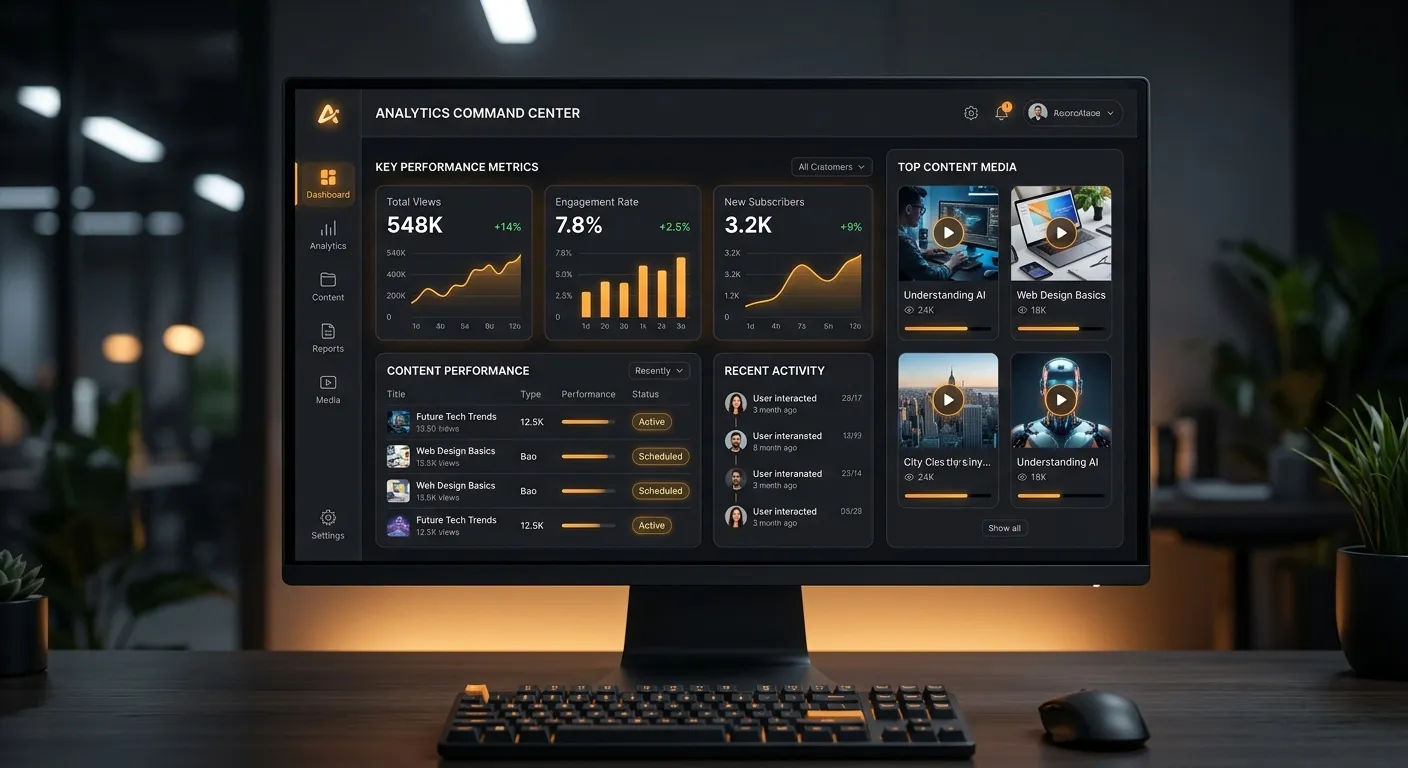
Unlock the full potential of your digital content with a professional Content Management Dashboard. This comprehensive guide explores how a modern Laravel Admin Panel transforms content strategy, workflow efficiency, and business scalability.
Your Multi-Category Dashboard Overview
A Content Management Dashboard is not monolithic. Explore its core functional categories through this interactive guide.
The Central Command Center
The dashboard serves as the central nervous system for all your digital content. It's where strategy meets execution, providing a unified view of pages, media, user activity, and performance metrics. Unlike basic WordPress admin areas, a modern Laravel Admin Panel offers granular control, custom post types, and advanced relationship management out-of-the-box.
For teams looking to migrate from legacy systems, understanding this overview is the first step. A successful user migration to a new platform hinges on a dashboard that feels both powerful and intuitive.
Streamlining Editorial Processes
Modern dashboards eliminate content bottlenecks. Features like multi-user roles, editorial calendars, scheduled publishing, and inline editing transform chaotic processes into streamlined workflows. This is critical for agencies and publishing houses where time-to-market is key.
Pro-Tip: Role-Based Access Control (RBAC)
Implement a robust RBAC system within your Laravel Admin Panel. Define clear permissions for editors, authors, and admins. This not only enhances security but also empowers team members with the precise tools they need, boosting productivity and reducing the risk of human error. For complex setups, consider using Laravel Custom Development Services to tailor the permission matrix to your exact business logic.
The Engine Under the Hood
Behind the sleek interface lies a robust technical architecture. A Laravel-based dashboard leverages Eloquent ORM for data handling, Blade templating for dynamic views, and a secure, middleware-driven request cycle. This foundation ensures scalability, maintainability, and high performance, even under heavy load.
Technical excellence directly impacts user experience. A well-optimized panel contributes to overall site health, a topic deeply explored in our guide on Performance Optimisation.
Key Features & Benefits of a Modern Dashboard
From intuitive media management to powerful analytics, explore the components that define a best-in-class Content Management Dashboard.
Unified Media Library
A centralized repository for all images, videos, and documents. Advanced dashboards offer tagging, filtering, CDN integration, and on-the-fly image optimization. This eliminates the scattered file management common in older systems.
- Drag-and-drop upload with preview
- Automatic thumbnail generation
- Direct integration with page editors
Advanced Content Editor
Move beyond basic WYSIWYG. Modern editors support modular content blocks, reusable components, version history, and real-time collaborative editing. This flexibility is key to executing a sophisticated Strategic Brand Building Guide across all digital touchpoints.
The ability to create complex page layouts without touching code empowers marketing teams and reduces developer dependency for routine updates.
Real-Time Analytics & SEO Tools
Insight-driven content management is non-negotiable. Integrated dashboards provide metrics on page views, user engagement, and conversion paths alongside on-page SEO checkers, meta tag management, and XML sitemap controls.
- Traffic source and behavior flow reports
- Keyword performance and ranking tracking
- Automatic canonical URL and Open Graph tag management
User & Role Management Hub
Securely manage team access, permissions, and activities. A sophisticated dashboard allows you to create custom roles, assign granular permissions to specific content types or modules, and audit user actions for complete oversight.
This is especially crucial for businesses undergoing growth or integration, ensuring security protocols are maintained during any user migration process to a new Laravel Platform.
Extensible Module Ecosystem
No dashboard is an island. The best systems, like those built on Laravel's powerful foundation, support plugins and modules. This allows you to add e-commerce, forums, booking systems, or custom CRM features directly into the admin interface, creating a truly unified business management tool.
Explore ready-made solutions in a comprehensive Top Laravel Packages Guide to accelerate development.
Database & System Health Monitor
Proactively manage your application's health. Advanced dashboards include widgets for server resource usage, database query performance, error log viewers, and backup status. This visibility is critical for maintaining uptime and a smooth user experience.
Understanding that your database shouldn't hold your business back starts with having the right monitoring tools at your fingertips within your admin panel.
Why a Laravel-Powered Content Management Dashboard is Superior
Choosing a Laravel Admin Panel over generic or legacy CMS dashboards is a strategic decision for scalability and security. Laravel's elegant syntax and powerful features—like its built-in authentication scaffolding, Eloquent ORM, and task scheduling—provide a robust foundation for a custom dashboard that grows with your business.
For organizations trapped in the limitations of WordPress, the path forward is clear. Modernizing your infrastructure with a WordPress to Laravel migration isn't just about changing code; it's about upgrading your entire content management experience to a dashboard built for enterprise demands.
Expert Insight: The Migration Advantage
A common concern is data loss during platform transition. However, with automated tools, this fear is unfounded. You can learn how to migrate your entire WordPress site to Laravel without losing a single byte of data. This seamless transition means your team can start using a more powerful Laravel Admin Panel immediately, with all historical content intact.
Laravel vs. Traditional CMS Dashboards
-
Unmatched Customization
Unlike rigid CMS backends, a Laravel dashboard can be tailored to fit exact workflow needs, whether you're running a publication, an e-commerce store, or a SaaS platform.
-
Inherent Security Posture
Laravel provides built-in protection against SQL injection, cross-site request forgery (CSRF), and cross-site scripting (XSS), creating a more secure admin environment by default.
-
Long-Term Maintainability
Clean, MVC-based code structure makes a Laravel Admin Panel easier to maintain, update, and hand over to new developers compared to the often-spaghetti code of theme-heavy traditional CMS.
From Theory to Practice: Implementing Your Dashboard
Understanding features is one thing; implementing them effectively is another. Follow this actionable roadmap.
The Implementation Roadmap
Assessment & Planning
Audit your current content workflows, pain points, and user needs. Define the must-have features for your new Content Management Dashboard. Will you build from scratch or leverage an existing Laravel Platform?
Platform Selection & Migration
Choose your foundation. If moving from WordPress, utilize a reliable WordPress Migration Tool to ensure a smooth transition of content, users, and SEO equity. This step is critical to avoid business disruption.
Custom Development & Integration
Develop or customize the dashboard modules. Integrate third-party APIs (e.g., email services, analytics), configure user roles, and build the specific content models your business requires. This is where custom development services prove invaluable.
Training & Rollout
A powerful dashboard is only as good as its users. Create comprehensive documentation and training sessions for your team. Start with a pilot group, gather feedback, and iterate before a full-scale rollout.
See It In Action
Concepts come to life with a visual walkthrough. See how a professional Laravel Admin Panel operates, from content editing to system configuration.
Video: A comprehensive walkthrough of a full-featured Laravel admin dashboard, showcasing the interface, menu structure, and core modules in action.
Need Expert Implementation?
Building or migrating to a sophisticated Content Management Dashboard requires specialized Laravel expertise. Don't let a skills gap delay your digital transformation. The right developer or team can turn this complex project into a streamlined success.
Hire a Laravel Dashboard Specialist TodayFrequently Asked Questions
A basic CMS admin (like WordPress) offers a one-size-fits-all interface with limited customization. A custom Laravel Admin Panel is built from the ground up to match your specific business logic and workflow. It provides granular control over data structures, user permissions, and integrated features, resulting in a more efficient and scalable tool for your team. It's the difference between renting a generic office space and building your own headquarters designed for your company's exact workflow.
Absolutely, for growing businesses. While WordPress is user-friendly, it can become a bottleneck due to plugin conflicts, security concerns, and performance issues at scale. Migrating to a Laravel dashboard offers superior performance, enhanced security, bespoke functionality, and a cleaner codebase for long-term maintenance. With automated tools that handle migrating WordPress to Laravel effortlessly, the technical effort is minimized, allowing you to focus on reaping the strategic benefits of a more powerful content management environment.
Yes, this is one of the key advantages. A custom Laravel Admin Panel acts as a central hub. Through APIs and custom development, you can pull in data from your CRM, display analytics from your email marketing platform, or even trigger actions in other systems directly from the dashboard. This eliminates the need to switch between multiple tabs and provides a unified operational view, significantly boosting productivity and decision-making speed.
Successful adoption hinges on three factors: Intuitive Design, Comprehensive Training, and Phased Rollout. First, involve end-users in the design process to ensure the interface aligns with their mental models. Second, create clear, searchable documentation and interactive training sessions—consider video guides like our step-by-step guide to creating pages. Finally, roll out the dashboard to a small pilot group first, gather feedback, make adjustments, and then deploy company-wide with dedicated support channels open.
Regular maintenance is crucial for security and performance. This includes:
- Framework and Dependency Updates: Applying Laravel and package updates to patch security vulnerabilities and gain new features.
- Security Audits: Regularly reviewing user permissions, monitoring access logs, and performing vulnerability scans.
- Performance Monitoring: Using the dashboard's own health tools or external services to track speed and optimize slow queries.
- Backup Verification: Ensuring automated backups of both database and files are running correctly and can be restored.
- User Support & Iteration: Addressing user feedback and adding small, incremental improvements to the workflow.
For many businesses, it makes sense to hire a dedicated Laravel developer or retain an agency for ongoing maintenance and support.
Ready to Build Your Command Center?
A powerful Content Management Dashboard is the cornerstone of efficient digital operations. Whether you're planning a migration from a legacy system or building a new Laravel Admin Panel from the ground up, the time to act is now.
Build Your Team
Access top-tier Laravel talent to bring your vision to life with precision and expertise.
Post a JobExplore Resources
Dive deeper into Laravel capabilities, migration guides, and platform comparisons.
Visit WaravelLearn More
See real-world applications and success stories from businesses that have made the leap.
View Case Studies"The efficiency of your content team is directly proportional to the quality of their tools. Investing in a superior dashboard isn't an IT cost; it's a strategic multiplier for your entire marketing and editorial output."