Migrate from WordPress to Laravel: The Ultimate Strategic Guide for 2026
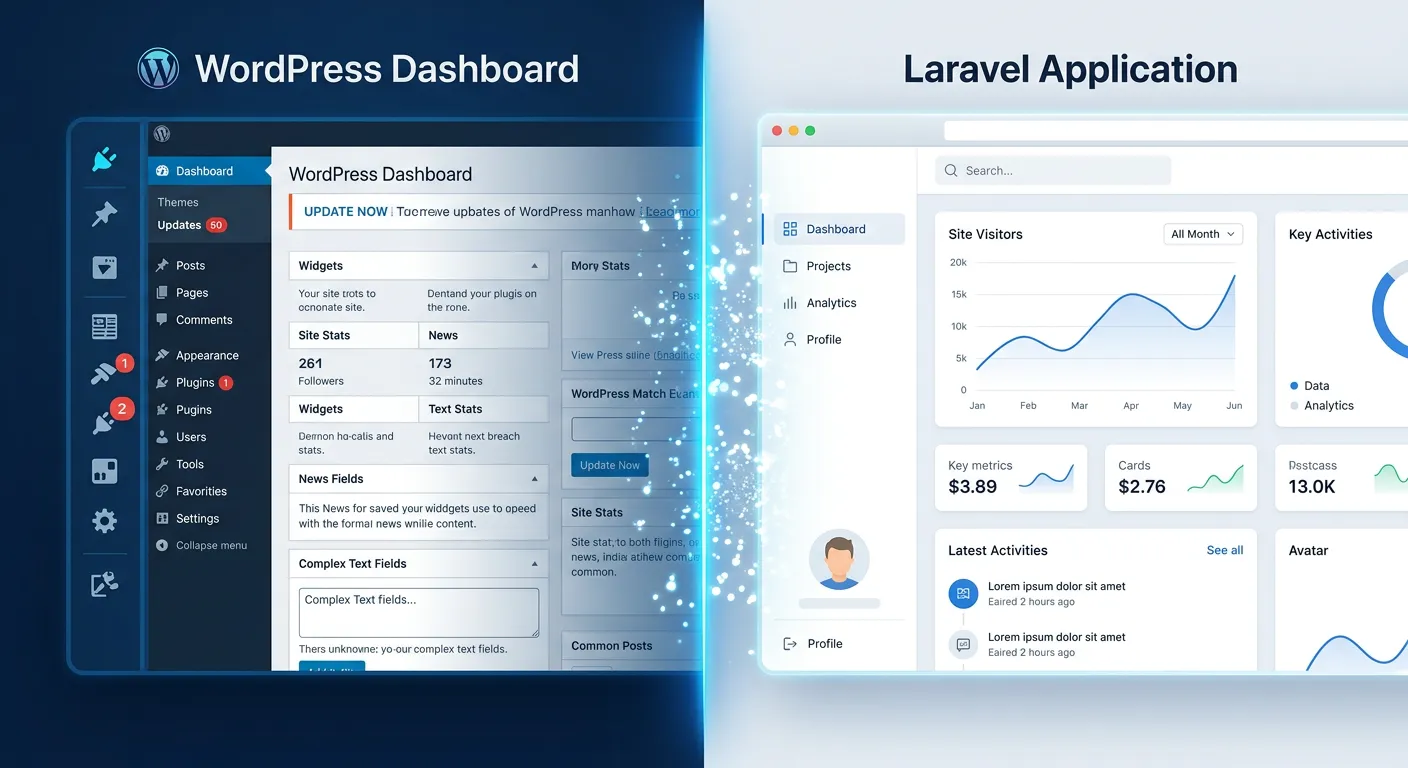
Discover why forward-thinking businesses are ditching WordPress limitations for the unparalleled power, security, and scalability of the Laravel framework. This definitive guide reveals actionable strategies, expert insights, and the premier tools to execute a flawless migration.
Hire Expert Laravel Migration Staff TodayWhy Migrate? A Multi-Category Overview
The decision to migrate from WordPress to Laravel is multifaceted. Explore the core drivers through our interactive analysis.
Unlock Unmatched Speed and Growth
WordPress, while user-friendly, can become a performance bottleneck under heavy traffic or complex functionality due to its monolithic architecture and plugin bloat. Laravel's elegant, modular structure and built-in optimization features like route caching, Eager Loading, and queue management enable your application to handle millions of requests efficiently. This translates to faster page loads, better user engagement, and superior SEO rankings. For a deep dive into enhancing your application's speed post-migration, explore our dedicated Performance Optimisation guide.
Scaling a WordPress site often means expensive hosting upgrades and constant plugin management. Laravel, coupled with cloud-native practices, allows for horizontal scaling—adding more servers seamlessly. This is a cornerstone for businesses planning significant growth in 2026 and beyond.
Key Benefits of Migrating to a Laravel CMS
Blazing Performance
Leverage Laravel's optimized core, caching mechanisms, and efficient database handling via Eloquent to achieve page load times that outperform even the most optimized WordPress setups. This is critical for user retention and SEO in 2026.
Enterprise-Grade Security
Move away from the constant vulnerability patching of WordPress. Laravel's built-in security features and your control over every line of code create a inherently more secure application, protecting sensitive business and customer data.
Unmatched Customizability
Break free from the constraints of pre-built themes and plugins. Laravel provides the foundation to build exactly what you need, from a simple blog to a complex multi-vendor marketplace, without fighting against a CMS's limitations.
Superior Scalability
Architect your application for growth from the ground up. Laravel's support for modern deployment strategies, microservices readiness, and efficient database management makes scaling for millions of users a structured process, not a crisis.
Modern Developer Toolkit
Adopt a framework loved by developers worldwide. With tools for testing, task scheduling, real-time events, and an incredible package ecosystem, your team can build better software faster. Explore the powerful Waravel Package Features designed specifically for this migration path.
Long-Term Cost Efficiency
While the initial migration is an investment, it eliminates recurring costs for premium plugins, security suites, and over-provisioned hosting. You gain a stable, maintainable asset that reduces total cost of ownership over 3-5 years.
Solving WordPress Problems with Laravel: Strategic Approaches for 2026
The limitations of WordPress become painfully apparent as businesses scale and demand more sophisticated digital experiences. Here’s how Laravel strategically addresses these pain points.
1. Performance Bottlenecks and Plugin Bloat
WordPress Problem: Every added plugin increases load time and potential conflicts. Heavy themes and unoptimized databases slow sites to a crawl.
Laravel Solution: A lean, modular architecture. Features are built as native application code or integrated via Composer packages, which are inherently more efficient. Laravel’s built-in caching (config, route, view) and tools for Database Optimisation provide granular control over performance. For high-traffic sites, implementing a Job Queue Optimization strategy offloads time-consuming tasks, keeping your application responsive.
2. Security Vulnerabilities
WordPress Problem: The vast plugin/theme ecosystem is the #1 attack vector. Core updates can break functionality, leading to delayed patching.
Laravel Solution: Security is baked into the framework. Laravel handles SQL injection, XSS, and CSRF protection automatically. The use of prepared statements via Eloquent ORM, secure password hashing (Bcrypt), and controlled dependency management via Composer drastically shrinks the attack surface. You own the entire codebase, so security updates are immediate and non-breaking.
3. Limited Customization and"Frankenstein" Code
WordPress Problem: Complex custom functionality often requires awkward workarounds, resulting in fragile, hard-to-maintain code that is tightly coupled to WordPress core.
Laravel Solution: Laravel is a framework, not a rigid CMS. You build the exact structure your project needs using MVC patterns, Service Classes, and Repositories. This leads to clean, decoupled, and testable code. For teams wanting a CMS-like layer, choosing the Best Laravel CMS solution on top of Laravel (like Waravel) offers the perfect balance of user-friendliness and developer power.
Pro-Tip: Data Integrity is Paramount
The single biggest fear in any migration is data loss. Manual migration is error-prone and time-consuming. Utilizing a dedicated tool like Waravel automates the transfer of posts, pages, users, and media with validation, ensuring a perfect, byte-for-byte copy. For a compelling comparison, read Waravel Vs. Manual Coding, which details why automation is the only safe choice.
4. Poor Scalability for High-Traffic & Complex Applications
WordPress Problem: Scaling often means"throwing more expensive hosting" at the problem. It struggles with true real-time features, complex user roles, and high-concurrency databases.
Laravel Solution: Laravel is designed for scale. It supports database sharding, read/write connections, and efficient caching backends like Redis out of the box. For SaaS or multi-client platforms, its native support for Multi-Tenant Architecture is a game-changer. Features like Real-Time Notifications via WebSockets are easily integrated, something extremely complex in WordPress.
How to Optimize Your Laravel CMS Post-Migration
Migration is just the beginning. To fully realize the advantages of the Laravel framework, ongoing optimization is key.
- Implement Caching Strategically: Use Laravel’s multiple caching drivers (file, database, Redis, Memcached) for configuration, routes, and expensive queries.
- Optimize Database Queries: Utilize Eloquent’s Eager Loading to prevent the N+1 query problem. Use Laravel Debugbar to identify and fix slow queries. Our Database Optimisation service specializes in this.
- Leverage Task Queues: Offload email sending, report generation, and image processing to queues using Laravel Horizon for beautiful monitoring.
- Use a CDN: Serve static assets (CSS, JS, images) from a global Content Delivery Network to reduce server load and improve global load times.
- Monitor Application Performance: Integrate tools like Laravel Telescope, Sentry, or New Relic to gain insights into performance bottlenecks and errors in real-time.
- Keep Dependencies Updated: Regularly update Laravel and Composer packages to benefit from performance improvements and security patches. Our Laravel Maintenance & Support Services can handle this for you.
The Migration Process: A Phased Approach
A successful migration is methodical. Follow this high-level roadmap.
- Planning & Audit: Inventory all WordPress content (posts, pages, custom post types), users, media, and active plugins/functionality. Define what will be migrated and what will be re-built natively in Laravel.
- Environment Setup: Establish your new Laravel development environment. Choose your hosting (e.g., Laravel Forge, Vapor, traditional VPS) and set up version control.
- Data Migration: This is the critical phase. Use a reliable tool like the Waravel Migration Tool to automate the transfer. Guides like The Stress-Free Guide To Importing WordPress Media, Posts, And Pages walk you through it. ALWAYS perform a Full Database Backup first.
- Theme & Functionality Recreation: Build your new frontend using Blade templates or a modern JS framework like Vue.js or React. Re-implement core business logic as native Laravel features, controllers, and services.
- Testing: Rigorously test functionality, data integrity, user flows, and performance. Conduct User Acceptance Testing (UAT) with stakeholders.
- SEO Preservation & Launch: Implement 301 redirects from old WordPress URLs to new Laravel routes to preserve SEO equity. Use a Step-by-Step Guide for launch checklist. Plan for Zero-Downtime Deployment where possible.
- Post-Launch Monitoring & Optimization: Monitor for errors, track performance metrics, and gather user feedback for iterative improvements.
Choosing the Right Laravel CMS Solutions and Packages
You don't have to build everything from scratch. The Laravel ecosystem offers powerful packages that can accelerate your project.
- For a CMS Experience: If you need a user-friendly admin panel, consider Waravel (designed for WordPress migrants), Laravel Nova (a premium administration panel), or Statamic (a flat-file CMS). Our Laravel CMS Comparison provides an in-depth analysis.
- For Authentication: Laravel Breeze, Jetstream, or Fortify provide scaffolding for login, registration, email verification, and two-factor auth.
- For E-commerce: Packages like Laravel Cashier (for subscriptions), or full platforms built on Laravel like Bagisto, offer robust alternatives to WooCommerce.
- For Developer Productivity: Explore our Top Laravel Packages guide for tools covering debugging, media management, API development, and more.
Frequently Asked Questions (FAQ)
Get expert answers to the most common questions about migrating from WordPress to Laravel.
Absolutely, but it's a strategic investment, not just a technical task. For businesses outgrowing WordPress's limitations—experiencing slow performance, high security maintenance, or needing complex custom features—the migration pays for itself. The long-term savings on hosting, plugins, and security incidents, combined with the gains in developer productivity, site speed, and scalability, result in a significant positive ROI. The effort is minimized by using professional WordPress to Laravel Migration Services and automated tools.
No, not if the migration is executed correctly. SEO rankings are tied to URLs, content, and site performance. A proper migration involves creating 301 permanent redirects from every old WordPress URL to its corresponding new Laravel route. Tools like Waravel help preserve meta titles, descriptions, and content structure. Furthermore, the performance gains from Laravel often lead to improved SEO rankings due to faster page loads. Watch our video on How to Migrate Your Entire WordPress Site To Laravel Without Losing A Single Byte Of Data for a proven strategy.
Yes, this is a common misconception. By using a Laravel-based CMS solution like Waravel, you can provide content editors with a clean, intuitive admin panel that is often simpler and more focused than the WordPress dashboard. It can be customized to show only the fields and tools they need, reducing confusion and training time. The experience can be designed to feel familiar for WordPress users, ensuring a smooth transition for your team.
The timeline varies dramatically based on site complexity. A simple brochure site with basic content can be migrated and re-skinned in 2-4 weeks. A large e-commerce site with thousands of products, custom user roles, and complex functionality can take 3-6 months. Using an automated migration tool can reduce the data transfer phase from weeks to hours. The key is thorough planning and phased execution. Review our Case Studies for real-world examples of migration timelines and outcomes.
While experienced Laravel developers will ensure a faster, more robust outcome, a competent PHP developer with framework experience can learn Laravel effectively due to its excellent documentation. However, for a mission-critical business migration, engaging with a team that has specific experience in WordPress to Laravel Migration is highly recommended. They understand the unique pitfalls and patterns of this specific transition. You can hire expert Laravel migration staff through our platform to find the right talent for your project.
Ready to Elevate Your Digital Platform?
Stop wrestling with WordPress limitations. Unlock the performance, security, and scalability of Laravel with a seamless, managed migration. Partner with experts who have successfully guided hundreds of businesses through this transformative journey.
Explore our comprehensive Resource Hub for more guides, tools, and insights on mastering Laravel.