Your Definitive Guide to WordPress Migration To Shopify: Strategies, Steps, and Success
Considering a platform switch? This comprehensive guide details everything you need to know about migrating from WordPress to Shopify, covering strategic planning, technical execution, and post-migration optimization to ensure your e-commerce business thrives.
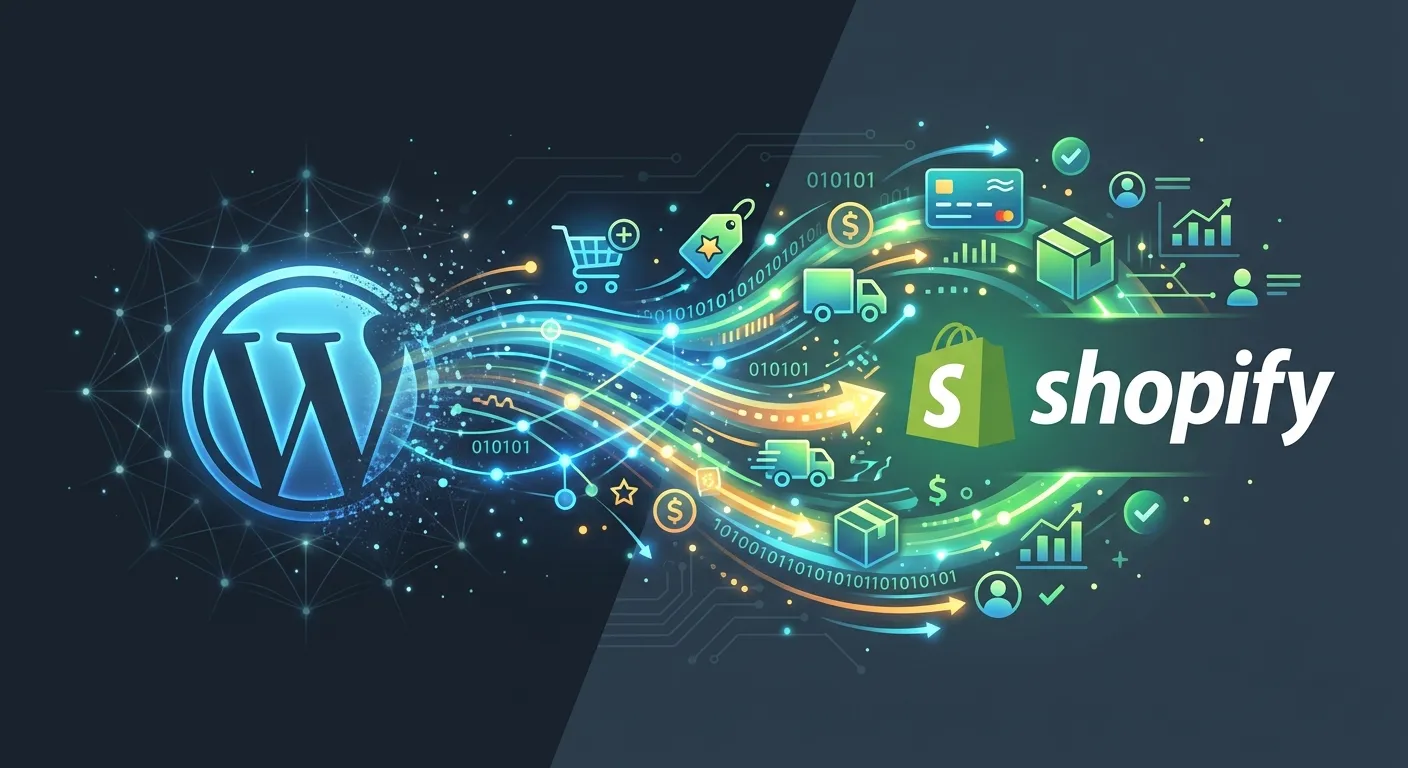
Navigating Your Platform Shift: A Multi-Category Overview
A successful migration is more than a data transfer; it's a strategic business move. Explore the critical facets of the process through the lenses of planning, execution, and growth.
Laying the Groundwork for Success
Before a single product is moved, a meticulous plan must be in place. This phase determines the success of the entire WordPress Migration To Shopify project. It involves auditing your current WordPress/WooCommerce setup, defining what success looks like, and building a realistic timeline.
- Comprehensive Content & Product Audit: Catalog every product, page, blog post, customer record, and order history. Identify what is essential to migrate and what can be archived or reformatted.
- SEO Mapping & URL Strategy: One of the biggest risks is losing hard-earned search rankings. Plan your 301 redirect strategy meticulously to preserve link equity. For insights on handling content during a platform change, reviewing our guide on User Migration can provide valuable parallel strategies.
- Third-Party Integration Assessment: List all plugins, payment gateways, email marketing tools, and CRMs. Check their compatibility with Shopify's App Store or plan for alternative solutions.
Pro-Tip:
Use this planning phase to also reconsider your site's information architecture. Shopify's structure is different from WordPress. It's the perfect time to streamline navigation, improve product categorization, and enhance the overall customer journey as part of a broader Strategic Brand Building initiative.
The Technical Migration Process
This is the core of the WordPress Migration To Shopify, where data is transferred, the new store is built, and functionality is restored. A methodical, step-by-step approach is critical to avoid data corruption and downtime.
- Set Up Your Shopify Store: Choose a plan, select a theme (or plan for custom development), and configure basic settings (taxes, shipping, payments).
- Migrate Data: Use dedicated migration tools (like Cart2Cart, LitExtension) or Shopify's native import/export features for products and customers. For content-heavy sites, manual migration or custom scripts may be necessary. While focused on a different platform, the principles in our article How To Migrate Your Entire WordPress Site To Laravel... highlight the importance of automated, precise data handling.
- Recreate Design & Functionality: Customize your Shopify theme to match your brand identity. Install and configure necessary apps to replace WordPress plugin functionality.
- Implement Redirects: This is non-negotiable. Create and upload a CSV file of 301 redirects from your old WordPress URLs to the new Shopify URLs to preserve SEO.
Optimizing After the Switch
Go-live is not the finish line. The post-migration phase is dedicated to monitoring, testing, and optimizing your new Shopify store for peak performance and growth.
Immediate Verification
Thoroughly test all critical user journeys: purchasing, account creation, search functionality, and contact forms. Verify that all 301 redirects are working correctly using a crawler tool. Check Google Search Console for crawl errors.
Performance & Analytics
Monitor site speed and core web vitals. Shopify handles much of the backend Performance Optimisation, but theme and app choices still impact it. Set up enhanced e-commerce tracking in Google Analytics to measure the new store's impact on conversions.
This is also the time to explore Shopify's powerful ecosystem for scaling, such as its advanced analytics, marketing automation tools, and extensive app marketplace, to truly Unlock The Power of your new dedicated e-commerce platform.
Why Migrate? Key Benefits of Moving from WordPress to Shopify
Understanding the compelling advantages helps justify the migration effort and guides your strategic decisions for the new platform.
Unmatched E-Commerce Focus & Simplicity
Shopify is built exclusively for selling. Its intuitive admin, seamless inventory management, and integrated payment processing remove the complexity of managing a WooCommerce site, where you are responsible for hosting, security, and plugin conflicts. This allows you to focus on business growth, not technical maintenance.
Enhanced Security & Reliability
As a fully hosted SaaS platform, Shopify provides PCI DSS Level 1 compliance, 99.99% uptime, and automatic updates and security patches. This eliminates the vulnerabilities associated with self-hosted WordPress, where you must manage security plugins, core updates, and potential theme/plugin exploits yourself.
Scalable Infrastructure & Global Reach
Shopify's infrastructure automatically scales to handle traffic spikes during sales or marketing campaigns. It also offers built-in tools for international selling, including multi-currency, localized domains, and international shipping. Scaling a WordPress/WooCommerce site often requires costly server upgrades and complex configuration.
Navigating the Pitfalls: Common Migration Challenges
Awareness of potential obstacles is the first step to avoiding them. Here are the most frequent hurdles in a WordPress Migration To Shopify and how to overcome them.
-
Complex Custom Functionality
Highly customized WooCommerce setups or unique WordPress plugins may not have direct Shopify equivalents. Solution: This often requires custom app development using Shopify's APIs or finding a combination of apps that replicate the functionality. For businesses that require deep customization, exploring a Laravel Custom Development approach for specific microservices might be a complementary strategy.
-
Content Structure & Blog Migration
WordPress is a superior content management system. Migrating a large blog with complex layouts, categories, and tags can be messy. Solution: Use specialized migration tools for blogs, be prepared for manual cleanup, and consider using a dedicated blogging app within Shopify if your content strategy is central to your business.
Expert Insight: The Cost of Getting It Wrong
A poorly executed migration can lead to significant losses:
- SEO Collapse: Broken redirects can wipe out years of organic search equity overnight.
- Data Loss: Incomplete product or customer migration damages operations and customer trust.
- Extended Downtime: A prolonged switch-over period directly results in lost sales and brand damage.
This is why many businesses choose to hire dedicated migration specialists or work with agencies that have a proven track record. The investment in expertise safeguards your revenue and online presence.
Frequently Asked Questions About WordPress Migration To Shopify
Get clear, concise answers to the most common questions business owners have about making the switch.
The timeline varies dramatically based on complexity. A simple store with under 100 products and minimal customizations can be migrated in 2-4 weeks. A large, complex store with thousands of SKUs, custom data, a blog, and intricate redirects can take 8-12 weeks or more. The planning and post-launch phases are just as time-consuming as the actual data transfer. For a perspective on migration timelines for other platforms, you can see the considerations outlined in Wordpress To Laravel Migration projects, which share similar complexities.
They don't have to be, if managed correctly. SEO impact is the #1 risk. By implementing a perfect 301 redirect map from every old URL to its corresponding new URL, you signal to Google that the content has moved permanently, preserving your"link juice." Additionally, ensure all on-page SEO elements (title tags, meta descriptions, alt text) are migrated and optimized for Shopify's structure. Post-migration, closely monitor Google Search Console for errors. This meticulous approach is as critical here as it is in any major platform change, a topic often covered in Laravel News and developer circles regarding site transitions.
Order history: Yes, this is typically straightforward using migration tools that map WooCommerce order data to Shopify's order structure. Customer passwords: No, this is a major technical hurdle. Password encryption is platform-specific and cannot be transferred. Customers will need to reset their passwords upon first login to the new Shopify store. The migration process should include a clear communication plan to inform customers of the move and guide them through the simple password reset process. Managing this user transition smoothly is key, much like the processes discussed in our User Migration resource.
The cost structure is different. WooCommerce is"free" software, but you pay for hosting, premium themes/plugins, security, backups, and developer time for maintenance. These costs are variable and can add up. Shopify has a predictable monthly subscription fee (starting ~$29/month) that includes hosting, security, and core updates. You then pay for apps and possibly a premium theme. For many businesses, especially those valuing time and reliability, Shopify's total cost of ownership (TCO) can be lower when factoring in saved development and maintenance hours. It's a shift from a Capex model (investing in your own infrastructure) to an Opex model (subscribing to a service).
Ready to Execute Your WordPress Migration To Shopify?
Don't leave your e-commerce success to chance. A strategic, well-executed migration is an investment in your business's future scalability, security, and growth. Whether you need to hire a specialist or consult with our team of experts, we're here to ensure your transition is seamless.
For insights on other powerful development platforms and migrations, explore our resources on the Laravel Platform or read real-world success stories in our Case Studies.
Your Actionable Migration Checklist: A Week-by-Week Guide
Moving beyond theory, here is a practical, phased timeline to structure your WordPress Migration To Shopify. This checklist helps ensure no critical task is overlooked.
Weeks 1-2: Pre-Migration Audit & Strategy
- Export full list of WordPress URLs (pages, posts, products) for redirect mapping.
- Document all active plugins and their exact functions.
- Identify"mission-critical" custom code snippets or database hooks.
- Choose and purchase your Shopify theme or allocate budget for custom development.
Weeks1845: Active Migration & Build-Out
- Run a test migration using a tool like Cart2Cart on a development store to identify data mapping issues.
- Configure Shopify tax settings, shipping zones, and payment gateways.
- Begin manual migration or cleanup of blog content and static pages (About, Contact, etc.).
- Finalize and upload the complete 301 redirects CSV file to Shopify.
Adhering to a structured plan like this mitigates risk and keeps all stakeholders aligned. The most common cause of migration delays is underestimating the time required for content cleanup and redirect mapping.
Case Study Snapshot: From Fragmented WooCommerce to Unified Shopify
A real-world example of how a strategic migration solved critical business challenges.
The Challenge
A mid-sized fashion retailer with over 2,000 SKUs on WooCommerce experienced constant plugin conflicts, slow page loads during peak sales, and security breaches. Their custom-built subscription system was fragile, and managing inventory across wholesale and retail channels was a manual nightmare. Their development costs for maintenance alone exceeded $3,000 monthly.
The Migration Solution
The business partnered with a migration specialist. They used a combination of the Matrixify app for complex product data and a custom script for customer order history. The subscription functionality was replaced with the robust ReCharge app on Shopify. The new site was built on the Dawn theme, heavily customized for brand identity. A staggering 15,000+ 301 redirects were implemented to preserve SEO.
The Quantifiable Results
- 98% SEO Retention: Organic traffic recovered to pre-migration levels within 45 days.
- 70% Faster Page Load: Core Web Vitals scores jumped to"Good" across the board.
- Reduced Overhead: Monthly technical costs fell by over 60%, reinvested into marketing.
"The migration was a strategic reboot, not just a platform change. It forced us to streamline our processes and gave us a rock-solid foundation for international expansion. Our team now spends time on marketing, not putting out technical fires." — Sarah Chen, CEO
Beyond the Migration: Leveraging Shopify's Full Ecosystem
The true value of Shopify unfolds after migration. It’s a platform designed for growth, offering tools that were often complex or expensive to implement on WordPress.
-
Shopify Flow & Automation
Automate workflows without code. Examples: Tagging high-value customers for special offers, alerting staff for low-stock items, or creating support tickets from specific order notes. This replaces multiple disparate WordPress plugins with a single, native automation engine.
-
Shopify Markets & Global Selling
Manage international commerce from one dashboard. Set region-specific prices, domains, and languages. Shopify handles currency conversion and localized checkout experiences—a feature that typically requires heavy customization and multiple plugins in WooCommerce.
-
B2B on Shopify
With the"Shopify Plus" plan or dedicated B2B apps, you can create wholesale portals, offer custom pricing lists, and manage business customer accounts natively. This opens a significant new revenue channel without needing a separate, fragmented system.
Post-Migration Performance Benchmarking
Establish KPIs 90 days post-launch to measure success beyond a simple"it's live." Compare these metrics to your WordPress baseline:
*Example improvements based on aggregated data from successful migrations. Your results will vary based on your store's complexity and optimization.
The Final Decision: DIY Migration or Professional Services?
Your choice depends on your store's complexity, internal resources, and risk tolerance. Here’s a clear comparison to guide your decision.
Best For
- Very small stores (<50 simple products).
- Minimal blog/content footprint.
- Owners with strong technical aptitude and time.
Key Considerations
- High Time Investment: Expect a steep learning curve and weeks of focused work.
- Undefined Scope Creep: Unforeseen technical issues can derail timelines.
- Full Responsibility: You bear 100% of the risk for SEO, data integrity, and downtime.
Best For
- Stores with >100 products or complex data.
- Businesses where SEO is a primary traffic source.
- Companies needing to maintain business continuity.
Key Advantages
- Risk Transfer: The agency or specialist assumes liability for a smooth outcome.
- Predictable Timeline & Cost: Work is scoped, quoted, and delivered on schedule.
- Strategic Insight: Experts bring experience from dozens of migrations, advising on best practices for growth.
The Bottom Line: If your online store is a primary revenue driver, professional migration is not an expense—it's an insurance policy for your digital assets and future income. It allows your team to focus on running the business, not on solving unexpected technical puzzles.