The Ultimate Guide to Laravel CMS CodeCanyon: Build, Buy, or Migrate in 2026
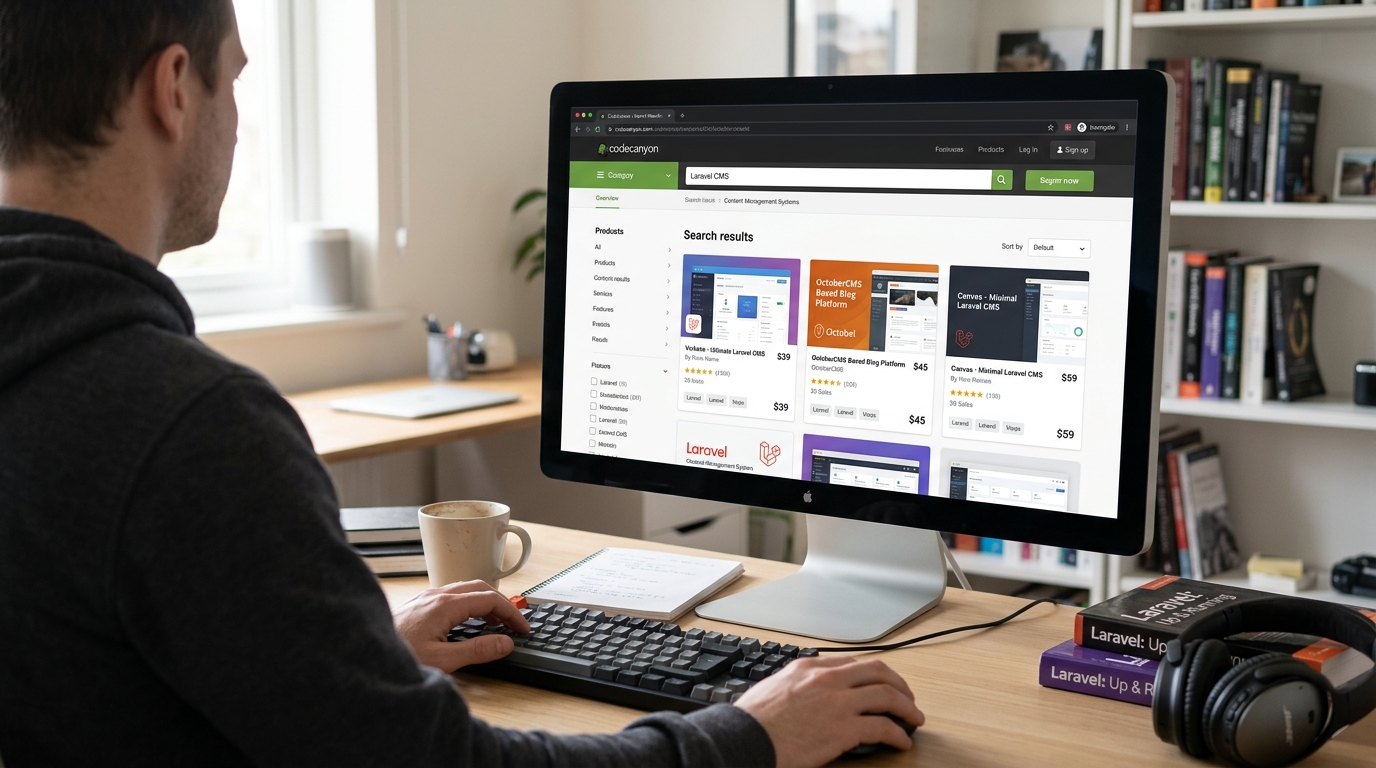
Navigate the marketplace of premium Laravel CMS solutions. Discover if a CodeCanyon script is right for your project, or if a custom platform like Waravel offers superior long-term value.
Laravel CMS CodeCanyon: A Multi-Category Analysis
The CodeCanyon marketplace hosts hundreds of Laravel-based CMS scripts. Understanding the categories and their trade-offs is crucial before you invest.
The CodeCanyon Ecosystem
CodeCanyon, part of Envato Market, is a massive digital marketplace where independent developers sell scripts, plugins, and templates. The Laravel CMS category is particularly vibrant, offering everything from simple blog engines to complex multi-tenant SaaS platforms. Prices range from $20 to $600+, with licenses typically covering use on a single domain.
Buying from CodeCanyon can be a fast track to a functional site. You get documented code, often with installation support and updates for 6-12 months. However, it's a product, not a service. Customizations, complex integrations, and handling Laravel Exceptions in a unique way often fall outside the scope of support, which is where many businesses hit a wall and need to hire dedicated Laravel developers.
Popular Script Categories
-
Multi-Purpose CMS: Admin panels, user management, CRUD generators. Often described as"Laravel Admin Panel" or"Backend Builder."
-
Niche CMS Solutions: Real estate portals, job boards, e-learning platforms (LMS), hotel booking systems.
-
Blog & Magazine Themes: Focus on front-end presentation and editorial workflows, often competing with WordPress.
-
E-commerce Platforms: Laravel-based shopping carts, often integrating with Payment gateways. Can be a starting point but may lack the depth of dedicated platforms.
The Advantages
- 1Cost-Effective Start: A one-time fee is often far cheaper than commissioning a custom build from scratch.
- 2Rapid Deployment: You can have a site live in days, not months, assuming your needs align perfectly with the script.
- 3Proven Codebase: Popular scripts are tested by thousands of users, reducing initial bugs.
- 4Community & Documentation: High-rated items often have good docs and user comments for troubleshooting.
The Drawbacks & Risks
- 1Vendor Lock-in & Abandonment: If the author stops updating the script for new Laravel versions, you're stranded with a legacy codebase.
- 2Bloat & Poor Code Quality: Some scripts are"kitchen sink" solutions with unnecessary features, slow performance, and messy architecture that makes customisation a nightmare.
- 3Limited Scalability: Not designed for high-traffic or complex enterprise workflows. Scaling can require a complete rewrite.
- 4Security Concerns: You're reliant on one author's security practices. A vulnerability in their code affects all buyers.
Expert Insight: The biggest hidden cost of a CodeCanyon Laravel CMS isn't the purchase price; it's the technical debt incurred when you need to modify it. Unlike a framework-first approach like Waravel's Laravel Platform, you're fighting someone else's architectural decisions from day one. Custom error handling for specific Laravel Exceptions becomes convoluted when the core exception handler is buried under layers of vendor code.
The decision isn't just"CodeCanyon or custom." There's a spectrum of solutions, each fitting different business stages and technical requirements.
Open-Source CMS (OctoberCMS, etc.)
Free, community-driven platforms built on Laravel. Offer more flexibility than CodeCanyon scripts but require deeper technical knowledge to customize and maintain. You can explore a detailed Laravel CMS October Alternative analysis here.
Best for: Tech-savvy teams on a tight budgetProfessional Platform (Waravel)
A commercial Laravel CMS designed for growth, scalability, and ease of use. It combines the power of the Laravel framework with a polished, intuitive interface and professional support. It avoids the bloat of CodeCanyon scripts while providing robust tools for content, commerce, and custom development. Discover the core features that set Waravel apart.
Best for: Businesses planning to scaleFull Custom Development
Building from absolute zero with a Laravel development agency. Maximum flexibility and control, but highest cost and longest timeline. Requires you to hire top-tier Laravel talent or engage an agency. Essential for highly unique business logic where off-the-shelf solutions can't compete.
Best for: Unique, complex enterprise applicationsFrom CodeCanyon to a Sustainable Future
Many businesses start with a CodeCanyon Laravel CMS and later find they've outgrown it. The migration path doesn't have to be a nightmare. A structured approach is key.
- Audit & Plan: Document all custom features, third-party integrations, and data schemas in your current CodeCanyon setup. Decide what to keep, rebuild, or discard.
- Choose Your Target Platform: Will you move to a more robust Laravel CMS like Waravel, or embark on a custom build? This decision hinges on your budget, timeline, and future roadmap. For those coming from WordPress, tools exist to migrate WordPress to Laravel effortlessly, offering a similar leap in capability.
- Data Migration Strategy: This is the most critical technical phase. You'll need to write scripts or use tools to export your users, content, and settings from the old database schema into the new one. For complex user migration scenarios, professional help is advised.
- Development & Staging: Build the new site on a staging server. This is where you replicate functionality and design. Pay special attention to handling Laravel Exceptions gracefully in the new environment.
- Go-Live & Post-Launch: Execute a carefully planned launch, redirecting old URLs to new ones to preserve SEO. Monitor performance closely using insights from our performance optimisation guide.
Pro-Tip: The Automated Migration Advantage
If your starting point is WordPress, not a CodeCanyon script, the process can be significantly smoother. Modern platforms offer automated tools that handle the heavy lifting. For example, you can learn how to migrate your entire WordPress site to Laravel without losing a single byte of data using Waravel’s automated tools. This approach eliminates manual data export/import and drastically reduces the risk of errors.
Critical Evaluation Criteria for Any Laravel CMS
Whether evaluating a CodeCanyon script or a professional platform, these factors determine long-term success.
Security & Update Policy
How quickly are security patches released? Is the vendor committed to supporting new major versions of Laravel? CodeCanyon authors vary wildly in their responsiveness. A professional platform includes scheduled security audits and guaranteed update paths.
- Regular vulnerability scanning
- Clear end-of-life policy
- Dependency management (Composer)
Performance & Scalability Architecture
Is the code optimized for speed? Does it use Laravel's caching effectively? Many CodeCanyon scripts have N+1 query problems and lack built-in performance features. A scalable CMS should include image optimization, database indexing strategies, and support for modern CDNs and caching layers out of the box.
Note: Performance issues often manifest as cryptic Laravel Exceptions related to memory limits or timeouts. A well-architected CMS proactively prevents these.
Customization & Extensibility
Can you add custom fields, modules, or themes without hacking the core? The best Laravel CMS solutions are built as a foundation, not a finished product. They provide clear extension points (Service Providers, Events, Facades) and adhere to Laravel conventions, making it easy for your developers—whether you hire them in-house or use an agency—to build upon them.
This is where understanding the available top Laravel packages and developer tools becomes invaluable for enhancing your chosen platform.
Technical Deep Dive: Laravel Exceptions & Debugging in a CMS Context
One of the most significant advantages of using a Laravel-based CMS—whether from CodeCanyon or a commercial provider—is inheriting Laravel's superb error handling and debugging capabilities. However, pre-built scripts can sometimes obscure or mishandle these.
Common CMS-Related Laravel Exceptions
ModelNotFoundException & QueryException
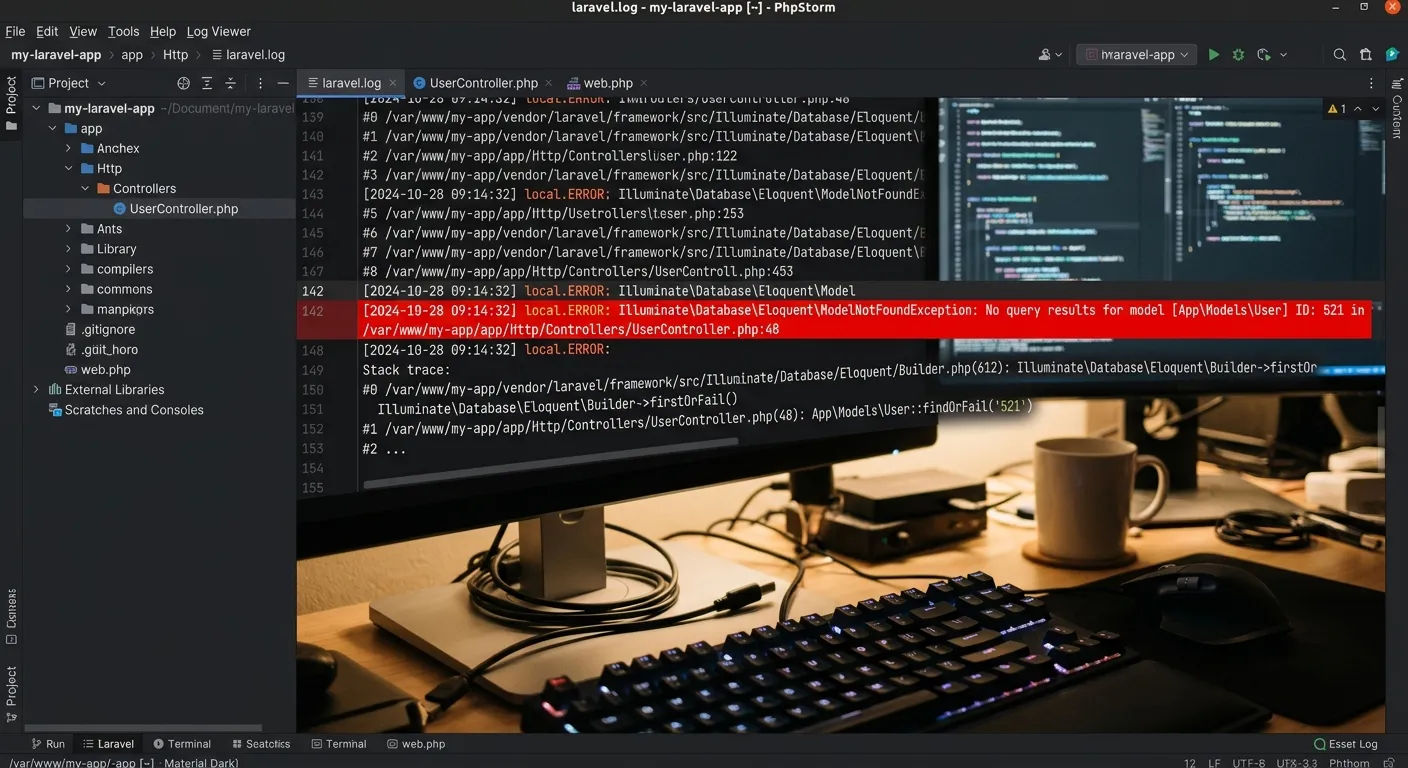
These often occur when a CMS tries to load a post, user, or category that doesn't exist (e.g., a broken URL). A quality CMS will catch these at a global level and render a custom 404 page, rather than showing a raw stack trace to your users.
// Poor handling in a cheap script might look like this:
public function showPost($id) {
    $post = Post::find($id); // Returns null if not found
    return view('post.show', compact('post')); // Error on $post->title
}

// Proper handling should be:
public function showPost($id) {
    $post = Post::findOrFail($id); // Throws ModelNotFoundException
    return view('post.show', compact('post'));
}
// Then, handle ModelNotFoundException in app/Exceptions/Handler.php
ValidationException & MassAssignmentException
Admin panels in CMSs do a lot of data entry. A robust script will use Laravel's Form Request Validation and properly define $fillable or $guarded properties on its models. Cheap scripts often bypass these safeguards, leading to security holes and unstable data.
Actionable Advice: Before buying any Laravel CMS CodeCanyon script, check its documentation and user comments for mentions of error handling. Ask the author how they handle common Laravel Exceptions. If they can't provide a clear answer, consider it a major red flag. For a platform built with these best practices in mind from the ground up, explore the Waravel Laravel Platform.
Debugging Checklist
-
Enable
APP_DEBUG=falsein production for any Laravel CMS. - Set up a logging channel (e.g., Slack, Papertrail) to monitor errors.
- Use Laravel Telescope (if allowed) for deep introspection in development.
-
Always review the
storage/logs/laravel.logfile after an update.
When to Get Professional Help
If you're constantly firefighting exceptions or your team lacks deep Laravel expertise, it's more cost-effective to bring in specialists. This allows your team to focus on content and growth, not debugging.
Hire a Laravel Debugging SpecialistFrequently Asked Questions: Laravel CMS CodeCanyon
It can be, but due diligence is critical. Safety depends on the author's reputation, the frequency of updates, and the code quality. Always check the comment section for reports of security vulnerabilities, the date of the last update, and the author's response rate. For mission-critical business sites, a professionally supported platform like Waravel or a custom build with dedicated Laravel custom development services offers a significantly lower risk profile and accountability.
Technically yes, but it's a complex, manual process. Most CodeCanyon scripts do not include automated WordPress migration tools. You would need to export your WordPress data (users, posts, meta) and write custom scripts to import it into the new database schema. This is a highly technical task prone to data loss. A far more reliable path is to use a platform that specializes in this transition. We provide a comprehensive WordPress to Laravel migration service that automates the entire process, preserving all your data, SEO rankings, and URLs.
You are left with an unsupported, potentially insecure codebase. As Laravel releases new major versions, your abandoned script will become incompatible, making it impossible to apply PHP security patches without breaking the site. You will face two choices: 1) Freeze your site on an old, vulnerable stack, or 2) Pay a developer to manually upgrade and maintain the entire codebase, which can cost far more than the original script. This is a key reason businesses choose professionally maintained platforms with a company, not an individual, behind them.
This is the most common challenge. You have two options: modify the core code or build a separate module/package that integrates with it. Modifying the core is dangerous because it prevents you from updating the script without losing your changes. The better approach is to see if the script provides extension points (hooks, events, service providers). If it doesn't, you're in for a difficult and expensive development cycle. Before purchase, examine the code structure. For a CMS designed for extensibility from the start, review the Waravel package features to see how a modern platform facilitates custom development.
The best developers prefer to work with clean, well-architected code. While you can find freelancers willing to patch a CodeCanyon script, the quality and long-term commitment can be inconsistent. For a sustainable partnership, look for Laravel experts who understand framework principles and can advocate for the right solution, even if it means migrating away from a problematic script. The most reliable path is to post a job on our platform to connect with vetted Laravel professionals who can assess your specific CodeCanyon purchase and provide a realistic path forward, whether that's customization, migration, or a rebuild.
Ready to Move Beyond the Limitations of a Generic Script?
Your website is the core of your digital presence. Don't let it be constrained by someone else's one-size-fits-all solution. Whether you need to migrate from a CodeCanyon purchase, WordPress, or build something new with the power and elegance of Laravel, we have the expertise and platform to help you succeed.
Hire Laravel Talent
Access a curated network of Laravel developers, architects, and CMS specialists to build, fix, or scale your project.
Post a Job & Hire Staff TodayExplore Waravel CMS
Discover the professional Laravel CMS designed for growth, with automated migration, enterprise features, and dedicated support.
Visit Waravel.comGet Expert Consultation
Unsure about the best path? Schedule a technical audit and strategy session for your current or planned Laravel CMS project.
Contact Our TeamNavigate the future of your web platform with confidence. Choose expertise over uncertainty.