Solving WordPress Problems with Laravel Strategies for 2026
A comprehensive guide to transcending WordPress limitations, leveraging the power of Laravel, and future-proofing your digital presence. Discover the strategic migration paths, automation tools, and architectural advantages that define the future of web development.
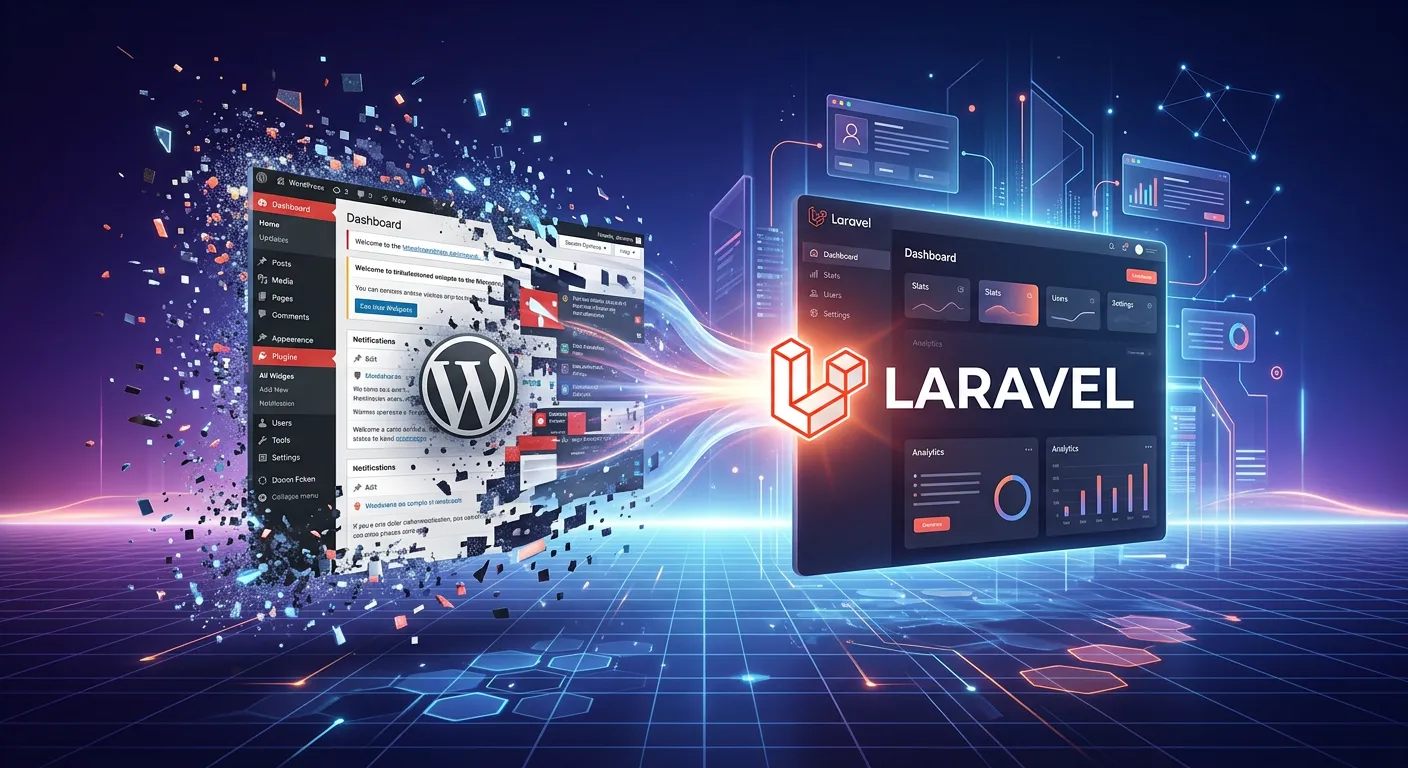 A modern, futuristic digital landscape showing a sleek Laravel logo elegantly integrating with and r...
Strategic Migration Pathways
The journey from WordPress to Laravel is not monolithic. Choose the strategy that aligns with your 2026 business goals, technical debt, and team capabilities. Below, explore the primary tactical approaches.
Complete Platform Migration
This is the definitive approach for businesses ready to leave WordPress entirely. It involves migrating all content, users, and business logic to a new, custom-built Laravel application. The primary advantage is complete control, superior performance, and freedom from WordPress's core constraints. For a successful strategic overhaul, automation is key. Tools like the WordPress To Laravel Migration Tool are engineered to handle this complex process, ensuring data integrity and drastically reducing manual coding errors, as detailed in our analysis Waravel Vs. Manual Coding.
This strategy is ideal for enterprises experiencing scalability issues, needing complex custom functionality, or those for whom security is a non-negotiable priority. It represents a long-term investment in a robust Laravel CMS solution.
Pro-Tip: Strategy Selection
Your choice depends on technical debt, team skills, budget, and timeline. Conduct a full audit of your WordPress site's plugins, custom code, and performance bottlenecks first. Often, a tool like Waravel can automate the bulk of a strategic migration, making the complete overhaul less daunting than perceived. Review our Step-by-Step Guide to map your starting point.
Why Laravel Solves Core WordPress Problems
The shift to Laravel addresses systemic issues inherent in WordPress architecture, offering tangible benefits that scale into 2026 and beyond.
Enterprise-Grade Security
WordPress's ubiquitous nature makes it a prime target. Laravel provides built-in protection against SQL injection, XSS, and CSRF out-of-the-box. With proper Laravel Security practices, you can implement OWASP standards, secure session management, and OAuth integration, reducing security incidents dramatically.
Unmatched Performance & Scalability
Move beyond plugin-dependent caching. Laravel's elegant queue system (job queue optimization), efficient ORM, and built-in caching drivers allow for handling millions of requests. Combined with database optimisation strategies, you can achieve sub-second load times and support exponential user growth without costly infrastructure overhauls.
Customization Without Compromise
Replace fragile plugin ecosystems with clean, maintainable code. Laravel's MVC architecture, Blade components, and package system allow you to build exactly what you need—from complex form validation logic to multi-tenant architecture—without battling conflicting WordPress plugins.
Advanced Automation & Workflows
Laravel excels at automating business processes. From content pipelines to user onboarding, you can implement sophisticated workflows with Laravel's task scheduling, queues, and events. This level of automation is cumbersome in WordPress and is a key component of solving WordPress problems with Laravel automation strategies.
Modern Development Experience
Attract and retain top talent with a modern tech stack. Laravel's developer-friendly syntax, comprehensive testing suite, and robust ecosystem (top Laravel packages) streamline development. Features like zero-downtime deployment and API versioning enable agile, continuous delivery.
Long-Term Cost Control
While initial migration has a cost, the long-term TCO of a Laravel application is often lower. You eliminate recurring premium plugin fees, reduce security breach risks, minimize developer time spent on patching and compatibility fixes, and optimize server costs through efficiency. It's an investment in operational stability.
The Future of Laravel CMS: 2026 and Beyond
The concept of a Laravel CMS is evolving beyond simply replicating WordPress. In 2026, it signifies a bespoke content architecture built on Laravel's foundations, tailored to specific business logic and user experience goals.
Beyond"WordPress-Like" Systems
While Laravel CMS like WordPress solutions exist for familiarity, the future lies in differentiation. The best Laravel CMS for 2026 won't be a one-size-fits-all package, but a flexible framework—like Waravel's platform—that provides the core CMS structures (posts, pages, media, users) while being inherently extensible for unique needs like product configurators, learning management systems, or global publishing workflows.
This approach is detailed in our Laravel CMS Comparison, which evaluates flexibility, developer experience, and scalability. The goal is to choose a foundation that grows with your ambitions.
Key Trends Defining the Future:
- ✓AI-Integrated Content Workflows: Automated content tagging, SEO optimization, and personalized delivery built directly into the CMS layer.
- ✓Composable Architecture: CMS as a set of modular, API-driven services rather than a monolithic application, enabling best-of-breed tech stacks.
- ✓Visual Development for Complex Logic: Low-code interfaces for building business rules and workflows without sacrificing Laravel's power.
- ✓Enhanced Real-Time Collaboration: Moving beyond basic editing to include real-time co-authoring, feedback loops, and approval pipelines.
Essential Tools & Automation for a Flawless Migration
Manual migration is the single biggest risk factor for project failure. The right solving WordPress problems with Laravel tools automate the tedious, error-prone tasks, ensuring data fidelity and preserving SEO equity.
1. Automated Data Migration Tools
The cornerstone of any migration is data transfer. A professional tool like Waravel handles the complex mapping of WordPress database tables (wp_posts, wp_postmeta, wp_users) to Laravel's Eloquent models. It manages serialized data, custom fields, taxonomies, and user roles seamlessly. This automation is the antithesis of solving WordPress problems with Laravel mistakes to avoid, such as manual SQL exports which corrupt data relationships. For a deep dive on preserving media, see The Stress-Free Guide To Importing WordPress Media, Posts, And Pages.
2. SEO Preservation Suites
Maintaining URL structures and meta data is non-negotiable. Migration tools should automatically generate Laravel route definitions (or 301 redirect rules) that mirror your old WordPress permalinks. This prevents"404 apocalypse" and preserves hard-earned search rankings. The process is demonstrated in our video guide How To Migrate Your Entire WordPress Site To Laravel Without Losing A Single Byte Of Data.
3. Laravel Package Ecosystem
Post-migration, accelerate development with curated Laravel packages for developers. These packages handle common CMS-adjacent needs:
- Media & File Management: Packages like Spatie's Media Library offer robust, customizable alternatives to the WordPress media gallery.
- Content & Page Building: Blade-based page builder packages allow for flexible layouts while keeping code clean.
- User & Role Management: Extend Laravel's built-in authentication with fine-grained permission packages.
Critical Avoidance: Common Migration Pitfalls
Solving WordPress problems with Laravel mistakes to avoid includes: underestimating data complexity, ignoring SEO redirects, attempting a"big bang" launch without staging, and not having a full database backup and restore strategy. Always run a pilot migration on a copy of your data first.
Frequently Asked Questions
Is Laravel a good replacement for WordPress?
Yes, but for specific use cases. Laravel is an excellent replacement when your website has evolved into a complex web application requiring custom business logic, superior performance, stringent security, or unique user workflows. For a simple blog, WordPress may suffice. For a platform that is central to your business operations, the advantages of the Laravel framework—like maintainability, scalability, and a clean codebase—make it a superior long-term choice. Our analysis Laravel CMS Vs WordPress breaks down the decision matrix.
How long does a WordPress to Laravel migration take?
The timeline varies dramatically based on site complexity, data volume, and custom functionality. A simple brochure site can be migrated in a few weeks. A large e-commerce or membership site with custom data structures can take several months. Using an automated WordPress to Laravel migration service can compress the data transfer phase from months to days. The key is thorough planning. Our guide on Migrating From WordPress To Laravel CMS provides a realistic timeline framework.
What happens to my SEO after migrating?
Done correctly, your SEO can improve. The critical task is implementing 301 permanent redirects from every old WordPress URL to its new Laravel equivalent. Professional migration tools automate this. Furthermore, Laravel's performance gains lead to better Core Web Vitals scores, a direct ranking factor. You also gain the ability to build more sophisticated, SEO-friendly structures. Watch How Waravel Revolutionized WordPress Migrations to see how seamless SEO preservation is achieved.
Can my content team use a Laravel CMS easily?
Absolutely. A well-built Laravel CMS, such as the one provided by Waravel, features an intuitive admin panel designed for content editors. The experience can be made remarkably familiar, reducing training time. The benefit is that this interface is not bloated with unnecessary plugin menus, creating a cleaner, more focused workflow. For a visual demonstration, see the video WordPress Familiar Interface in Laravel (Waravel Walkthrough).
What are the ongoing costs after migration?
You trade recurring plugin/subscription fees for developer resource costs. However, these are more predictable and value-adding. You may need Laravel Maintenance & Support Services for updates, security patches, and new features. The overall TCO often decreases due to reduced security incidents, better performance (lower hosting costs), and no more"plugin breakage" emergencies. Consider it an investment in a stable, owned digital asset.
Ready to Solve Your WordPress Problems with Laravel?
Stop battling plugin conflicts, security scares, and scalability walls. The strategic path to a powerful, custom Laravel platform in 2026 begins with a conversation. Let's map your migration journey.
Leverage our Professional WordPress To Laravel Migration Services Guide and join businesses that have already made the leap with tools like Waravel.