Master Your Application's Timeline: The Ultimate Laravel Calendar Package Guide
From simple event listings to complex, interactive scheduling systems, discover how the right Laravel Calendar Package can transform your project's user experience and functionality.
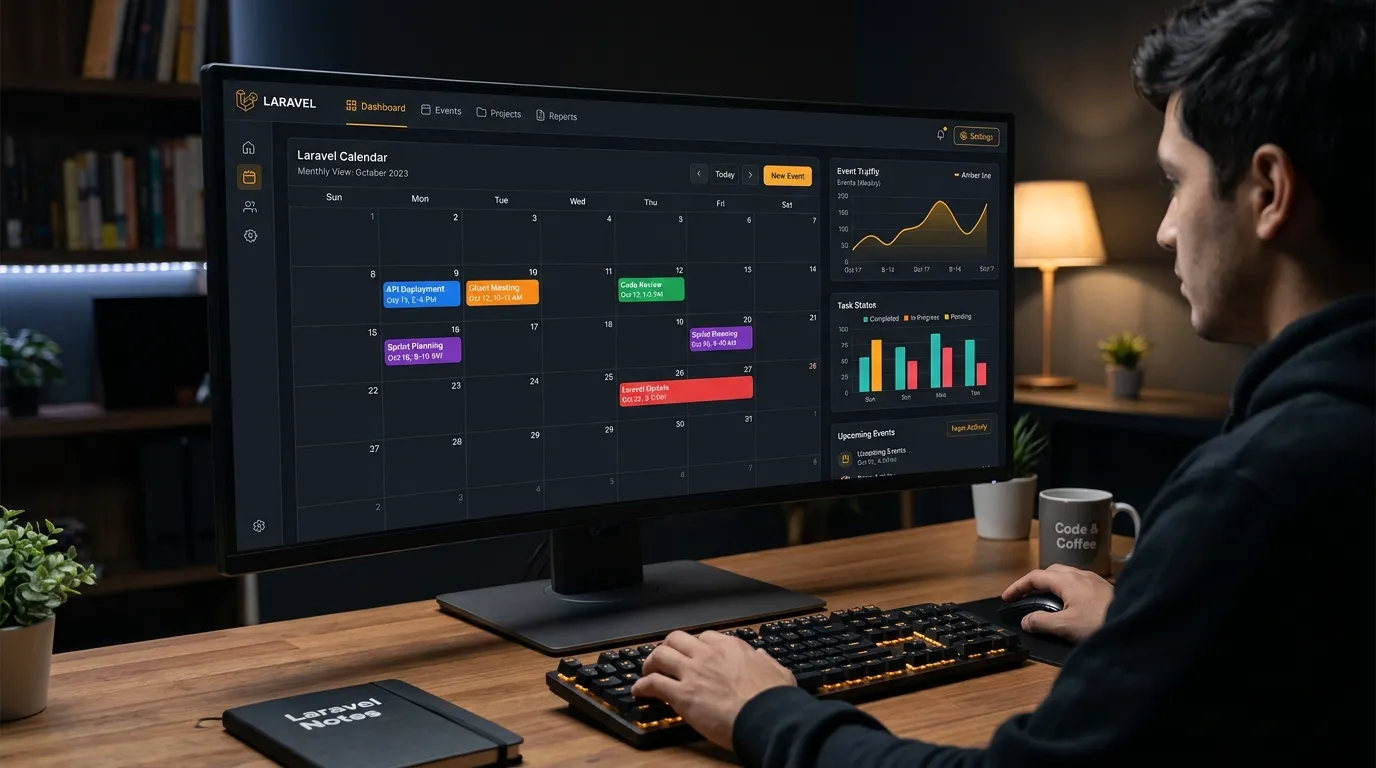
In the fast-paced world of web development, managing dates, events, and schedules is a fundamental requirement for countless applications. Building a robust calendar system from scratch, however, is a time-intensive task fraught with complexities like timezone handling, recurrence rules, and drag-and-drop interactions. This is where a specialized Laravel Calendar Package becomes an indispensable tool in a developer's arsenal. By leveraging a pre-built, well-architected package, you can integrate sophisticated calendar functionalities in a fraction of the time, allowing you to focus on your application's core business logic. Whether you're building a booking platform, a project management tool, or a content calendar for a CMS, the right package can elevate your project from functional to exceptional. This comprehensive guide will delve into the world of Laravel calendar solutions, offering expert insights, practical implementation tips, and actionable advice to help you select and deploy the perfect package for your needs.
Navigating Your Options: A Multi-Category Overview
The Laravel ecosystem offers a diverse range of calendar packages, each with its own philosophy and target use case. Understanding these categories is the first step to making an informed decision.
Full-Featured Calendar Suites
These are comprehensive packages like FullCalendar for Laravel wrappers. They offer a complete frontend experience with views (month, week, day, list), drag-and-drop event creation, resizing, and often include rich popover forms for event details. Integration typically involves both server-side Laravel components and JavaScript initialization.
Pro-Tip:
When evaluating a full-featured suite, don't just look at the demo. Check the package's issue tracker and recent commit history on GitHub. An actively maintained package is crucial for security updates and compatibility with newer Laravel and JavaScript framework versions.
Lightweight & Headless Libraries
Packages in this category, such as simple date-picker helpers or minimal month-grid generators, provide the building blocks without the heavyweight UI. They are perfect for projects where you need calendar logic (e.g., calculating business days, generating date ranges) but intend to build a completely custom frontend interface using Vue.js, React, or Livewire.
Backend-First API Packages
These packages focus on the server-side: managing event Eloquent models, handling complex recurrence rules (iCal/RFC5545), generating iCal feeds, and providing a clean JSON API. The frontend is entirely your responsibility, which offers maximum flexibility. This approach aligns well with building SPAs (Single Page Applications) or mobile apps where the frontend consumes a dedicated API.
CMS-Integrated Calendar Solutions
For projects built on a Laravel-based CMS like Waravel, the most efficient path is often a plugin or module designed for that specific platform. These solutions seamlessly integrate with the CMS's admin panel, user permissions, and content management workflows. For instance, using a tool like the Botble Laravel CMS CRUD Generator can accelerate the creation of the underlying event management backend, upon which a calendar view can be built. Exploring the Plugins directory of your chosen CMS should be a first step.
Core Features & Benefits of a Robust Laravel Calendar Package
Choosing a package is about more than just displaying dates. It's about unlocking a suite of powerful features that enhance both developer productivity and end-user experience.
Drag & Drop Event Management
Intuitive rescheduling by dragging events across dates or timeslots. This feature is essential for booking systems, project timelines, and personal planners, providing a seamless user experience that feels natural and responsive.
Advanced Recurrence Rules
Handle complex repeating events: daily, weekly, monthly (on the last Friday), yearly, or with custom exceptions. A good package abstracts the challenging logic of generating future occurrences and handling cancellations.
Timezone-Aware Processing
Crucial for global applications. Events should be stored in UTC and displayed in each user's local timezone. The package should handle conversions automatically, preventing scheduling errors across different regions.
Robust API & iCal Feed Support
A clean, JSON-based API allows for integration with mobile apps and third-party services. Additionally, providing iCal feed endpoints lets users subscribe to your calendar in Outlook, Google Calendar, or Apple Calendar, dramatically increasing accessibility.
Multiple View Presets
Users expect to switch between month, week, day, agenda/list, and sometimes timeline or resource views. A flexible package makes toggling between these views simple and preserves any filters or date ranges applied by the user.
Seamless Framework Integration
The best packages feel like a native part of Laravel. They use Blade components, publish config files, utilize Laravel's event system, and follow the framework's naming conventions. This reduces the learning curve and ensures better long-term maintainability, much like the seamless integration promised by platforms such as the Laravel Platform from Waravel.
Implementation Deep Dive: From Selection to Deployment
Choosing a package is only the beginning. Successful implementation requires careful planning and execution. Here is a step-by-step guide to integrating a Laravel Calendar Package into your project.
Step 1: Requirements Analysis & Package Selection
Before opening Composer, define your non-negotiable needs. Do you need resource scheduling (rooms, equipment)? Public iCal feeds? Integration with a payment gateway for bookings? Create a checklist and compare it against package documentation. Review the Top Laravel Packages Guide for curated recommendations and comparisons that can inform your decision.
Consider the frontend stack. If your project heavily uses Livewire, a package with Livewire components might be ideal. For a Vue or React SPA, a headless backend API package paired with a dedicated JavaScript calendar library is likely the best path.
Actionable Advice:
Spin up a fresh Laravel test project. Install 2-3 shortlisted packages and build a simple prototype for your core calendar use case. This hands-on testing is invaluable and will reveal API quirks, documentation gaps, and performance feel far better than any feature list.
Database Schema Considerations
Your event data model is foundational. A typical `events` table will include:
title,descriptionstart_datetime,end_datetime(TIMESTAMP with timezone)recurrence_rule(TEXT, to store iCal RRULE strings)recurrence_parent_id(for linking exception events to a master)- Location, color, and foreign keys to users or resources.
Tools like the Botble Laravel CMS CRUD Generator can expedite the creation of this model, its controller, and admin interfaces, especially within a CMS context.
Step 2: Integration & Customization Workflow
Once selected, integration follows a standard pattern: install via Composer, publish assets/config, run migrations, and then begin customization.
Customizing Event Data & Appearance
Most packages provide hooks to modify how event data is fetched and rendered. You'll typically bind a controller route that returns a JSON array of events. This is where you apply your business logic: filtering events based on user permissions, adding custom attributes, or formatting data.
Frontend customization involves overriding CSS variables or providing template files. For example, you can change event colors based on their category, add badges for status, or customize the tooltip content. Ensure your custom styles are responsive and adhere to your site's overall design system, similar to the principles outlined in our Strategic Brand Building Guide.
Performance Optimisation for Calendar Views
Calendars can become performance bottlenecks, especially when loading many months of recurring events or serving thousands of users.
- Eager Loading & Selective Fields: Use Laravel's `with()` to prevent N+1 queries when fetching events with related data (e.g., user, location). Only select the database fields you need for the calendar view.
- Pagination & Lazy Loading: For list views, implement pagination. For month/week views, consider lazy-loading events as the user scrolls or changes dates instead of loading everything upfront.
- Caching Strategies: Cache generated calendar feeds or API responses aggressively. Use a cache key that incorporates the date range and filter parameters. For public calendars, this can drastically reduce database load.
- Background Job Processing: For operations like generating future instances of a complex recurring event series, queue the computation in a background job to keep the request response fast.
These optimisation techniques are part of a broader performance mindset, detailed further in our dedicated Performance Optimisation resource.
See a Laravel calendar in action within a full project build.
Advanced Use Cases & Synergies
Building a Booking & Reservation System
A calendar package is the heart of any booking system. You'll need to layer business rules on top: availability windows, duration constraints, buffer times between appointments, and integration with a payment processor like Stripe (consider using Laravel Custom Development Services for complex integrations). The calendar frontend must visually indicate available vs. booked slots, often using different colors or shading.
The backend must handle concurrency—preventing double bookings through database locks or optimistic concurrency checks when a user selects a time slot.
Content & Editorial Calendars
For marketing teams or publishers, a visual calendar to schedule blog posts, social media campaigns, or product launches is invaluable. This use case emphasizes collaboration: statuses (draft, scheduled, published), assignees, and content previews. Integration with a Laravel CMS is key here. A platform like Waravel, which offers a seamless WordPress to Laravel Migration path, could allow a team to migrate their existing content and then manage their future editorial plan directly within a powerful, custom calendar view built on Laravel.
Frequently Asked Questions (FAQ)
Common questions and expert answers about selecting and implementing Laravel Calendar Packages.
While popularity changes, packages that serve as Laravel wrappers for the JavaScript FullCalendar library are consistently among the most widely used due to FullCalendar's extensive feature set and active development. However,"popular" doesn't always mean"best for you." For lightweight, backend-focused projects, a simpler package might be more appropriate. Always align your choice with your project's specific technical requirements and your team's expertise.
Technically yes, but it's generally not advisable. It can lead to bloated assets, conflicting CSS/JavaScript, and increased maintenance complexity. A better approach is to choose a single, flexible package that can be configured for different use cases within your app (e.g., a mini-calendar widget and a full-page scheduling view). If you absolutely need disparate functionalities, ensure they are isolated in different parts of the application to minimize conflicts.
The golden rule: store in UTC, display in local.
- Set your MySQL/PGSQL database and Laravel `APP_TIMEZONE` to `UTC`.
- Store all `datetime` fields in the database as UTC.
- Determine the user's timezone (via browser settings, user profile, or IP geolocation) and set it in the Laravel session or on the user model.
- Use Laravel's Carbon (or the package's built-in methods) to convert UTC timestamps to the user's timezone for display. When saving form data, convert the submitted local time back to UTC.
- A good calendar package will handle much of this conversion automatically if configured properly.
First, check the CMS's marketplace or extensions. A native plugin will offer the easiest integration with admin menus, user roles, and the CMS's UI. For a Laravel-based CMS like those built on Botble, using a Botble Laravel CMS CRUD Generator to create the event module and then augmenting it with a frontend calendar package can be a powerful hybrid approach. If you are migrating from WordPress to Laravel, this is your opportunity to build a more powerful, custom calendar feature using a dedicated Laravel package as part of your new, modernized application stack.
Ready to Build Your Next-Gen Calendar Application?
Integrating a powerful Laravel Calendar Package is a strategic decision that can define your project's usability and scalability. Whether you're modernizing an existing platform or building a new scheduling tool from the ground up, the right expertise is crucial.
If your development roadmap includes complex calendar functionalities, resource scheduling, or seamless CMS integration, consider augmenting your team with specialized talent. A skilled Laravel developer can navigate package selection, custom integration, and performance tuning to deliver a flawless user experience.
Hire Top Laravel Developers TodayFind the expert talent needed to implement your perfect calendar solution.