Migrate from WordPress to Laravel: The Definitive Guide for 2026
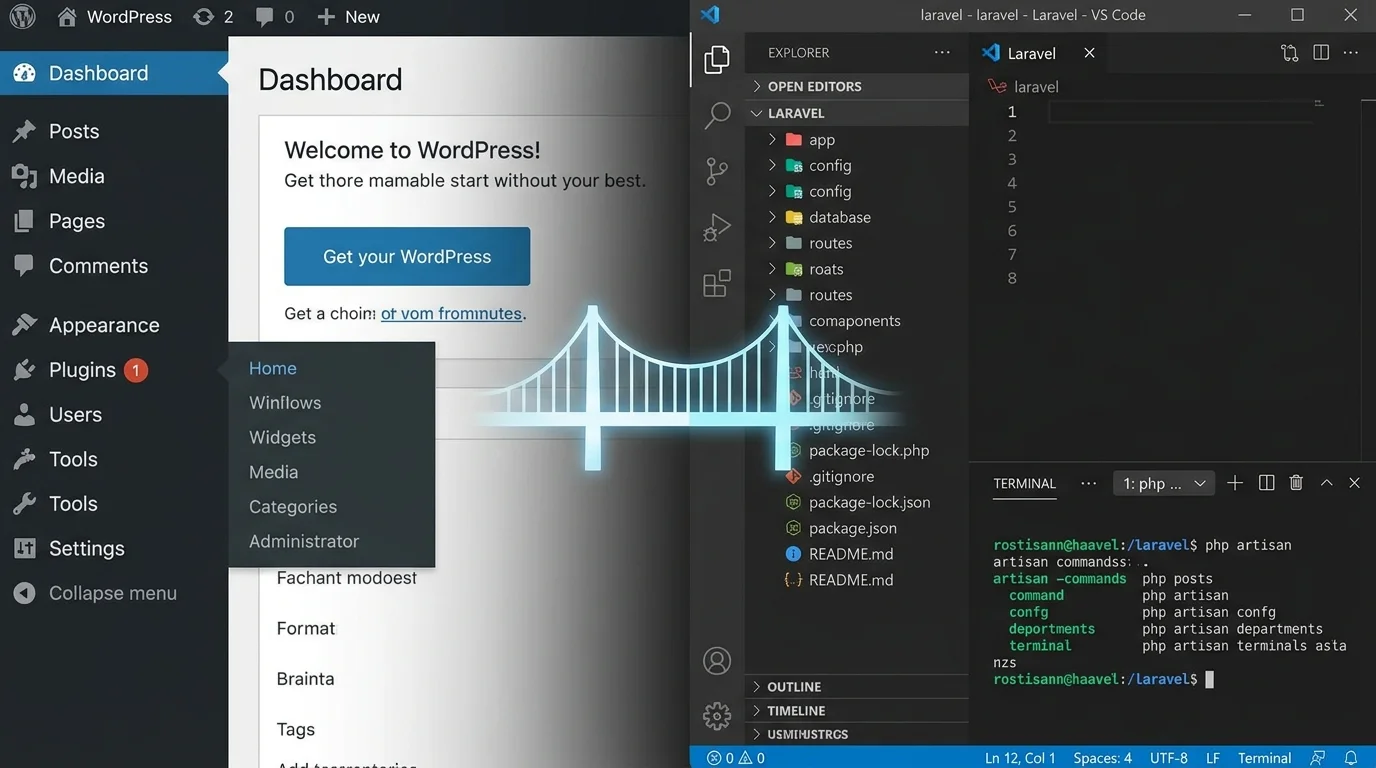
Unlock superior performance, security, and scalability by strategically transitioning your digital presence to the powerful Laravel framework.
Start Your Migration PlanFor over a decade, WordPress has been the default choice for building websites. However, as businesses grow and digital demands evolve, many encounter the limitations of the platform: plugin bloat, security vulnerabilities, and performance bottlenecks. Migrating from WordPress to Laravel represents a strategic leap from a generalized content management system to a robust, full-stack PHP framework engineered for modern, scalable applications. This comprehensive guide will explore the compelling advantages of the Laravel framework, provide actionable strategies for a successful transition, and introduce the tools that make the process seamless, positioning your business for the future of web development.
Your Migration Roadmap: A Multi-Category Overview
The Compelling Case for Leaving WordPress
The decision to migrate from WordPress to Laravel is often driven by the need for a more controlled, performant, and secure foundation. WordPress, while user-friendly, operates as a monolithic system where functionality is often glued on via third-party plugins. This leads to several critical pain points:
- Security Headaches: As the world's most popular CMS, WordPress is a prime target for attacks. Vulnerabilities in themes and plugins are a constant threat. Laravel, with its built-in security features like hashed passwords, CSRF protection, and prepared SQL statements, provides a more secure foundation by design.
- Performance & Scalability Limits: Heavy plugins and unoptimized database queries can cripple site speed. Laravel's elegant syntax, efficient database optimisation capabilities, and support for advanced caching (Redis, Memcached) allow applications to handle significantly higher traffic with lower resource consumption.
- Development & Customization Constraints: Complex custom functionalities in WordPress can become messy and difficult to maintain. Laravel's MVC (Model-View-Controller) architecture enforces clean, organized code, making it ideal for bespoke applications, SaaS platforms, and complex e-commerce solutions beyond what WooCommerce can comfortably handle.
💡 Pro-Tip:
Don't view migration as merely a platform switch. It's an opportunity to audit your entire digital footprint, clean up legacy content, and rebuild on a architecture designed for your specific business logic and growth trajectory. For a deeper dive into the strategic benefits, explore our guide on unlocking business potential with Laravel.
Building a Bulletproof Migration Strategy
A successful migration is 80% planning and 20% execution. Rushing this process is one of the most common Laravel CMS mistakes to avoid. Your strategy must encompass data, functionality, SEO, and user experience.
- Comprehensive Audit: Inventory everything: posts, pages, users, media files, custom post types, metadata, and active plugin functionalities. This audit will define the scope of your migration.
- Data Mapping & Cleanup: Decide what to migrate, what to archive, and what to discard. This is the perfect time to clean your database. Tools can automate this, but planning is key. Learn about full database backup and restore solutions before you begin.
- SEO Preservation Plan: Maintaining search rankings is non-negotiable. Your plan must include 301 redirects for every changed URL, preservation of meta titles/descriptions, and structured data. A tool-focused approach is outlined in our resource on migrating without losing data.
- Choosing the Right Laravel Foundation: Will you build a custom CMS, or use an existing package? Researching the best Laravel CMS options for your needs is a critical strategic step.
Execution: Manual vs. Automated Migration
This is where the rubber meets the road. You have two primary paths: a manual, developer-intensive migration, or an automated process using specialized tools.
The Manual Path involves writing custom scripts to extract data from the WordPress MySQL database, transform it to fit your new Laravel models and schema, and load it in. This offers maximum flexibility but is time-consuming, error-prone, and requires deep expertise in both systems.
The Automated Path leverages dedicated migration packages. This is where Waravel package features shine, offering a systematic, reliable approach. A premier tool like Waravel handles the heavy lifting of transferring posts, pages, users, media, and metadata while maintaining relationships and integrity. For a clear comparison, read Waravel vs. Manual Coding.
The Future of Laravel CMS and Your Business
Migrating today sets you up for success tomorrow. The future of Laravel CMS is centered around headless architectures, real-time features, and deep integration capabilities that WordPress struggles to match natively.
- API-First & Headless Ready: Laravel excels at building robust RESTful or GraphQL APIs, allowing you to power mobile apps, IoT devices, or separate frontends (like Vue.js or React) seamlessly.
- Real-Time Functionality: Integrate WebSockets via Laravel Echo for live dashboards, chat systems, or notifications—a feature often requiring complex WordPress plugins. See real-time Laravel notifications in action.
- Scalable Architecture Patterns: As you grow, Laravel seamlessly supports advanced patterns like multi-tenant architecture for SaaS products, ensuring your platform can scale efficiently.
By adopting Laravel, you're not just solving current WordPress problems; you're implementing a solving WordPress problems with Laravel strategy for 2026 that embraces modern web development practices.
Key Benefits of a Laravel-Powered Future
Enterprise-Grade Security
Move beyond plugin-dependent security. Laravel provides built-in protection against SQL injection, XSS, and CSRF. Dedicated tools offer further Laravel security hardening, giving you and your users peace of mind and reducing security incidents dramatically.
Blazing-Fast Performance
Laravel's efficient code execution, coupled with powerful caching and queue systems, delivers page load times that outperform optimized WordPress sites. This directly improves user experience, conversion rates, and SEO rankings. Explore our performance optimisation services to see potential gains.
Unmatched Customization & Control
Break free from theme and plugin constraints. With Laravel, you own the entire codebase. Implement complex business logic, build custom admin panels, and create unique user experiences tailored precisely to your needs using powerful Blade components and packages.
Streamlined Developer Experience
Laravel's elegant syntax, comprehensive documentation, and vast ecosystem (including essential Laravel packages) make development faster and more enjoyable. This leads to higher-quality code, easier maintenance, and a more productive team.
Built for Scalability & Growth
Whether you're serving 10,000 or 10 million users, Laravel's architecture can scale horizontally. Features like job queues, database sharding, and efficient caching strategies ensure your application grows with your business, avoiding the costly"re-platform again" cycle common with WordPress at scale.
Modern Ecosystem & Integration
Easily integrate with modern cloud services, payment gateways, AI APIs, and third-party platforms. Laravel's clean architecture and packages for services like OAuth integration make connecting your application to the wider digital ecosystem straightforward and secure.
Choosing Your Path: Laravel CMS Solutions
After deciding to migrate, a key question arises: should you build a custom CMS or adopt an existing one? Understanding the Laravel CMS comparison landscape is crucial.
The Custom-Built Route
Building your own CMS on top of Laravel offers ultimate flexibility. You use core Laravel features and select top Laravel packages to create an admin panel and content structures that match your exact workflow. This is ideal for applications where content management is just one feature among many complex, custom business functionalities.
⚠️ Consider This:
A custom build requires significant ongoing development resources for maintenance, updates, and feature addition. It shifts the responsibility of core CMS security and updates to your team.
The Pre-Built CMS Route
Several excellent pre-built Laravel CMS solutions exist, such as October CMS (built on Laravel), Statamic, and others. These provide a feature-rich admin interface out-of-the-box, similar to WordPress, but with Laravel's power underneath. They are great for content-heavy sites that still need more flexibility than WordPress offers.
However, a powerful third option has emerged: migration-centric platforms like Waravel. These tools not only facilitate the migration but often provide a streamlined, Laravel-based admin panel designed specifically for migrated content, offering a balanced middle ground with less initial setup than a full custom build. Discover a compelling Laravel CMS October alternative in our detailed comparison.
Critical Migration Pitfalls & How to Avoid Them
❌ Pitfall 1: Underestimating Data Complexity
WordPress data isn't just in `wp_posts`. Custom fields, taxonomies, plugin-specific tables, and serialized data can be a minefield. Solving WordPress problems with Laravel automation tools requires them to handle this complexity. A manual approach often misses these nuances, leading to broken functionality post-migration.
❌ Pitfall 2: Ignoring SEO & URL Structure
Changing your site's URL structure without implementing proper 301 redirects is an SEO disaster. Your migration plan must map every old WordPress URL (including paginated pages, category feeds) to its new Laravel equivalent. Automated tools typically generate this redirect map for you.
❌ Pitfall 3: The"Big Bang" Migration
Switching everything over in one go is high-risk. A phased approach—migrating content first, then launching the new site with a read-only old site, or using a subdomain—allows for testing and reduces downtime. Services specializing in zero-downtime deployment are invaluable here.
❌ Pitfall 4: Neglecting Post-Migration Strategy
The work isn't done at launch. You need a plan for Laravel maintenance & support, monitoring performance, training content editors on the new admin panel, and planning future Laravel version upgrades.
Frequently Asked Questions
Get clear answers to the most common questions about migrating from WordPress to Laravel.
Laravel is not a direct, drop-in replacement like switching from one theme to another. It's a framework, while WordPress is a complete CMS. However, for the right use case—sites requiring high performance, custom functionality, superior security, or scalability—Laravel is an excellent strategic replacement. It provides the tools to build a CMS tailored to your needs or to use a pre-built Laravel CMS like WordPress alternative. For blogs or simple brochure sites, WordPress may still suffice. For growing businesses and complex applications, Laravel is often the superior choice.
The timeline varies dramatically based on:
- Site Complexity: A simple blog with 100 posts is faster than an e-commerce site with 10,000 products, custom fields, and user data.
- Methodology: A manual, coded migration can take weeks or months of developer time. Using an automated WordPress to Laravel migration service like Waravel can reduce the core data transfer to a matter of hours or days.
- Custom Development: Building new features or a custom admin panel in Laravel adds to the timeline.
A reasonable estimate for a medium-complexity site using professional tools is 2-6 weeks from planning to launch. Our professional migration services provide detailed timelines after a free audit.
They shouldn't if the migration is executed correctly. SEO preservation is a cornerstone of a professional migration. Key steps include:
- Implementing 301 redirects for every changed URL.
- Preserving all title tags, meta descriptions, header tags (H1, H2), and image alt text.
- Maintaining your site's XML sitemap and robots.txt structure.
- Ensuring site speed improves or remains excellent.
When done right, migration can be an opportunity to improve SEO through better performance and cleaner code. For a step-by-step guide, watch our video on migrating without losing data, which covers SEO in detail.
WordPress plugins do not work in Laravel. This is a fundamental architectural difference. During the migration planning phase, you must audit each active plugin:
- Functionality Replacement: Determine if the functionality is still needed. If yes, you must rebuild it natively in Laravel or find an equivalent Laravel package. Our list of top Laravel packages is a great starting point.
- Data Migration: For plugins that store data (e.g., form entries, SEO metadata), that data must be extracted and migrated to your new Laravel database schema. Specialized migration tools often have handlers for popular plugin data.
- Opportunity to Simplify: Often, migration reveals redundant or outdated plugins, allowing you to streamline your tech stack.
Yes, and this is a critical component. Users should not be forced to reset their passwords. WordPress uses a specific hashing algorithm for passwords. A proper migration tool or custom script will transfer the user's email, username, and the password hash, and then ensure Laravel's authentication system can validate against that older hash format when the user first logs in (often by using a compatibility package or by re-hashing the password upon first successful login). This seamless user migration is a key feature of professional migration services.
Ready to Elevate Your Digital Platform?
Migrating from WordPress to Laravel is a significant strategic decision that unlocks performance, security, and scalability. With the right plan and tools, it can be a smooth and rewarding process that sets your business up for the next decade of growth.
For a detailed, step-by-step walkthrough, don't miss our ultimate guide: Step-by-Step Guide: Migrating Your WordPress Site To Laravel.