The Ultimate WordPress to Laravel Migration Tool: Unlock Enterprise Performance
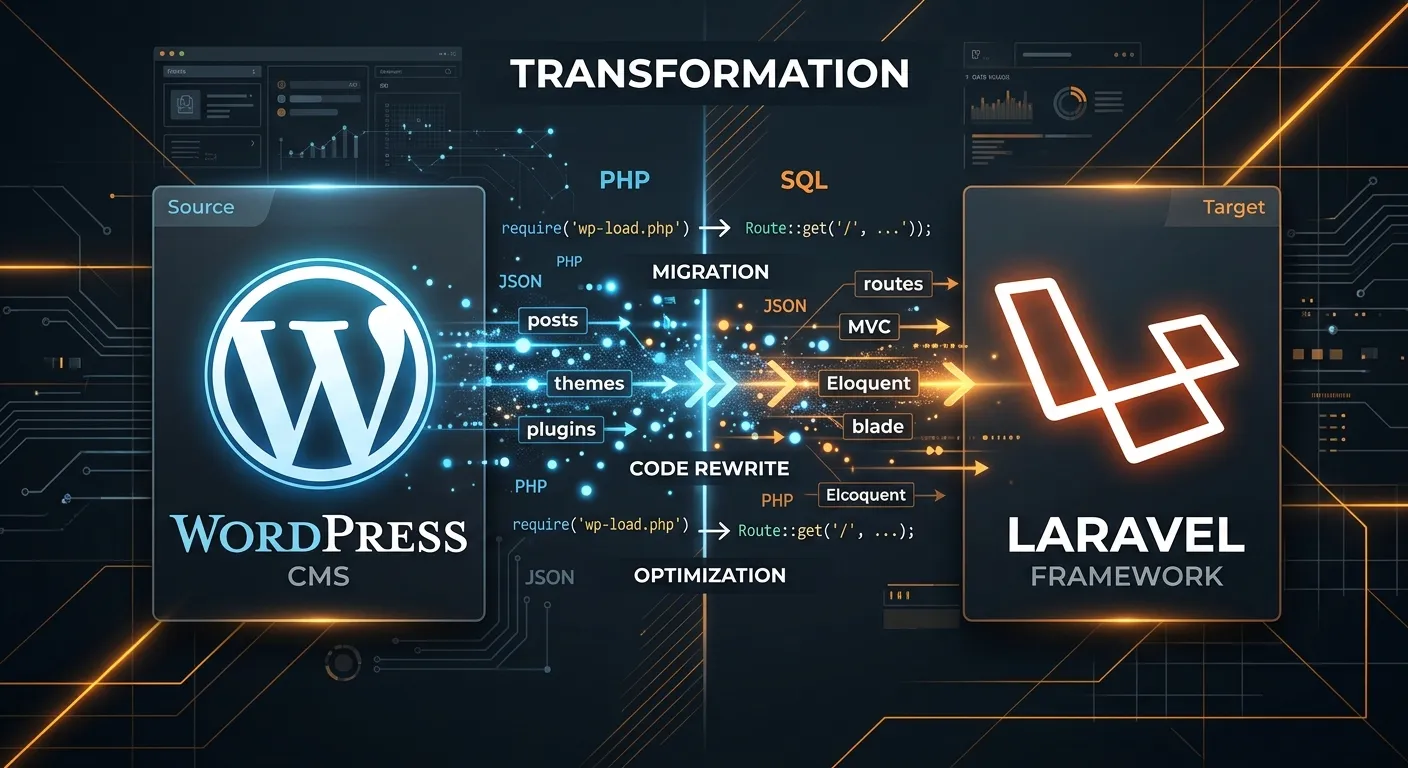
Migrating from WordPress to Laravel is a strategic move for scaling businesses, but the process can be daunting. Discover how the right WordPress to Laravel migration tool automates the complex transfer of posts, pages, users, and media, preserving your data integrity while unlocking Laravel's superior speed, security, and customization.
Why Migrate? Beyond the Limitations of WordPress
WordPress powers a significant portion of the web, but as your project scales, its monolithic architecture can become a bottleneck. Performance issues, security vulnerabilities, and plugin dependency conflicts are common pain points. Laravel, a modern PHP framework, offers an elegant, structured alternative built for developers and high-traffic applications.
The challenge has always been the migration itself—a manual process fraught with risk. A dedicated WordPress to Laravel migration tool like Waravel eliminates this risk by automating the entire data transfer, from your database schema to your uploaded media files.
Read why automation is the smartest moveKey Benefits of a Successful Migration
- Blazing Performance: Laravel's optimized code and caching out-of-the-box dramatically reduce page load times.
- Enterprise Security: Escape common WordPress vulnerabilities with Laravel's robust, built-in security features.
- Clean, Maintainable Code: Adopt MVC architecture for better scalability and easier team collaboration.
- SEO Preservation: A good tool maintains your URL structure and metadata, protecting your search rankings.
How a Professional WordPress to Laravel Migration Tool Works
Analysis & Connection
The tool securely connects to your WordPress database (MySQL) and performs a comprehensive analysis of your data structure—posts, custom post types, users, taxonomies, and media attachments.
Automated Data Mapping
It intelligently maps WordPress data to Laravel's Eloquent models. This includes transforming WordPress `wp_posts` into Laravel `Post` models, handling featured images, author relationships, and category mappings seamlessly.
Media & File Transfer
One of the most complex tasks—migrating the `/uploads` folder—is handled automatically. The tool transfers files, recreates directory structures, and updates all database references to point to the new Laravel storage system.
Pro-Tip: Don't Forget SEO & Redirects
A top-tier WordPress to Laravel migration tool should handle URL redirects. If your new Laravel routes differ from old WordPress permalinks, setting up 301 redirects is critical to preserving your hard-earned SEO ranking. Tools like Waravel often include utilities or guides for this. Learn the complete data-safe process here.
See the Migration in Action
Watch a detailed walkthrough of a live, automated migration process, from initial setup to final data verification.
WordPress to Waravel Migration (Part 1): Setup & Background Queue
Why Choose Waravel as Your Migration Solution?
Waravel is more than just a WordPress to Laravel migration tool; it's a complete Laravel-based CMS designed to give you the power of Laravel with the editorial ease of WordPress. After migration, you manage your content in a familiar, intuitive dashboard but with the performance and security of a modern framework.
It solves the"what's next" problem. Once your data is migrated, you need a CMS to manage it. Waravel provides that instantly, along with an extensive marketplace for extensions and a supportive community.
Your Migration Checklist
- 1Backup your WordPress site (full files and database).
- 2Set up a Laravel-ready hosting environment.
- 3Use your chosen migration tool to import data.
- 4Verify data integrity (posts, users, media).
- 5Configure 301 redirects for old URLs.
- 6Test site functionality and performance thoroughly.