Tired of WordPress? Migrate to Laravel-Based Waravel or Hire Staff Today
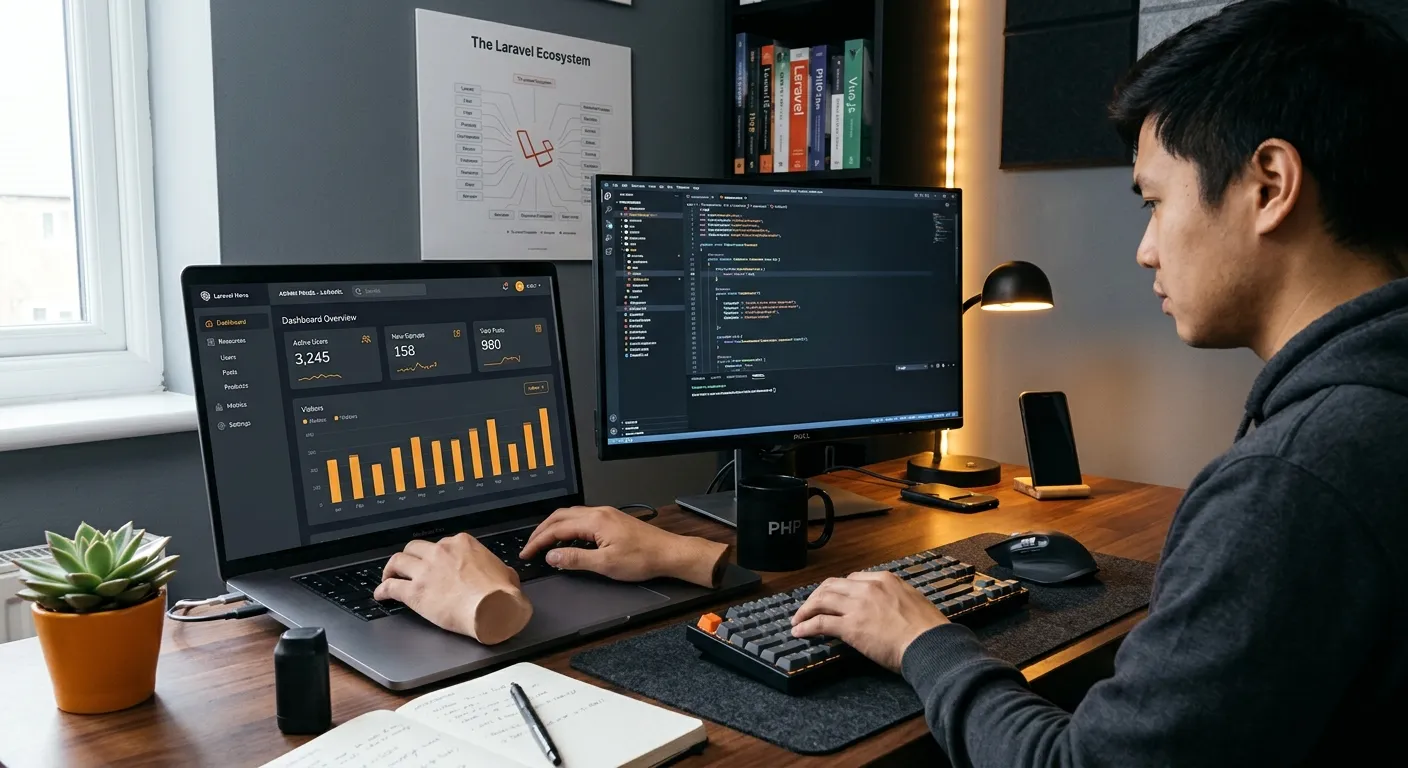
If you are tired of WordPress plugin bloat, slow admin pages, recurring security patches, and fragile migration paths, you are not alone. Many teams outgrow WordPress when sites become business-critical. A structured Laravel platform can restore speed, security, and maintainability without losing content. Waravel helps teams migrate WordPress to Laravel with automated tooling, and you can hire staff today if you need expert implementation support.
Why Teams Are Tired of WordPress
WordPress can be easy to launch, but maintenance becomes harder as plugins, themes, custom fields, and database tables multiply. If you are tired of WordPress updates that break layouts, you need a platform with clearer separation between content, logic, and presentation.
- Plugin conflicts and dependency sprawl
- Slow dashboard queries on large sites
- Security patches that require frequent testing
- Migration uncertainty around media, taxonomies, and SEO metadata
Why Laravel Is the Better Next Step
Laravel offers a cleaner application structure, typed controllers, Eloquent models, queue workers, and stronger testing. For teams tired of WordPress, that means fewer surprises when plugins conflict or traffic spikes. Waravel adds the CMS layer so marketing users can manage pages, media, redirects, and roles without developer tickets.
Faster admin workflows
More predictable deployments
Stronger data relationships
Scalable content architecture
What a WordPress-to-Laravel Migration Should Include
Data Integrity First
A serious migration preserves posts, pages, media, users, categories, tags, custom fields, and URL structures. The Waravel vs manual coding guide explains why automated migration reduces the risk of missing content.
Editorial Simplicity
Editors should not need to touch code. The Build and manage your Laravel CMS with zero coding resource shows how a structured admin portal can keep publishing fast while developers retain Laravel control.
SEO Preservation
Redirects, canonical tags, and metadata matter. The complete migration guide covers how to move without losing rankings.
How Waravel Solves the Problem
Automated Tooling
The WordPress to Laravel migration tool helps import content, hierarchy, and media with predictable steps.
Portal and Pricing
Use the Waravel portal, pricing, and packages to plan the move.
Community and Support
Join the Waravel community or open a request through support.
Need Help Migrating?
If you are tired of WordPress but cannot assign developers, hire staff today through our hiring CTA and get expert migration assistance.
Practical Checklist Before Migrating
- Export a full database and file backup.
- Map old URLs to new routes.
- Confirm custom fields and taxonomies.
- Test redirects and sitemap updates.
- Review user roles and permissions.
Explore Waravel Resources
For teams ready to move quickly, the portal, packages, and support links above make it easy to compare plans, register, and request help without starting from scratch.
Being tired of WordPress is often a signal that your site has outgrown a plugin-first model. A Laravel-based CMS gives you stronger architecture, cleaner editorial workflows, and migration tooling designed for real business content. Start with a backup, review your URLs, and use Waravel’s portal, packages, and community to plan a safe move.