Mastering WordPress Migration Media Files: A Complete 2026 Guide
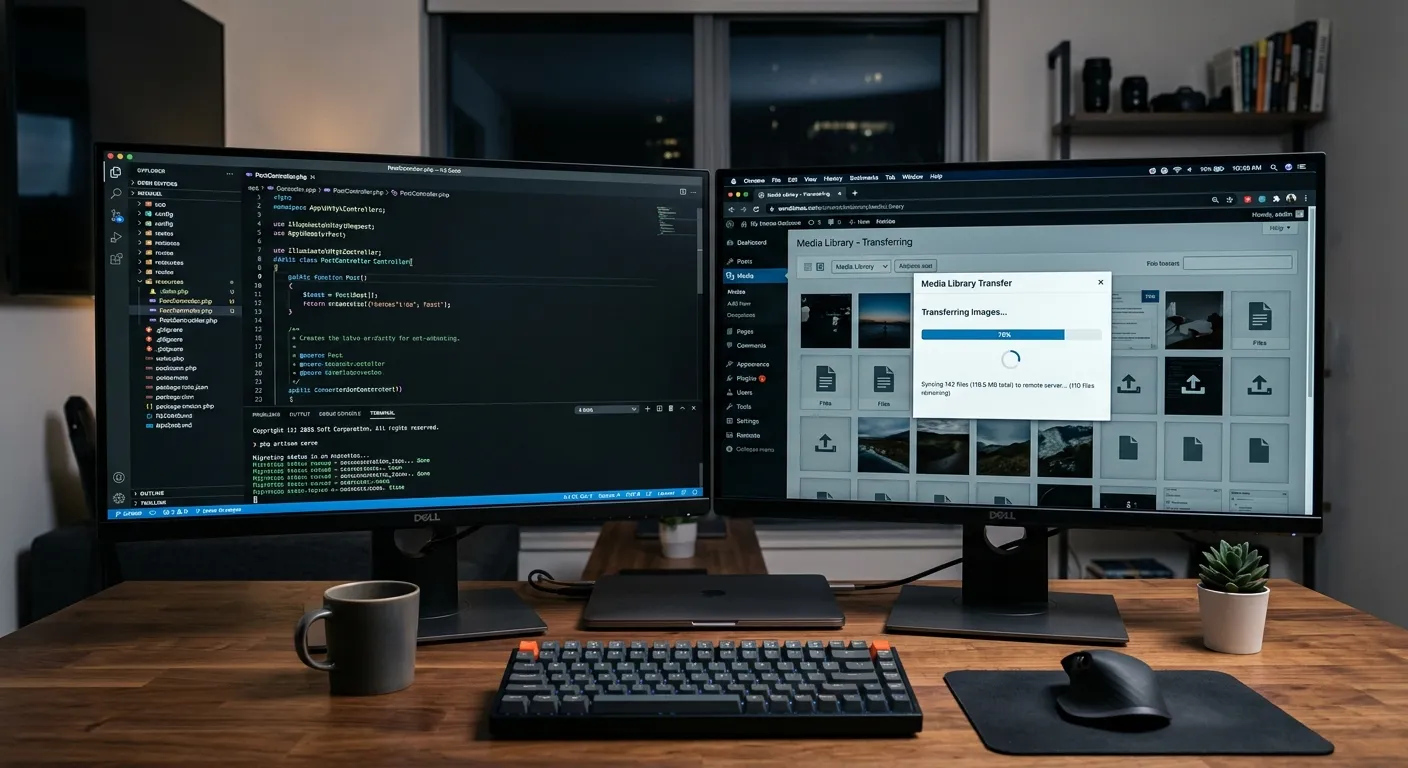
Migrating your WordPress media files is the most critical step in preserving your site's integrity. This comprehensive guide details the process, common pitfalls, and how automated tools ensure not a single image, video, or document is lost.
Why Media File Migration is Non-Negotiable
When undertaking a WordPress migration, your media library—containing images, PDFs, videos, and other uploads—is the heart of your content. A failed migration can break thousands of page links, cripple SEO, and degrade user experience. Manual transfer is error-prone and unsustainable for sites with large libraries.
Modern solutions, like the platform offered by Waravel, automate this process, ensuring all WordPress migration media files are transferred with their correct URLs, alt text, and database associations intact. This is especially crucial when moving to a more robust framework like Laravel, where a structured approach is paramount.
Pro Tip: Pre-Migration Audit
Before migration, run a full audit of your WordPress media library using plugins like 'Media Cleaner'. Remove unused files to speed up the transfer process and reduce storage costs on your new Laravel-hosted environment. This cleanup is a strategic step often overlooked.
A Step-by-Step Blueprint for Success
1. Inventory & Backup
Export your WordPress database and create a full backup of your /wp-content/uploads/ directory. Verify file counts and sizes. Tools within the Waravel Portal can automate this inventory phase.
2. Path & URL Remapping
This is the most technical phase. File paths in the database must be updated from WordPress structure to Laravel's public storage. Automated migration tools handle this seamlessly, preserving SEO juice.
3. Transfer & Validation
Transfer files via secure SSH or SFTP. Post-migration, validate that every image loads, thumbnails are generated, and file permissions are correct on the new server. Expert support is invaluable here.
See the Automated Process in Action
Watch how automated tools transfer WordPress media libraries to a structured Laravel filesystem, maintaining folder hierarchy and metadata without manual intervention.
This video from our library demonstrates the critical SEO-preserving techniques used during a WordPress migration media files process. For more technical deep dives, visit our developer community.
Beyond Basic Transfer: Advanced Considerations
Integration with Modern Laravel Stacks
Once migrated, your media files can be managed by powerful Laravel packages. For instance, integrating a sophisticated Laravel contact form package can allow file uploads that seamlessly feed into your new, migrated media library, creating a unified digital asset management system.
Platforms like Waravel provide a foundation where these pieces connect. Explore ready-made extensions in the Waravel Marketplace to extend functionality without coding.
- Cloud Storage: Migrate directly to S3 or DigitalOcean Spaces for scalability.
- Image Optimization: Implement on-the-fly compression with Laravel image processors.
- CDN Reconfiguration: Update CDN URLs (e.g., Cloudflare) to point to the new Laravel asset locations.
Common Pitfalls & How to Avoid Them
Occurs when database references aren't updated. Use automated serialization-aware tools like those discussed in this guide to prevent this.
Laravel's storage and public directories require specific permissions (e.g., 755 for folders, 644 for files). Scripted deployment processes manage this automatically.
Preserving image URLs or implementing proper 301 redirects is critical. Automated migration solutions include SEO preservation features to maintain your search rankings post-migration.
Ready to Execute a Flawless Migration?
Don't leave your valuable media assets to chance. Whether you're building a custom solution with a Laravel contact form package or migrating an entire enterprise WordPress site, the right expertise and tools are essential.
For a detailed comparison of manual vs. automated migration, read our analysis: Why Automating Your WordPress to Laravel Migration is the Smartest Move.