Solving WordPress Problems with Laravel Strategies for 2026: Hire Staff Today for Peak Performance
Is your WordPress site buckling under the pressure of modern demands? Discover the forward-thinking Laravel strategies that will not only solve your most persistent WordPress problems but also future-proof your digital presence. This comprehensive guide outlines the actionable steps to migrate, optimize, and scale with Laravel in 2026.
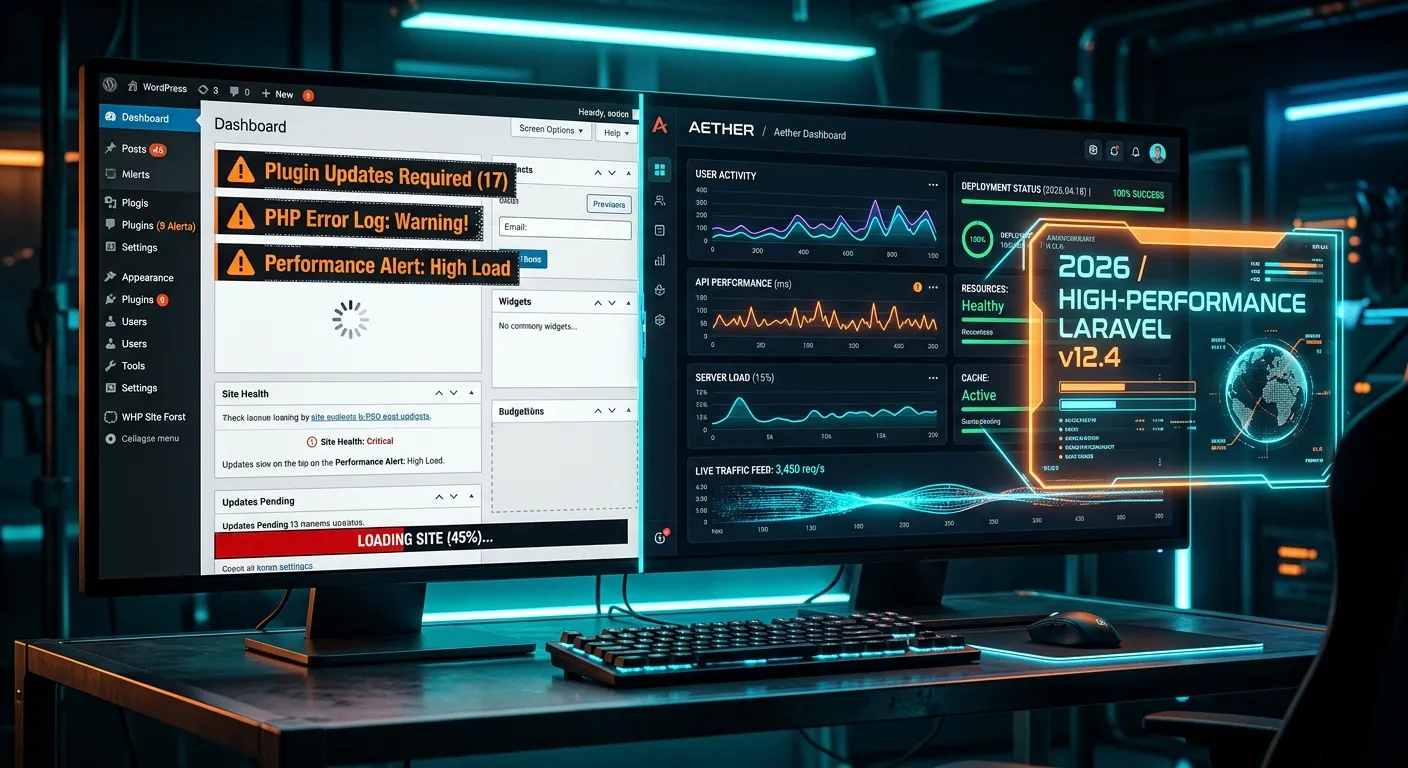
Multi-Category Strategic Overview
Navigate the core challenges and their Laravel-powered solutions through our interactive guide.
Solving WordPress Performance Ceilings
WordPress often hits a hard performance ceiling due to its monolithic architecture and plugin bloat. Laravel's elegant, modular design offers a clear path to superior speed and infinite scalability.
- Database Optimization: Laravel's Eloquent ORM and query builder provide fine-grained control over database interactions, drastically reducing load times. For deep dives into techniques, see our Database Optimisation guide.
- Caching Strategies: Built-in support for Redis, Memcached, and file-based caching outclasses typical WordPress caching plugins.
- Job Queues: Offload time-consuming tasks (email, reports, image processing) to queues for instant page response. Optimize this further with insights from Job Queue Optimization.
- Blade Templating: Lightning-fast, compiled templates eliminate the overhead of WordPress's PHP-in-HTML approach. Learn more about Blade Components.
🚀 Pro-Tip for 2026:
Implement Laravel Octane (Swoole/RoadRunner) for persistent application state. This can reduce response times by over 70% compared to a standard WordPress installation, handling thousands more concurrent users.
Fortifying Your Platform Beyond WordPress Vulnerabilities
WordPress's popularity makes it a prime target. Laravel's security-first philosophy, with features like baked-in CSRF protection, SQL injection prevention, and robust authentication, provides an enterprise-grade shield.
- Built-in Authentication Scaffolding: Laravel Breeze, Jetstream, and Sanctum offer secure, customizable auth systems far superior to WordPress's user management.
- Regular, Painless Updates: Laravel's well-defined release cycle and backward compatibility efforts make updates less risky than WordPress core/plugin updates. Consider Laravel Maintenance & Support Services for seamless operations.
- Dependency Management: Composer manages all packages, ensuring clean, conflict-free updates versus WordPress's plugin ecosystem.
- Advanced Security Packages: Integrate Laravel-specific security packages for features like rate limiting, two-factor authentication, and activity monitoring.
Unlocking Developer Velocity & Customization
Laravel empowers developers with tools that streamline complex tasks, making it the best Laravel CMS foundation for bespoke projects. This agility directly translates to solving business problems faster.
- Artisan Console: Generate boilerplate code, run custom commands, and manage migrations, speeding up development exponentially.
- Robust Package Ecosystem: Leverage Top Laravel Packages to add features without reinventing the wheel.
- API-First Design: Building headless front-ends or mobile apps is seamless with Laravel's API resources, a stark contrast to WordPress's REST API limitations.
- Test-Driven Development (TDD): PHPUnit is integrated, encouraging robust, bug-free code—a discipline rarely enforced in typical WordPress projects.
Strategic Migration Pathways for 2026
Migrating from WordPress to Laravel is no longer a daunting, manual chore. With modern tools and strategies, it's a structured, low-risk process that preserves your data and SEO.
- Automated Data Migration: Use specialized tools to seamlessly transfer posts, pages, users, and media. For a stress-free process, follow this comprehensive guide.
- SEO Preservation: Maintain URL structures and meta data to protect search rankings. The guide on migrating without losing data is crucial here.
- Phased Rollout: Migrate sections of your site incrementally to minimize business disruption.
- Expert Partnership: For complex migrations, leveraging Professional WordPress to Laravel Migration Services ensures a smooth transition.
Core Advantages of Laravel Framework for Solving WordPress Issues
These are the transformative benefits you gain by adopting Laravel strategies, making it the premier choice for modern web applications.
Unmatched Performance & Scalability
Solve WordPress's slow load times and poor handling of traffic spikes. Laravel's efficient code execution, coupled with powerful caching and queue management, ensures your site remains fast and responsive as you grow, directly addressing critical solving WordPress problems with Laravel strategies for 2026.
Optimize Performance →Enterprise-Grade Security Posture
Move beyond the constant vulnerability patching of WordPress. Laravel incorporates modern security practices by default, offering robust protection against SQL injection, XSS, and CSRF attacks, giving you peace of mind. Explore our Laravel Security services.
Unlock Strategic Advantages →Superior Developer Experience & Customization
Escape the confines of WordPress themes and plugins. Laravel's elegant syntax and powerful tools like Artisan and Eloquent allow developers to build tailored, complex features rapidly, creating a truly unique Laravel CMS solution. Access essential Laravel packages to accelerate development.
Streamlined, Automated Migration
The fear of data loss during a platform switch is obsolete. Modern WordPress to Laravel migration services automate the transfer of content, users, and media with precision. Tools like Waravel ensure a seamless transition, as detailed in this overview of the premier tool.
Long-Term Maintainability & Cost Efficiency
Reduce the hidden costs of WordPress—premium plugins, security audits, performance fixes. Laravel's clean, maintainable codebase and structured updates lower total ownership cost. A well-architected Laravel site requires less frequent, less invasive maintenance, allowing you to hire staff today for innovation, not just firefighting.
Modern Architecture for Future Growth
Prepare for 2026's tech landscape with support for headless CMS, microservices, real-time features, and AI integration. Laravel's modularity makes it the ideal backbone for SaaS development and complex applications, far beyond WordPress's traditional blog-centric model.
Explore the Laravel Platform →Actionable Laravel Strategies for 2026
Moving from theory to practice. Here’s how to implement these winning strategies.
Strategy 1: Choosing & Optimizing Your Laravel CMS
Your first decision is selecting the right CMS foundation on Laravel. While building custom is an option, using a dedicated Laravel CMS accelerates development. Look for solutions that offer:
- Intuitive Content Management: A user-friendly admin panel that doesn't sacrifice developer control.
- Modularity: The ability to extend functionality without creating spaghetti code.
- SEO Tools: Built-in SEO management for meta tags, sitemaps, and clean URLs.
- Multi-site/Multi-tenant Support: Essential for agencies or SaaS products. Learn about Multi-Tenant Architecture.
🎯 How to Optimize Laravel CMS:
Implement full-page caching with Laravel's Cache facade, leverage eager loading to prevent N+1 query problems, and use a CDN for static assets. Regularly audit your queries using Laravel Debugbar. For a detailed comparison of options, read our Laravel CMS Comparison.
Strategy158: Executing a Flawless WordPress to Laravel Migration
This is the pivotal process. A botched migration can sink the project. Follow this proven framework:
- Audit & Planning: Inventory all WordPress data (posts, custom post types, users, meta fields, plugins). Map WordPress data structures to your new Laravel models.
- Tool Selection: Choose an automated migration tool. For a revolution in simplicity and reliability, consider how Waravel revolutionized this process.
- Staging Migration: Perform a full migration on a staging server. Verify data integrity, media links, and user functionality.
- SEO & URL Strategy: Implement 301 redirects for any changed URLs to preserve search equity. The checklist in this migration tool guide is invaluable.
- Go-Live & Monitoring: Execute the final migration, often during low-traffic periods. Monitor for errors and performance.
Strategy 3: Leveraging Laravel Packages for Rapid Development
Don't build everything from scratch. The Laravel ecosystem is rich with packages that solve common problems, embodying key Laravel packages for developers strategies.
For Authentication & Authorization
Laravel Breeze (simple), Jetstream (with teams & API), Sanctum (SPA/mobile auth).
Explore OAuth Integration →For Admin Panels & CRUD
Nova, Backpack, Orchid. Quickly build powerful admin interfaces without sacrificing custom logic.
Integrating these packages correctly is key. For complex business logic, you might need Laravel Custom Development Services to tailor them to your exact needs.
Frequently Asked Questions
Get clear, expert answers to the most common questions about solving WordPress problems with Laravel.
Absolutely. The"effort" has been dramatically reduced by automated migration tools, while the long-term benefits have increased. For businesses facing scalability limits, security concerns, or needing custom functionality, the ROI is significant. You solve core WordPress problems permanently. The initial investment pays off through reduced maintenance costs, better performance, and a platform that can grow with your ambitions. Read about the advantages of the Laravel framework for a deeper analysis.
Not if the migration is planned correctly. SEO preservation is a primary feature of professional WordPress to Laravel migration services. Key steps include:
- Maintaining identical URL structures or implementing proper 301 redirects for any changed URLs.
- Migrating all title tags, meta descriptions, and header tags faithfully.
- Ensuring image alt text and sitemaps are recreated.
- Tools like Waravel are designed to handle this automatically, as shown in this comparison of automated vs. manual coding.
Look for a Laravel CMS that balances powerful developer features with a content editor experience that feels intuitive. Solutions that offer a visual page builder or a clean, familiar admin panel can ease the transition for your team. The goal is to provide WordPress-like ease of use without WordPress's limitations. Exploring a Laravel CMS like WordPress can provide valuable insights into this balance. Ultimately, the best Laravel CMS is the one that fits your specific project requirements and team skill set.
For a successful, strategic migration and ongoing development, yes. While general PHP developers can learn Laravel, experienced Laravel developers bring knowledge of its conventions, ecosystems, and best practices. This expertise is crucial for building a scalable, secure, and maintainable application. To execute your solving WordPress problems with Laravel strategies for 2026 plan effectively, you should hire staff today with proven Laravel experience. Alternatively, you can partner with an agency specializing in Laravel Migration & Upgrade Services to bridge the skills gap.
Yes, but it's a more complex migration than a standard content site. It involves transferring products, variants, orders, customers, and coupon data. The strategy involves using Laravel e-commerce packages like Laravel Cashier (for subscriptions), Bagisto, or building a custom solution atop a robust Laravel foundation. The migration must ensure transactional data integrity and payment gateway re-integration. For such critical business operations, professional guidance from experts in Ecommerce Development on Laravel is highly recommended.
Ready to Solve Your WordPress Problems with Laravel?
The strategies for 2026 are clear. The tools are available. The time to future-proof your digital platform is now. Whether you're planning a migration, optimizing an existing Laravel CMS, or need to build a new custom application, having the right team is everything.
Don't let legacy limitations hold your business back.
Implement your Laravel strategy today.