Waravel Audit Logs: Secure, Transparent Activity Tracking for Laravel Teams—Hire Staff Today
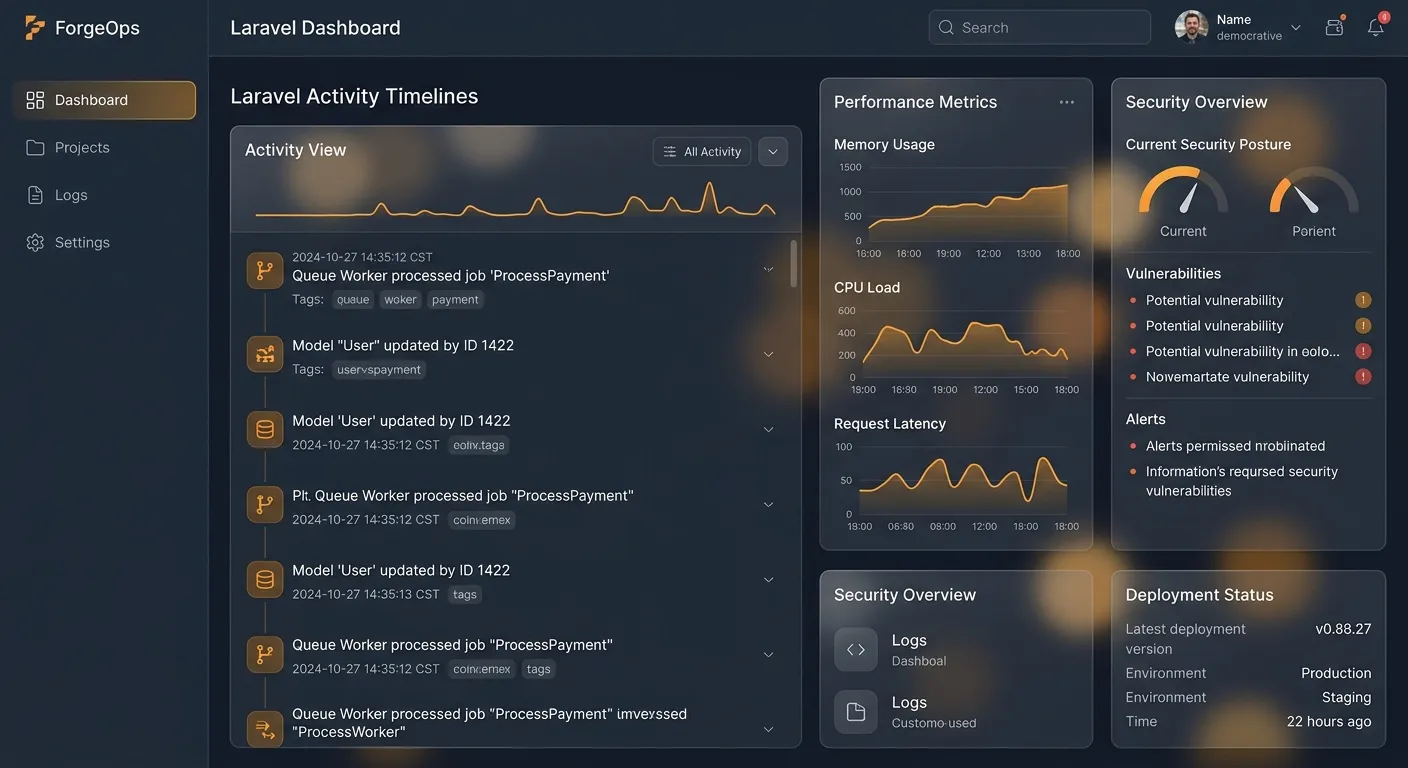
Waravel audit logs give Laravel teams a clear trail of user actions, content changes, and system events. If you need to hire staff today, use this guide to understand how audit logging, automated migration, and CMS controls make onboarding safer and faster.
Watch the Waravel admin dashboard walkthrough
What Are Waravel Audit Logs?
Waravel audit logs are structured records that capture who changed what, when, and from where inside a Laravel-powered Waravel site or portal. Instead of digging through server files, administrators can review content updates, user actions, role changes, login attempts, and system events in one place. For teams comparing plans in the Waravel portal, these logs turn routine operations into accountable, searchable activity.
Core Events You Can Track
- Content creation, editing, publishing, and deletion across pages and posts.
- User registration, login, logout, password resets, and role assignments.
- Package installation, configuration changes, and permission updates.
- Migration activity when moving from WordPress to Laravel.
- Admin actions such as redirects, media library changes, and trash restores.
2026-01-14 09:18:22
User [email protected] updated page:privacy-policy from draft to published.
Role change detected for [email protected] with IP 192.0.2.44.
Why Waravel Audit Logs Matter for Growing Teams
For small agencies, freelancers, or enterprise sites, visibility is a competitive advantage. Audit logs help you detect unusual behavior quickly, prove that changes were authorized, and reduce the risk of silent data corruption. They also simplify onboarding: when new team members join, they can learn from past actions rather than relying on tribal knowledge. If you need to hire staff today, a transparent activity trail makes training faster and more accountable.
Security Visibility
A compromised account often leaves a pattern. Logs show the last known IP, affected records, and sequence of actions. This is essential for security reviews, especially when managing multiple roles through the portal.
Compliance Readiness
Regulated industries need evidence. Waravel audit logs can support GDPR, SOC 2, or internal compliance reviews by showing retention-ready records of access and modifications.
Faster Troubleshooting
When a page breaks after an update, logs identify the exact change that triggered the issue. That is far more efficient than guessing or replaying manual steps.
How to Use Waravel Audit Logs Effectively
Start by enabling activity tracking in your Waravel admin area. Review the available event types, set retention rules, and assign log viewing permissions carefully. Not every team member needs access to sensitive records, so map roles before sharing.
- Register or sign in through the portal to manage licenses and users.
- Install or review packages that extend logging, security, or workflow tools.
- Export or filter logs by user, date, model, and action.
- Link logs to migration reports when moving content from WordPress using the migration tool.
- Review community guides and support documentation if an event looks unusual.
Pro tip: Treat audit logs as operational data, not just security data. Use them to spot repeated manual edits, unnecessary role changes, or migration steps that should be automated. A clean log trail often reveals where Waravel’s no-code tools can save time.
Best Practices for Audit Log Management
- Keep retention aligned with legal requirements and storage costs.
- Document log access policies in your internal wiki.
- Pair logs with backup and restore procedures.
- Use automated migration tools to reduce human error and noisy records.
- Monitor failed login and permission changes daily.
Quick Audit Log Checklist
Before going live, confirm that every action is recorded, every role has scoped access, and every export is tested. A small checklist prevents large incidents.
- Track user and role changes
- Record content updates
- Filter by date and model
- Review weekly
Explore Related Waravel Resources
Ready to Strengthen Your Laravel Operations?
Review Waravel features, compare pricing, and implement audit logs to create a safer, more transparent CMS workflow. When you are ready to scale, hire staff today to accelerate migrations, security reviews, and content operations.
Hire Staff Today