Master Laravel Activity Log: A Complete Guide for Secure Application Auditing
Implement robust user activity tracking to enhance security, debug issues, and maintain a transparent audit trail in your Laravel applications.
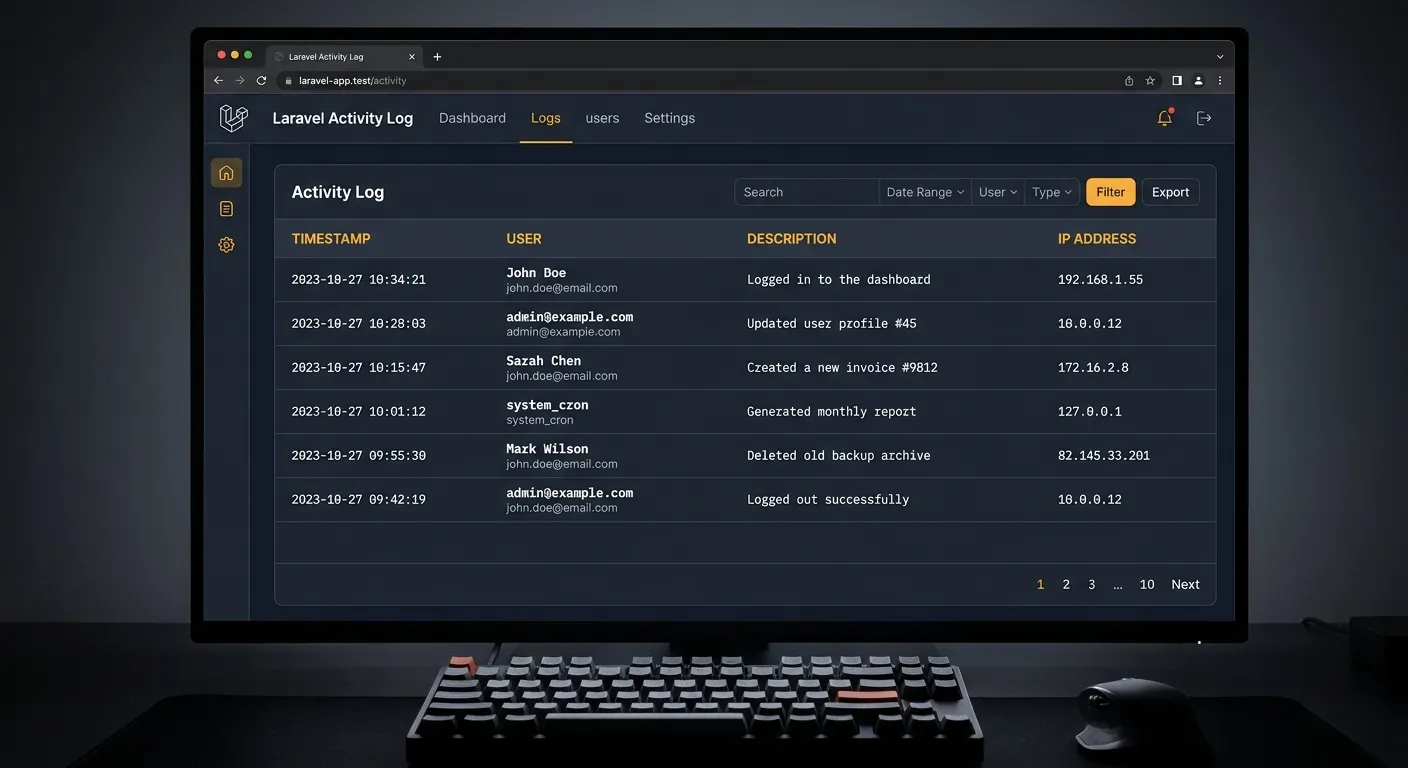
A comprehensive laravel activity log is not just a debugging tool; it's a critical component for application security, compliance, and user behavior analysis. By tracking every significant action—from data edits and logins to API calls and permission changes—you create a transparent, auditable system. This guide explores best practices, top packages, and actionable strategies to implement a production-ready logging system.
Why Implement a Laravel Activity Log System?
Security & Compliance
Track unauthorized access attempts, data breaches, and user actions to meet GDPR, HIPAA, or SOC2 requirements. A detailed log provides an indisputable audit trail.
Debugging & Performance
Pinpoint the exact sequence of events leading to an error or performance bottleneck. Reconstruct user sessions to understand complex bugs.
User Behavior Insights
Analyze how users interact with your application. Identify popular features, friction points, and potential areas for improvement in your workflow.
Implementing Laravel Activity Log: A Step-by-Step Guide
Leverage Powerful Community Packages
The Laravel ecosystem offers robust packages to accelerate your laravel activity log implementation. These handle database schema, query optimization, and UI components out-of-the-box.
👨💻 Pro-Tip:
For enterprise applications, consider a platform like Waravel that provides built-in, scalable activity logging as part of its CMS infrastructure, reducing custom development time.
- Spatie Laravel-Activitylog: The industry standard. Provides easy model-based logging, customizable log descriptions, and advanced query scopes.
- OwenIt Laravel-Auditing: Excellent for tracking model property changes (diffs), creating a full history of"who changed what" for any Eloquent model.
- Browse more specialized tools in the Waravel Packages directory.
Building a Custom Trait
For specific requirements, create a custom `LogsActivity` trait. This gives you complete control over what gets logged, where it's stored, and its format.
// In app/Traits/LogsActivity.php
trait LogsActivity
{
    protected static function bootLogsActivity()
    {
        static::created(function ($model) {
            ActivityLog::create([
                'user_id' => auth()->id(),
                'action'  => 'created',
                'model'   => get_class($model),
                'model_id'=> $model->id,
                'ip_address' => request()->ip(),
                'user_agent' => request()->userAgent(),
            ]);
        });
        // Add updated, deleted, restored events...
    }
}
This approach is ideal when migrating complex applications and needing granular control over your audit trail, a process simplified with automated tools like those discussed in this migration guide.
Critical Best Practices
- Log Context, Not Just Actions: Store serialized versions of the model's state before/after changes. This is crucial for forensic analysis.
- Use Queueable Listeners: Prevent logging from impacting user experience. Dispatch log jobs to a queue (Redis, database) for asynchronous processing.
- Implement Log Rotation & Archiving: Activity logs can grow rapidly. Schedule daily/weekly jobs to archive old logs to cold storage (e.g., AWS S3) and prune your main database.
- Secure the Log Viewer: If you expose a log dashboard, restrict access via middleware (e.g., `can:viewLogs`). Never make logs publicly accessible.
For teams managing these complexities, consider leveraging a managed platform. Waravel's feature set includes built-in, secure activity logging with fine-grained permissions.
See It In Action
Watch how comprehensive logging integrates into a real-world Laravel CMS environment for enhanced security and debugging.
This walkthrough demonstrates admin features, including how activity tracking is managed within the Waravel dashboard.
Ready to Implement?
A robust laravel activity log is foundational for serious applications. Whether you build it or use a managed solution, start today.