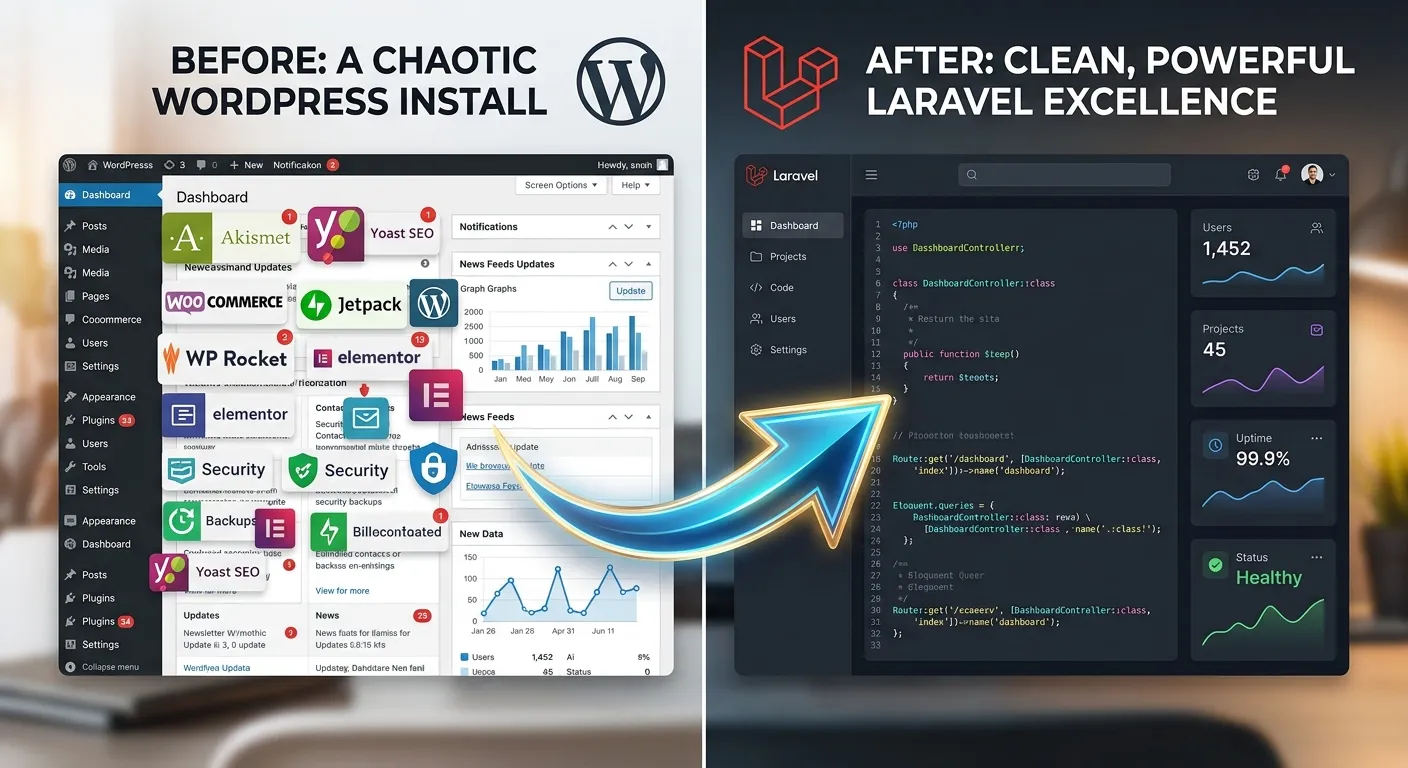
Migrate From WordPress to Laravel: The Ultimate Strategic Guide for 2026 & Beyond
Is your WordPress site buckling under traffic, security threats, or complex custom needs? Discover why a strategic migration to the Laravel framework is the definitive solution for scalable, high-performance web applications. This comprehensive guide details the process, benefits, and tools—like the premier Waravel migration tool—to execute a flawless transition without compromising data integrity or SEO.
Hire Expert Laravel Migration Staff TodayYour Migration Journey: A Multi-Category Overview
The Compelling Reasons to Leave WordPress for Laravel
WordPress powers a significant portion of the web, but its monolithic architecture often becomes a bottleneck for growing businesses. Solving WordPress problems with Laravel is not just a technical upgrade; it's a strategic business decision. Laravel offers a robust MVC framework that provides developers with elegant syntax and powerful tools, transforming how you build and manage your digital presence.
WordPress Pain Points
- Performance Bottlenecks: Bloated databases and inefficient plugin code slow down sites.
- Security Vulnerabilities: The vast plugin ecosystem is a constant target for exploits.
- Scalability Limits: Handling high traffic or complex user interactions is challenging.
- Technical Debt: Custom PHP functions and theme overrides create unmaintainable code.
Laravel Solutions
- Blazing Speed: Built-in caching, optimized query builders, and lightweight Blade components.
- Enterprise Security: Native protection against SQL injection, XSS, CSRF, and more.
- Horizontal Scalability: Designed for cloud-native deployment and microservices.
- Clean Architecture: Enforces organized, testable, and maintainable codebases.
Crafting Your Migration Blueprint
A successful migrate from WordPress to Laravel project requires meticulous planning. Begin with a comprehensive audit of your current site: inventory all posts, pages, users, media, custom post types, meta data, and active plugins. This audit informs your choice of Laravel CMS solutions and the required Laravel packages for developers. Key decisions include whether to use a headless CMS approach, a full-stack Laravel CMS like an October alternative, or a completely custom build. Understanding the advantages of Laravel framework at this stage is crucial for setting realistic goals.
Pro-Tip: The Migration Checklist
Before writing a single line of Laravel code, ensure you have:
- A full, verified database backup of your WordPress site.
- Documented all custom functionality and third-party API integrations.
- Defined your new Laravel data schema and relationships.
- Planned your SEO preservation strategy, including URL redirects.
- Allocated a staging environment that mirrors your production setup.
Tools & Services for Flawless Execution
The execution phase is where you choose your path: manual coding or leveraging automated WordPress to Laravel migration services. Manual migration offers ultimate control but is time-intensive and error-prone. For most businesses, automated tools are the smarter choice. The Waravel package exemplifies this, offering a streamlined process that handles data extraction, transformation, and import. It directly addresses the core challenge outlined in our resource on migrating without losing data.
For complex, large-scale migrations, consider engaging professional migration services. These teams bring expertise in both platforms and can navigate challenges like migrating WooCommerce stores, preserving member data, or handling multilingual content.
Optimization, Launch, and Beyond
Migration isn't complete once the data is transferred. The post-migration phase involves rigorous testing, performance tuning, and SEO verification. Use this time to optimize your Laravel CMS by implementing advanced caching strategies, leveraging database optimisation techniques, and minifying assets. Ensure all WordPress URLs are properly redirected to their new Laravel counterparts to preserve search rankings, a process detailed in our step-by-step guide.
Critical Post-Launch Tasks:
- Performance Audit: Use Lighthouse and New Relic to benchmark and improve speed.
- Security Hardening: Configure Laravel's security features and review server settings.
- Monitor & Support: Implement monitoring and consider ongoing Laravel maintenance & support.
- Team Training: Train content managers on the new, more powerful admin interface.
Key Benefits & Features of a Laravel-Powered Future
Migrating to Laravel unlocks a suite of advanced capabilities far beyond WordPress's core offerings. These are not just technical improvements but tangible business advantages.
Unmatched Performance & Scalability
Laravel's efficient query builder, built-in caching (Redis/Memcached), and queue system for background jobs ensure your application can handle exponential growth. This is critical for SaaS platforms, marketplaces, and high-traffic content hubs looking toward 2026.
Enterprise-Grade Security Foundation
Move away from the constant vulnerability patching of WordPress plugins. Laravel provides built-in protection against SQL injection, XSS, CSRF, and more. For advanced needs, explore dedicated Laravel security services to fortify your application.
Developer Productivity & Customization
Laravel's elegant syntax and vast ecosystem of essential Laravel packages accelerate development. Build complex features—from multi-tenant architectures to real-time dashboards—without the bloat and constraints of WordPress.
Long-Term Maintainability & Cost Control
A well-structured Laravel application reduces technical debt. This translates to lower long-term development costs, easier feature additions, and smoother Laravel version upgrades. You gain predictability and control over your digital asset's evolution.
Modern API-First & Headless Capabilities
Laravel Sanctum and Passport make building robust, secure APIs trivial. This future-proofs your application, enabling headless CMS architectures, mobile app backends, and seamless integration with modern frontends like Vue.js, React, or Next.js—a stark contrast to WordPress's REST API limitations.
Superior Content Management Experience
With the right best Laravel CMS approach—whether a custom-built admin or a package like Waravel—content managers enjoy a faster, more intuitive, and less cluttered interface. Features like in-line editing, advanced media libraries, and granular user permissions boost productivity.
Finding the Best Laravel CMS for Your Migrated Project
A critical decision post-migration is selecting or building your content management layer. Unlike WordPress's one-size-fits-all approach, Laravel offers flexibility. Your choice depends on your project's complexity, team skills, and long-term vision.
Option 1: Custom-Built Admin Panel
For projects with unique workflows and complex data models, building a custom admin with Laravel Nova, Backpack, or even plain Laravel offers total control. This approach leverages core Laravel packages for developers like Spatie's Laravel Media Library, Permission package, and Activitylog.
- Pros: Perfect fit for specific business logic, unlimited extensibility, optimal performance.
- Cons: Higher initial development time and cost, requires in-depth Laravel expertise.
This path is ideal for companies investing in a proprietary digital platform and often involves hiring dedicated Laravel talent.
Option 2: Pre-Built Laravel CMS Solutions
If you need a more out-of-the-box experience similar to WordPress but powered by Laravel, several Laravel CMS solutions exist. While October CMS is a known player, exploring modern October alternatives is key for 2026. Tools like Waravel provide a bridge, offering familiar content management paradigms built directly on Laravel's robustness.
- Pros: Faster setup, lower upfront cost, familiar concepts for WordPress users.
- Cons: May have limitations for highly custom features, dependent on package maintainers.
Expert Insight: The Hybrid Approach
Many successful migrations use a hybrid strategy. They start with a tool like Waravel to handle the core content migration and provide a solid admin base, then extend it with custom Laravel custom development for unique features. This balances speed with long-term flexibility.
WordPress vs. Laravel CMS: A Feature Comparison
Seeing is believing. This video dives deep into the practical differences between managing content in WordPress versus a modern Laravel CMS, highlighting the efficiency gains and advanced workflows possible.
Frequently Asked Questions: Migrate from WordPress to Laravel
Addressing the most common concerns and uncertainties surrounding a platform migration.
No, a properly planned migration should preserve and can even improve your SEO. The key is implementing 301 redirects from old WordPress URLs to new Laravel URLs, preserving meta titles/descriptions, and ensuring site structure remains logical. Tools like Waravel automate much of this data transfer. For a detailed guide, see this resource on data integrity.
Furthermore, Laravel's performance advantages often lead to faster page loads, which is a positive Google ranking factor.
The timeline varies dramatically based on site complexity, data volume, and custom functionality.
- Simple Blog (100s of posts): With an automated tool, 1-2 weeks including testing.
- Complex Business Site (Custom post types, users, e-commerce): 4-8 weeks for a thorough, professional migration.
- Large Marketplace or SaaS Application: 3-6 months, often treated as a full rebuild with phased data migration.
Using a dedicated migration tool can reduce the data transfer phase from weeks to days.
Most WordPress plugins do not have direct equivalents in Laravel. The migration process involves:
- Audit: List all active plugins and their core functionality.
- Evaluate: Determine if the feature is still needed.
- Replace: Rebuild the needed functionality using native Laravel features or dedicated Laravel packages. For example, a contact form plugin is replaced with Laravel's built-in mail system and a package like Laravel Form Builder.
- Retire: Often, you'll find many plugins are unnecessary bloat, simplifying your tech stack.
The cost structure is different. WordPress often has low initial costs (theme/plugins) but higher hidden costs: premium plugin subscriptions, security cleanup, performance optimization, and developer hours to work around limitations.
Laravel typically has a higher initial development investment but offers lower total cost of ownership (TCO). You pay for clean, maintainable code, fewer security incidents, better performance requiring less hardware, and faster feature development over time. For a detailed analysis, explore the strategic business advantages of Laravel.
It depends on your technical expertise and the site's criticality.
- DIY: Possible for developers with strong Laravel/PHP skills working on simple, non-critical sites. Using an automated tool is highly recommended.
- Hire a Team: Strongly advised for business-critical sites, e-commerce stores, or complex applications. Professional WordPress to Laravel migration services mitigate risk, ensure data integrity, and deliver a production-ready result. They also provide ongoing support and maintenance.
If you're considering building an internal team, you can start by hiring specialized Laravel migration staff to lead the project.
Ready to Elevate Your Digital Platform?
Migrating from WordPress to Laravel is a decisive step toward a faster, more secure, and infinitely scalable future. Whether you're planning a strategic move for 2026 or need to solve urgent WordPress problems now, the path forward is clear.
Use the Premier Tool
Explore how Waravel automates the heavy lifting of data migration, preserving your content and SEO while giving you a Laravel foundation.
Explore WaravelHire Expert Guidance
Partner with professionals who have a proven track record. Access deep expertise in both platforms for a guaranteed smooth transition.
Hire Migration Experts TodayLearn More & Plan
Dive deeper into strategies, comparisons, and technical insights. Our Resource Hub is filled with guides like our complete migration guide.
Consult Our TeamDon't let platform limitations dictate your growth. Unlock the power, performance, and potential of Laravel. Start your migration journey now.