The Waravel Schema: Automating Your WordPress to Laravel Headless Migration
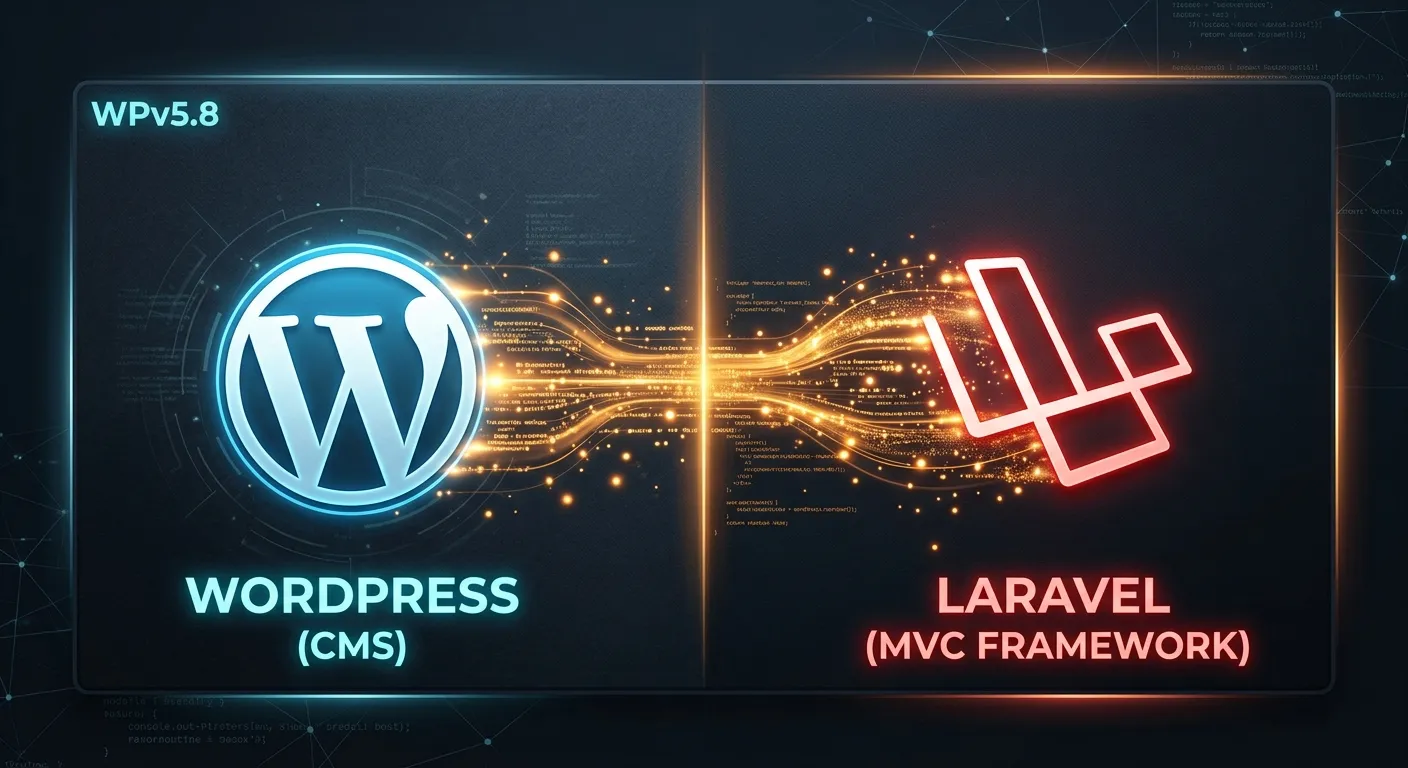
Discover the powerful framework that streamlines your transition, preserves SEO, and unlocks enterprise-grade performance. Hire Staff Today to manage your modernized stack.
Hire Your Migration Expert TeamIn the evolving landscape of web development, businesses seek robust, scalable solutions beyond traditional CMS limitations. The Waravel schema represents a paradigm shift—a structured, automated approach to migrating from WordPress to a headless Laravel architecture. This methodology ensures data integrity, enhances security, and future-proofs your digital assets.
Schema-Driven Migration
The core of the Waravel schema is its intelligent mapping system. It automatically translates WordPress data structures—posts, pages, custom post types, and meta fields—into elegant Laravel Eloquent models and migrations.
Explore the process →SEO & Data Integrity
A major fear in migration is losing hard-earned SEO ranking. The schema meticulously preserves URLs, meta tags, and structured data. Every byte of content is transferred, making tools like the WordPress to Laravel migration tool indispensable.
Headless Architecture Freedom
By adopting a WordPress to Laravel headless approach, you decouple your content backend from the presentation layer. This allows your frontend—built with React, Vue, or even a static site generator—to consume content via a fast, secure Laravel API.
See headless examples →Why the Waravel Schema is the Smartest Move
Manual migration is fraught with risk—human error, missed dependencies, and weeks of downtime. The automated Waravel schema eliminates these pitfalls. It's not just a tool; it's a comprehensive strategy for modernization.
Pro-Tip: Zero Coding Required
You don't need to be a Laravel expert. Platforms like Waravel provide a visual interface to manage your new Laravel CMS, making it accessible for developers and content managers alike. Hire Staff Today to oversee the transition with confidence.
Practical Implementation & Actionable Steps
1. Audit & Plan with the Schema
Begin by analyzing your current WordPress site. The Waravel schema helps categorize content types, plugins, and custom fields. Use resources from the Waravel community for best practices.
This planning phase is critical for a seamless WordPress to Laravel headless transition.
2. Execute the Automated Migration
Leverage the automated tools. The schema handles the heavy lifting: database conversion, media library transfer, and user migration. For a complete walkthrough, see the guide on migrating without losing data.
Frequently Asked Questions
Absolutely. The schema expertly handles WooCommerce data, converting products, orders, and customer data into normalized Laravel tables. This process maintains all transactional integrity. Learn more about automating for data integrity.
The Waravel schema is designed with SEO preservation as a core tenet. It maintains identical URL structures, redirects, meta titles, descriptions, and Open Graph data. This ensures search engine rankings are not only preserved but often improved due to faster Laravel performance.
Ready to Modernize Your Stack?
The Waravel schema provides the blueprint. Now, you need the right team to execute it. Post your project and hire top-tier Laravel developers today.
Embracing the Waravel schema is more than a technical migration; it's a strategic business decision. It moves you from a monolithic, plugin-dependent WordPress site to a scalable, secure, and developer-friendly Laravel powerhouse. The automated process reduces time-to-market and allows your team to focus on innovation rather than manual data entry. Begin your journey by visiting the main Waravel website or logging into the portal to see the schema in action.