Maximize Your Laravel CMS Performance: A Definitive Guide for 2026
Unlock the full speed, scalability, and power of your Laravel-based content management system with actionable, expert-level strategies.
Hire Laravel Performance Experts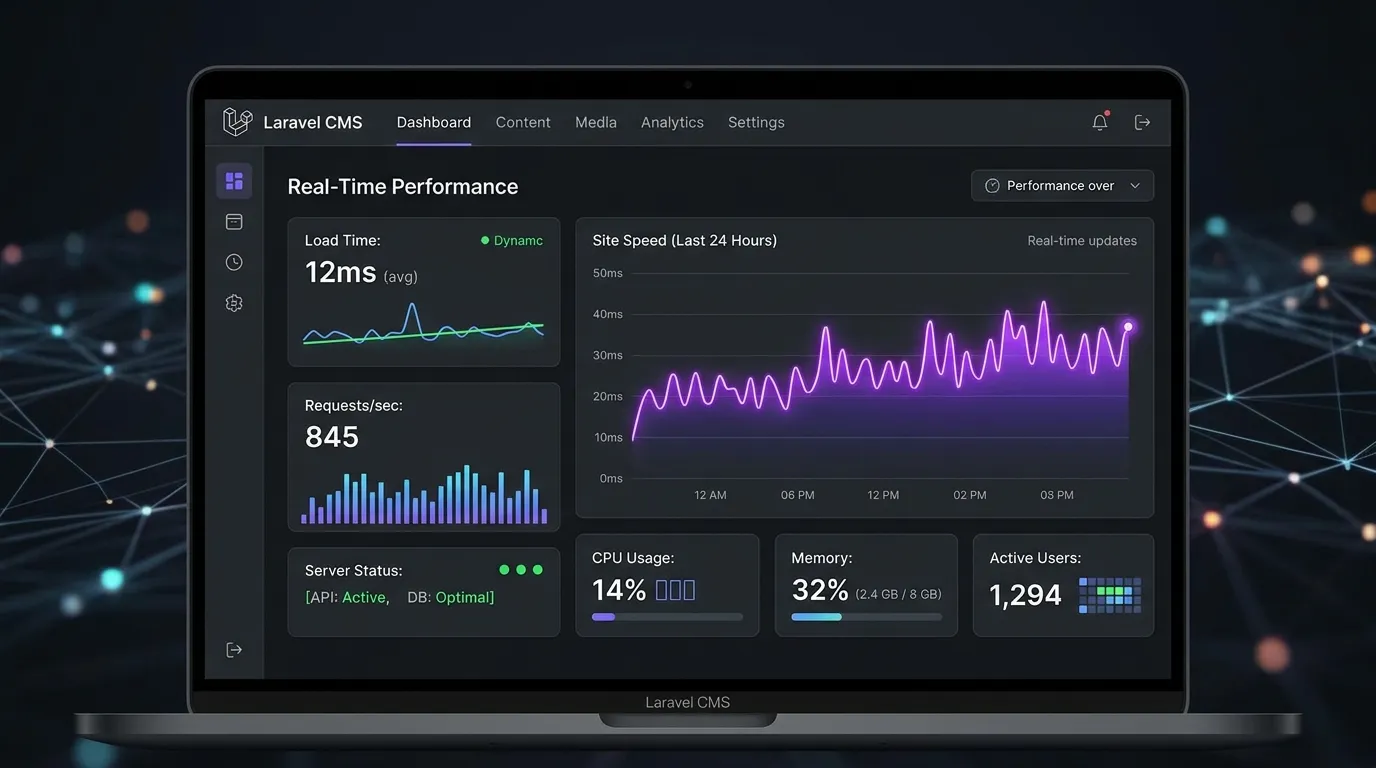
In the competitive landscape of web development, the performance of your Laravel CMS is not just a technical metric—it's a critical business driver affecting user experience, SEO rankings, and conversion rates. A fast, responsive CMS built on Laravel provides a superior foundation, but achieving elite laravel cms performance requires a deliberate strategy. This guide delves into the core principles and advanced techniques to ensure your CMS operates at peak efficiency.
Core Foundations of Laravel CMS Speed
Performance optimization starts with a solid architectural foundation. Laravel provides an excellent base, but how you build upon it determines the outcome.
1. Caching Strategy: Beyond the Basics
Implement a multi-layered caching approach. Utilize Laravel's built-in cache() helper for view and route caching, but go further. Consider Redis or Memcached for driver-level caching to drastically reduce database load. For a CMS, fragment caching of dynamic components (like navigation, recent posts) is essential. Platforms like Waravel are engineered with intelligent, automated caching layers out-of-the-box.
2. Database Optimization & Query Efficiency
A CMS lives and dies by its database queries. Use Laravel's Eloquent efficiently: eager load relationships with ->with() to prevent the N+1 query problem. Ensure indexes are correctly applied to foreign keys and frequently searched columns. Regularly monitor and optimize slow queries using Laravel Debugbar or Telescope. Consider read/write connections for high-traffic sites.
Pro-Tip: Asset Optimization
Don't let front-end assets become the bottleneck. Use Laravel Mix or Vite to minify and version CSS/JavaScript. Serve images through a CDN and implement lazy loading. Modern laravel cms performance tools often automate this, handling image compression and delivery seamlessly. Explore the Waravel Packages directory for performance-focused extensions.
Advanced Performance Tuning & Scalability
Once the basics are mastered, these advanced techniques can push your CMS into the top tier of speed and responsiveness.
Optimize Your Server Stack
Use PHP OPcache (with proper tuning) and consider switching to PHP-FPM with a performant web server like Nginx. Utilize a Content Delivery Network (CDN) to serve static assets globally. For ultimate scalability, platforms like Waravel's Portal offer managed, optimized environments specifically for Laravel CMS workloads.
Write Efficient Laravel Code
Avoid expensive operations in loops. Use database aggregations (count(), sum()) instead of processing collections in PHP. Leverage Laravel's job queue (Redis, Beanstalkd) for deferred tasks like sending emails, processing uploads, or generating reports to keep page response times instant.
Continuously Monitor Performance
Set up tools like Laravel Telescope, New Relic, or Blackfire.io to profile your application in real-time. Track key metrics: page load time, time to first byte (TTFB), and memory usage. Regular performance audits are crucial. The Waravel Community is a great resource for sharing benchmarks and optimization tips.
The Impact of Migration on Performance
Migrating from a legacy CMS like WordPress to a modern Laravel framework can be the single biggest performance upgrade you make. Bloated databases, inefficient plugins, and monolithic architecture often drag WordPress sites down.
Clean, Optimized Database
Laravel's elegant migrations and seeders allow for a lean, well-structured database schema, eliminating the post and postmeta bloat common in WordPress. Automated migration tools ensure this transition is seamless.
Modern, Efficient Codebase
Say goodbye to thousands of lines of procedural code. Laravel's MVC architecture promotes clean, maintainable, and inherently more performant code. Discover why many consider it a superior Laravel CMS October alternative.
Built for Scalability
Laravel applications are designed to scale horizontally. As your traffic grows, you can easily distribute load across multiple servers—a complex and often costly endeavor with traditional CMS platforms.
For a detailed breakdown of the performance gains, read our case study: How to Migrate Your Entire WordPress Site to Laravel Without Losing Data.
Actionable Next Steps to Boost Performance
Audit Your Current CMS
Run a performance audit using Lighthouse (in Chrome DevTools) or PageSpeed Insights. Identify your biggest bottlenecks—are they server-side, front-end, or database-related?
Implement a Robust Caching Layer
Start with Laravel's configurable caches. If you're not using Redis, switch to it. Configure cache durations appropriately for your content update frequency.
Consider a Performance-Optimized Platform
Building and maintaining a high-performance Laravel CMS from scratch is complex. Leverage a specialized platform designed for speed. Build and manage your Laravel CMS with zero coding on a framework engineered for optimal laravel cms performance from the start.
Ready to Achieve Elite Laravel CMS Performance?
Don't let a slow CMS hold your business back. Optimize your platform, migrate seamlessly, or hire experts to handle it for you.
Explore pricing plans or get technical support for your optimization journey.