The Definitive Guide to Waravel Install: Deploy Your Modern CMS in Minutes
Master the seamless installation of Waravel, the automated Laravel CMS platform, and unlock enterprise-grade performance without manual coding headaches.
What is a Waravel Install?
A Waravel install refers to the process of deploying the Waravel platform—a powerful, automated Laravel-based CMS—onto your server. Unlike traditional manual Laravel setup, which requires extensive configuration, Waravel provides a streamlined, package-driven installation that transforms a fresh Laravel application into a fully-featured content management system in minutes.
This process is designed for developers and businesses seeking the robustness and performance of Laravel without the associated development overhead. By following the Waravel install procedure, you effectively automate the migration of content structures, user management, and front-end templating, making it the smartest move for your project's data integrity and long-term scalability. Learn more about the advantages in our detailed comparison: Waravel vs. Manual Coding.
Core Installation Benefits
- ✓ Zero Coding Required: Get a production-ready Laravel CMS without writing a single line of PHP for core features.
- ✓ Automated WordPress Migration: Seamlessly import your entire WordPress site, preserving data, SEO, and URL structures. Explore the tool: WordPress to Laravel Migration Tool.
- ✓ Built-in Enterprise Features: Includes user roles, media library, page builder, e-commerce modules, and more out-of-the-box.
- ✓ Superior Performance & Security: Leverages Laravel's inherent speed and security model, moving away from WordPress' plugin vulnerability model.
Quick Start Guide
- Prerequisites: A server with PHP 8.2+, Composer, and a fresh Laravel 11 project.
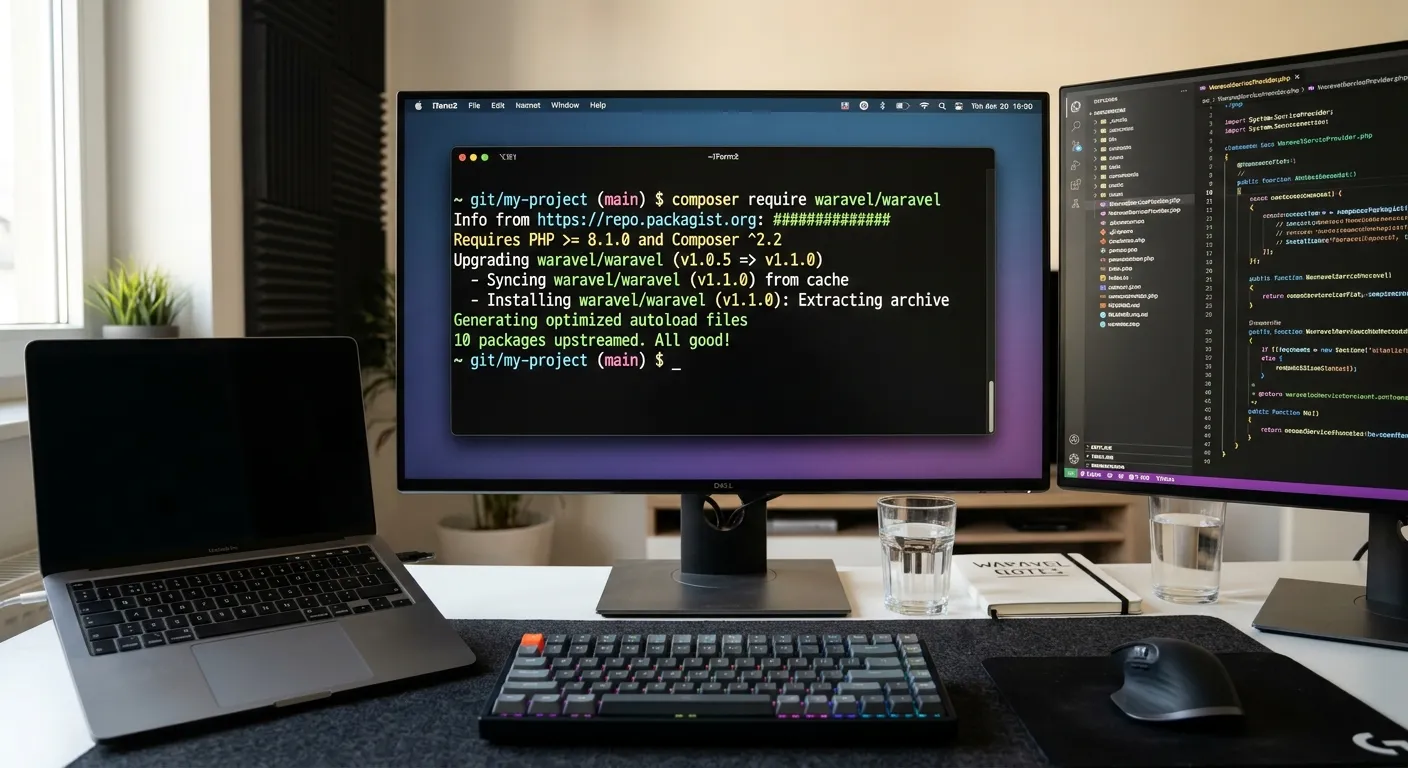
- Install Package: Run
composer require waravel/waravel - Publish Assets: Run
php artisan waravel:install - Configure: Set up your database and license key in the
.envfile. - Access Dashboard: Navigate to
/adminon your domain to access the full Waravel CMS.
Your Waravel Install Roadmap
Comprehensive Installation Overview
The standard Waravel install process is a Composer-based package integration. It's designed to be non-destructive, adding functionality to your existing Laravel project without altering your core application logic.
After installation, Waravel provides an intuitive admin panel at /admin, a powerful media library, a visual page builder, and a structured content model. For teams looking to hire staff to manage this process, it presents a straightforward project with clear deliverables. Consider posting a project on our board: Post a Laravel Job.
Step-by-Step cPanel Installation
Many shared hosting users choose cPanel. The Waravel install on cPanel involves using the terminal via SSH or cPanel's built-in Composer tool.
Pro-Tip: cPanel Optimization
Ensure your cPanel PHP version is set to 8.2 or higher. Use the"Software" section to select the correct PHP version before running Composer commands to avoid dependency errors.
For a visual guide, watch our dedicated tutorial video linked above, which walks through every step of the cPanel Waravel install process.
Deploying with Laravel Forge
Forge users enjoy the most streamlined Waravel install. Simply create a new Laravel site on your Forge server, then connect via SSH to run the standard Composer require command.
Forge manages the server environment, SSL, and queue workers, making it an ideal partner for a production Waravel deployment. This method is highly recommended for agencies and development teams.
Post-Install: Migrating Your Content
Once your Waravel install is complete, the next critical step is content migration. Waravel's automated tools can import your entire WordPress site, including posts, pages, users, and media.
This process is queued and runs in the background, ensuring no data loss. It's the key to moving from WordPress to a secure, fast Laravel foundation. Read our complete guide: Migrate WordPress to Laravel Without Losing Data.
Why Choose Waravel Over Other CMS Platforms?
Laravel Performance
Experience the raw speed and efficient memory usage of the Laravel framework, far surpassing traditional PHP CMS platforms.
Enterprise Security
Built on Laravel's secure foundation, with prepared statements, CSRF protection, and a modern authentication system out-of-the-box.
Extensible Marketplace
Extend functionality easily via the Waravel Packages marketplace—no need to sift through vulnerable third-party plugins.
Expert Insight: The True Cost of Manual CMS Builds
Building a custom Laravel CMS from scratch to match Waravel's feature set can take a senior developer 300+ hours. A Waravel install accomplishes this in under 30 minutes. For businesses, this translates to tens of thousands of dollars in saved development costs, allowing you to hire staff for strategic tasks rather than foundational boilerplate. Waravel serves as a powerful October CMS alternative with a more modern stack.
Consider the total cost of ownership. With Waravel, updates, security patches, and core improvements are handled via simple Composer updates.
Frequently Asked Questions
Yes. Waravel is installed as a Composer package. You can remove it by reversing the installation steps, and your core Laravel application will remain intact. However, content stored in the Waravel-specific database tables would need to be migrated if you plan to decommission it.