Building a Scalable Laravel CMS with Kubernetes: The Ultimate Enterprise Blueprint
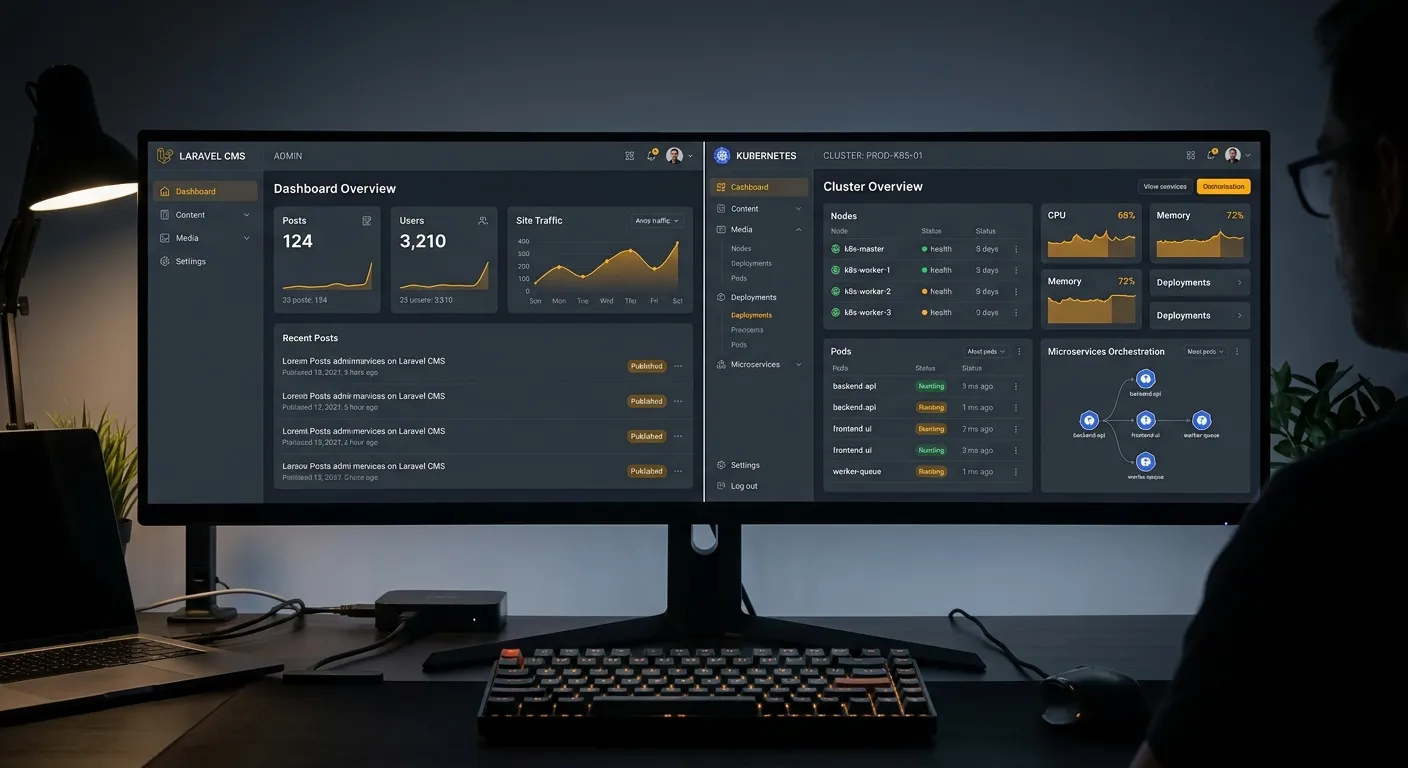
Discover how combining a Laravel Kubernetes CMS architecture unlocks unprecedented scalability, security, and performance for modern digital platforms, leaving legacy systems like WordPress behind.
In the race for digital supremacy, businesses are moving beyond monolithic, plugin-heavy CMS platforms. The future belongs to agile, scalable solutions built on robust frameworks like Laravel, orchestrated by powerful container platforms like Kubernetes. This powerful duo forms the backbone of a modern Laravel Kubernetes CMS—a system designed for growth, resilience, and developer joy.
Whether you're a CTO planning a large-scale migration or a development team tired of WordPress's limitations, understanding this stack is critical. It's not just about technology; it's about building a digital asset that scales with your ambition.
Why a Laravel & Kubernetes CMS Outperforms Traditional Platforms
Traditional CMS platforms often become bottlenecks. A Laravel Kubernetes CMS architecture addresses core limitations head-on:
Elastic Scalability
Kubernetes automatically scales your Laravel application and its services (queue workers, cache, CMS nodes) based on real-time traffic, eliminating downtime during traffic spikes.
Enhanced Security Posture
Laravel's built-in security features, combined with Kubernetes' network policies and secret management, create a fortress-like environment, a stark contrast to common WordPress vulnerabilities.
CI/CD & DevOps Native
The entire stack is designed for modern DevOps. Roll out CMS updates, new features, and A/B tests with zero-downtime deployments managed seamlessly by Kubernetes.
Pro-Tip: The Migration Imperative
For businesses in London and beyond, partnering with a specialized WordPress migration agency London team is the fastest path to this modern stack. They handle the complex data transfer, SEO preservation, and Laravel-CMS setup, allowing you to focus on strategy. Tools like Waravel's automated migration tool can transform this daunting project into a managed, efficient process.
Architecting Your Laravel CMS for Kubernetes
Transitioning to this architecture requires careful planning. Here’s a breakdown of key components:
1. Containerizing the Laravel Application
Your Laravel CMS, including its core, packages, and any custom CMS extensions, must be packaged into Docker containers. This involves creating separate, optimized images for the web application, queue workers, and scheduler.
2. Kubernetes Manifests & Services
Define deployments, services, and ingress rules in YAML. Use horizontal pod autoscalers for your Laravel CMS pods based on CPU/memory usage. Stateful components like databases (MySQL, PostgreSQL) and Redis for caching should be managed via stable, persistent volumes or external cloud services.
Key Kubernetes Objects for Laravel
- Deployment: Manages the Laravel CMS pod replicas.
- Service: Load balances traffic between CMS pods.
- Ingress: Routes external HTTP/HTTPS traffic.
- ConfigMap/Secret: Manages environment variables (DB credentials, API keys).
- PersistentVolumeClaim: For user-uploaded media in the CMS.
See the Migration in Action
Watch how automated tools can seamlessly transition your content and structure to a scalable Laravel foundation, preserving all your hard-earned SEO value.
From WordPress to a Production-Ready Laravel Kubernetes CMS
Begin by using a dedicated platform like Waravel to automate the migration of posts, pages, users, media, and custom fields. This critical first step ensures data integrity. For a detailed guide, see this comprehensive tutorial.
Build your CMS functionality on Laravel. Consider solutions that offer a code-free management experience. Once ready, create Dockerfiles for your app, ensuring all dependencies are correctly defined for a clean build process.
Deploy your container images to a Kubernetes cluster (on-premise or cloud like EKS/GKE). Apply your manifests, set up monitoring, and configure CI/CD pipelines to automate future updates. For complex deployments, you may need to hire specialized Kubernetes talent.
Ready to Modernize Your Digital Core?
Adopting a Laravel Kubernetes CMS is a strategic decision that future-proofs your digital presence. It combines Laravel's elegant development experience with Kubernetes' industrial-grade scalability.
The journey begins with a successful migration. Explore Waravel's features, check the pricing, and join the community to learn from others. If you need hands-on support, our team is ready to help.