Laravel CMS License: Hire Staff Today to Build a Secure, Scalable Content Platform
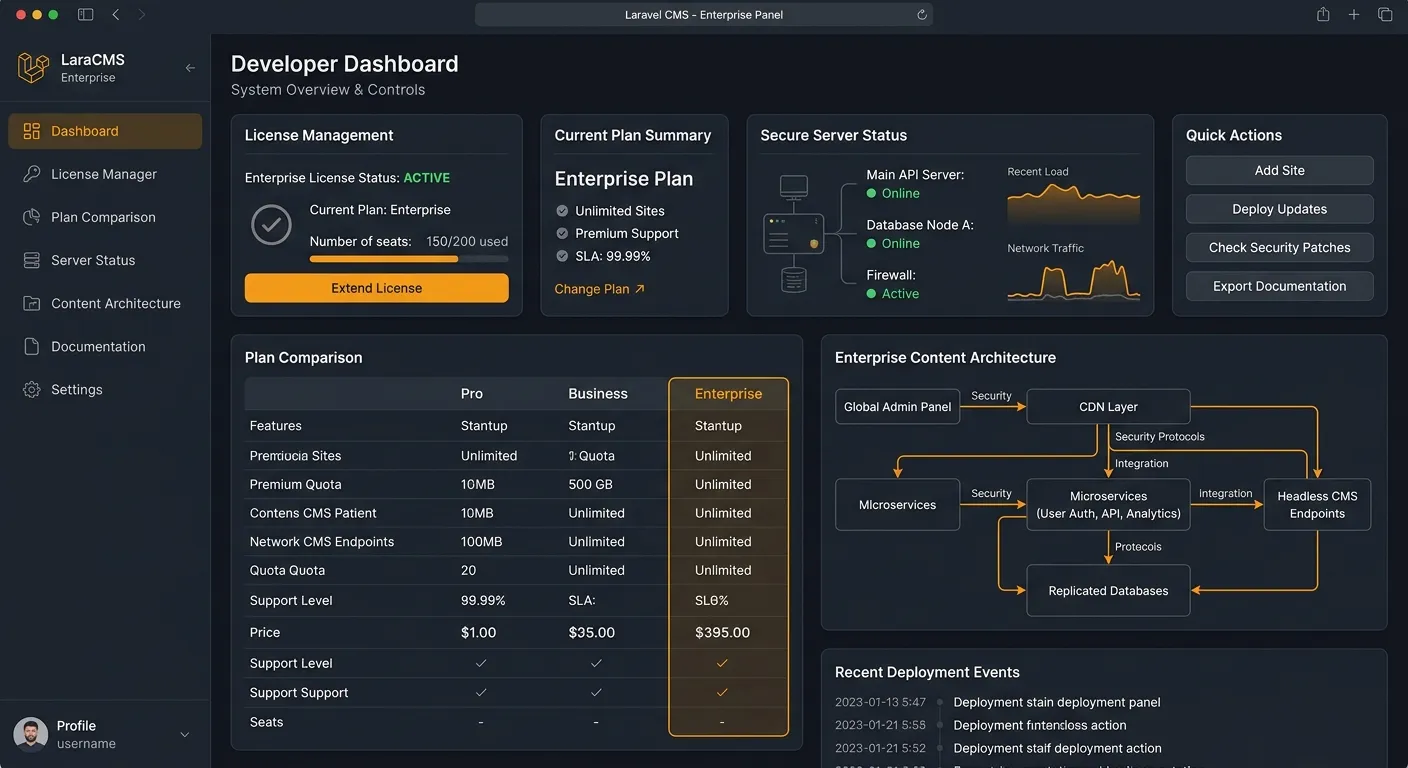
SEO Description: This guide explains how to compare a secure Laravel CMS license, hire staff today, activate plans, and migrate WordPress to Laravel with confidence.
A properly managed Laravel CMS license helps agencies, product teams, and founders hire staff today, compare plans, activate a scalable platform, and migrate WordPress to Laravel with fewer risks. This guide explains what to look for, how to secure the license, and why Waravel’s automated tools make governance easier.
Why a Laravel CMS License Matters for Growth and Governance
A Laravel CMS license is not just a purchase receipt; it is the legal and technical foundation for using a content platform reliably. Teams choose a licensed Laravel CMS to get predictable updates, support access, and a clear boundary between custom code and managed features. For agencies, that clarity reduces risk when scaling client sites. For product teams, it makes onboarding developers easier because everyone knows which components are officially supported.
Before you commit, compare the pricing and features. A strong license should answer three questions: Who can use it? Which domains or environments are covered? What happens when support expires? If the answer is vague, request documentation or test with a staging site.
- Use a staging domain to validate license activation.
- Confirm whether updates include security patches and bug fixes.
- Check if the license covers multisite, API access, and migration tools.
What to Check Before Buying a Laravel CMS License
License Scope
Decide if you need one site, unlimited internal projects, or client redistribution rights. Read the domain, server, and team-seat rules carefully.
Support & Updates
Look for a clear renewal model and response time. If support is slow, a cheap license can become expensive later.
Migration Readiness
Check whether the license includes tools for content mapping, redirects, media handling, and database import. This matters most when moving from WordPress.
Activate, Secure, and Scale Your Laravel CMS License
After purchase, register at portal registration, then activate the license key in the portal. Keep keys out of public repositories and rotate them if an environment is compromised.
For teams migrating WordPress, use packages and a migration tool to preserve pages, media, redirects, and SEO structure. If you need help, hire staff today or contact support.
Environment Variable
WARAVEL_LICENSE_KEY=your-key-hereSecurity is part of licensing. Store keys in environment variables, not committed files. Restrict dashboard access by role, enable two-factor authentication where available, and review invoices before renewal. If your team uses multiple environments, document which license covers production, staging, and development to avoid accidental violations.
Common Laravel CMS License Models
Single-site license
Multi-domain agency license
Enterprise or SaaS license
Get Started with the Right Laravel CMS License
Choose a license that matches your growth plan, then use Waravel resources to implement it. Explore Waravel, home page, community, October alternative, zero-coding CMS, effortless migration, and byte-safe migration.
Ready to implement a secure Laravel CMS license with expert help?
Hire Staff Today