Laravel Backpack Alternative: Modern Admin Panel for Laravel Development Services
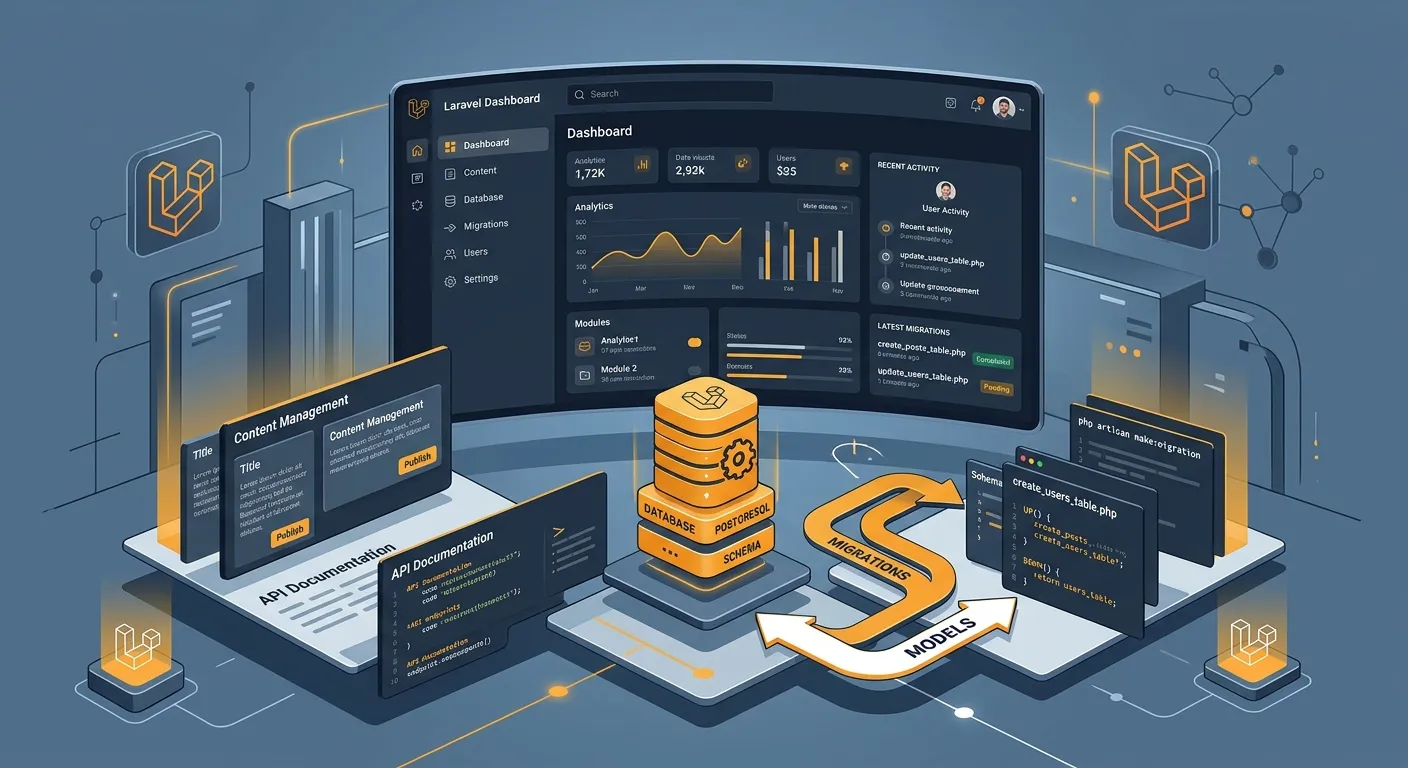
Looking for a Laravel Backpack alternative? Discover secure, scalable admin panels, Waravel migration tools, and expert Laravel development services to hire staff today.
Backpack for Laravel is widely used for CRUD interfaces, but many teams outgrow its assumptions. A Laravel Backpack alternative should deliver cleaner permissions, better extensibility, stronger migration support, and a developer experience that fits enterprise workflows. This guide compares what to evaluate and how to choose a platform that supports long-term Laravel development services.
Why Teams Search for a Laravel Backpack Alternative
A common reason to seek a Laravel Backpack alternative is complexity. As applications expand, teams need granular roles, reusable modules, audit logs, and predictable upgrade paths. Backpack may be sufficient for simple admin panels, but it can feel limiting when you need a full CMS, headless APIs, or automated content migration.
- You need deeper permission management than basic CRUD controls.
- You want a CMS layer that supports pages, redirects, media, and reusable blocks.
- You prefer a migration-first workflow when moving from WordPress or legacy Laravel admin packages.
- You need vendor support, documentation, and a roadmap for production Laravel development services.
What to Compare in a Laravel Backpack Alternative
When evaluating a Laravel Backpack alternative, compare the admin experience, database flexibility, extensibility, security, and support. A good alternative should reduce custom code while preserving Laravel conventions. It should also offer clear paths for content editors, developers, and product owners.
Admin UX
Choose a panel with intuitive forms, filters, bulk actions, and responsive layouts. Editors should complete tasks without developer assistance.
Extensibility
Look for hooks, fields, relationships, and package modules. The best Laravel Backpack alternative avoids lock-in and supports custom Laravel development services.
Migration
If you are moving from WordPress or another CMS, test content mapping, redirects, media import, and rollback plans before committing.
Backpack vs Waravel as a Laravel Backpack Alternative
Waravel positions itself as a Laravel CMS platform rather than a simple admin package. For teams searching for a Laravel Backpack alternative, the difference is scope: Backpack often focuses on CRUD scaffolding, while Waravel aims to provide pages, media, extensions, migration tooling, and a managed portal. That makes it useful when your project is becoming a productized CMS.
- Review the Waravel homepage for product positioning.
- Explore packages and extensions to see modular capabilities.
- Compare with the October alternative if you need a CMS mindset.
- Try the portal registration to access demo workflows.
Migration checklist:
1. Export models
2. Map fields
3. Test redirects
4. Validate media
5. Run staging sync
See a Laravel Admin Dashboard in Action
A visual walkthrough helps teams judge whether a Laravel Backpack alternative fits their daily editing workflow. Watch how dashboard navigation, pages, media, and extensions behave before you commit to a platform.
When You Need Laravel Development Services
Some teams should not just swap packages; they should partner with experienced Laravel development services. A specialist can audit your models, controllers, policies, and content schema before recommending a Laravel Backpack alternative. This is especially important for enterprise applications where migration errors can damage SEO, user data, or compliance records.
Pro Tip: Before choosing a Laravel Backpack alternative, export a representative dataset and run a dry migration. Validate redirects, custom fields, and media references. If your team lacks time, hire Laravel developers through the job board and request a migration audit.
Practical Migration Tips
The safest path from Backpack or any legacy admin system is incremental migration. Keep the old panel live, sync content, and move modules one at a time. Use version control, backups, and staging environments. If you are moving from WordPress, use an automated tool to preserve hierarchy and metadata.
- Map every field and relationship before rebuilding forms.
- Preserve URL structure and submit updated sitemaps after launch.
- Test role permissions with real editor workflows, not just admin accounts.
- Document the new Laravel development services handover for future maintainers.
Helpful Waravel Resources
Use these resources to compare features, pricing, support, and migration guides before selecting your Laravel Backpack alternative.
Next Step: Replace a Limiting Admin Panel
Ready to replace a limiting admin package? Evaluate your options, test a demo, and hire staff today if you need senior Laravel development services. A focused migration audit can prevent downtime and protect your content model.