Laravel Visual Editor: Hire Staff Today for Faster CMS Builds
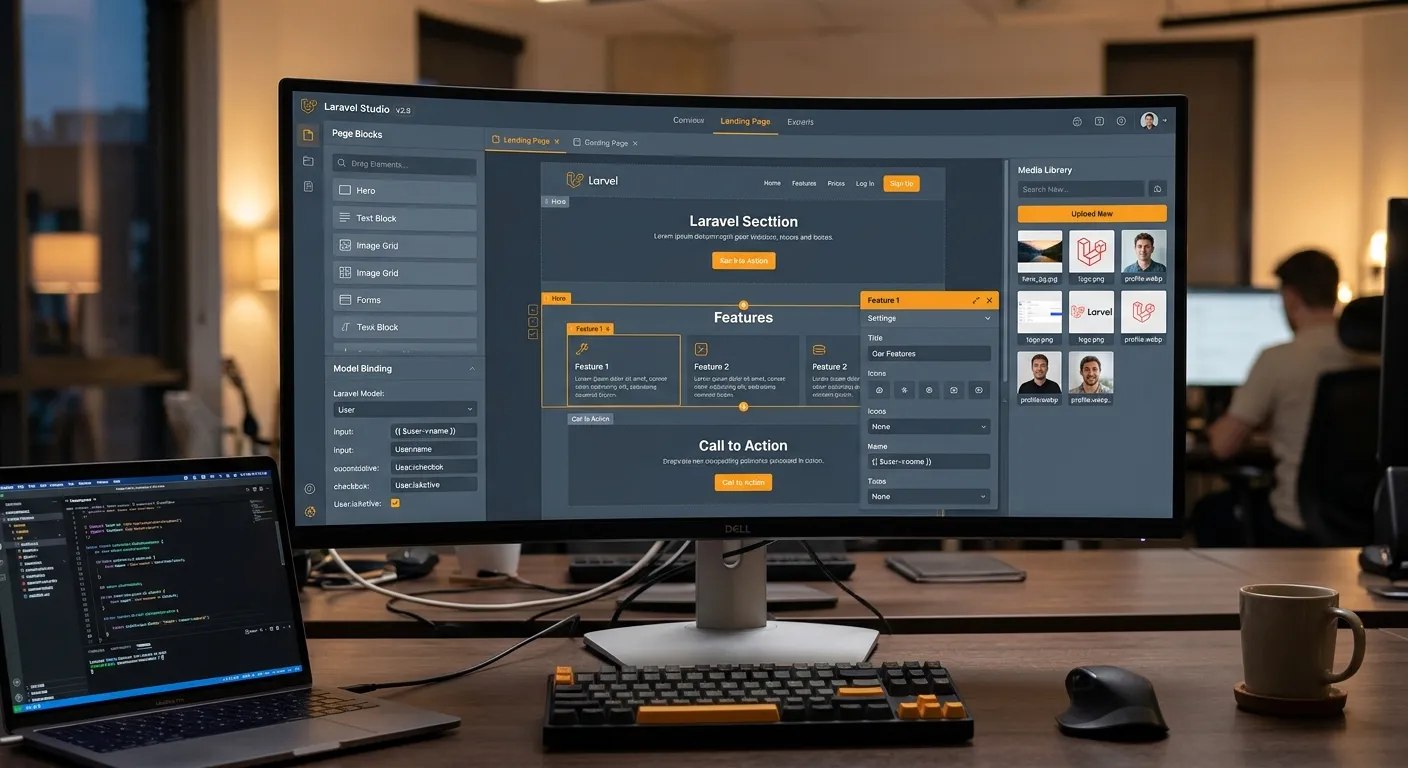
A modern laravel visual editor lets product teams design, edit, and publish content without waiting for custom code. This guide explains how to evaluate options, connect them to Laravel models, and hire staff today to accelerate migrations, page builders, and enterprise CMS workflows.
Hire Staff TodayWhy a Laravel Visual Editor Improves Delivery Speed
Traditional Laravel development often separates content editing from engineering. Editors submit tickets, developers create controllers, designers adjust templates, and QA reviews every change. A laravel visual editor reduces that handoff by giving non-developers a safe way to build pages while preserving the framework’s routing, authentication, database, and API structure.
For teams migrating from WordPress or custom PHP, the benefit is even stronger. A visual layer can map legacy content to Laravel models, validate redirects, and let marketing teams publish without breaking production. If you need specialized help, you can hire staff today to audit your CMS, configure the editor, and train content owners.
Drag-and-Drop Blocks
Reusable components let teams assemble landing pages, blog posts, and documentation without touching Blade files. The editor should expose only the fields your models and policies allow.
Model-Aware Editing
A strong laravel visual editor binds fields to Eloquent models, casts values, handles relationships, and prevents invalid data from reaching the database.
Pro Tip
Before choosing a laravel visual editor, test it against your real content: long-form articles, multilingual records, media-heavy pages, and custom post types. If migration or editing breaks SEO URLs, the editor is not production-ready.
How to Choose a Laravel Visual Editor for Production
Security First
Look for role-based permissions, audit logs, draft previews, and safe publish controls. Editors should never be able to inject unsafe HTML or bypass Laravel policies.
Migration Support
Content migration is often the hardest part. Waravel’s automated tools aim to move WordPress data into Laravel while preserving structure and SEO, which is critical when you evaluate a visual CMS.
Developer Extension
The best laravel visual editor is not a black box. It should allow custom fields, API access, Blade overrides, and packages from the Waravel marketplace.
Practical Workflow for Content Teams
A reliable workflow starts with templates, then content, then review. Editors create a page from a predefined layout, update blocks, connect media, and submit for approval. This keeps the laravel visual editor focused on content decisions instead of code decisions. For implementation questions, review Waravel support before launching a large migration.
1. Build the Page Shell
Define page types, routing rules, and reusable components. If you are moving from WordPress, compare automated migration options such as the WordPress to Laravel migration tool.
2. Let Editors Own Content
Once the structure is stable, train editors to create, edit, redirect, and restore pages. The zero-coding CMS guide explains how teams manage content without custom development.
Video Walkthrough
Watch how a page is created from scratch inside Waravel’s visual CMS workflow:
Resources to Evaluate and Hire
Use these official resources to compare features, pricing, and migration workflows before selecting your laravel visual editor stack.
Need help implementing a laravel visual editor, migrating content, or training editors? A qualified team can set up permissions, page templates, migration queues, and editor training in one delivery sprint.
Hire Staff Today