Master Laravel Google Search Console Integration for Peak SEO Performance
Unlock actionable insights and automate SEO monitoring by seamlessly connecting your Laravel application with Google's powerful webmaster tools. This comprehensive guide will empower developers and businesses to enhance visibility, track performance, and hire staff with the confidence of data-driven decisions.
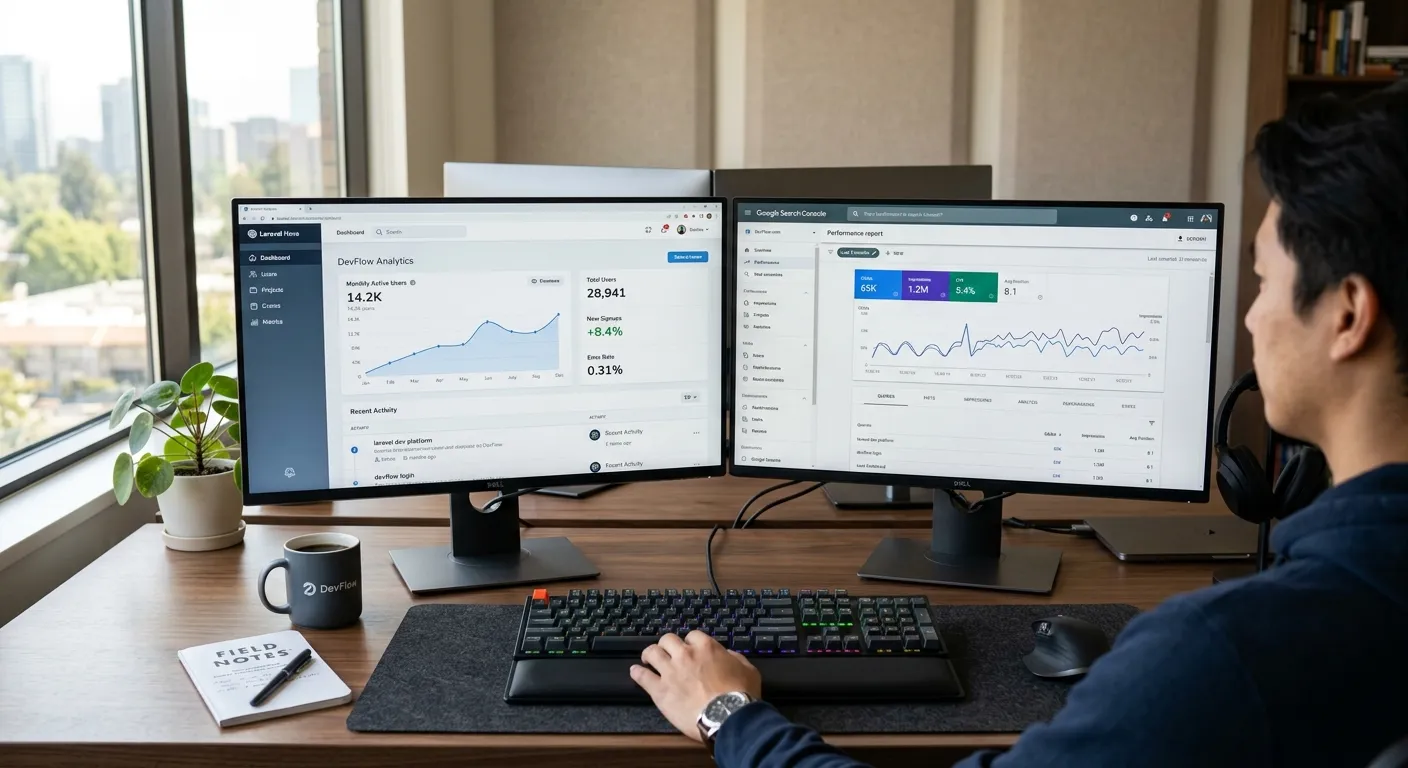
Integrating Google Search Console (GSC) with your Laravel application is no longer a luxury—it's a necessity for any serious online presence. This powerful synergy allows you to move beyond guesswork and into a realm of precise SEO strategy, where you can monitor indexing status, optimize crawl budget, and identify critical performance opportunities directly from your Laravel CI/CD CMS workflow.
Why Laravel & Google Search Console Integration is Essential
A manual laravel google search console integration can be pieced together, but a streamlined, automated approach baked into your development pipeline is transformative. It turns SEO from a reactive task into a proactive component of your laravel ci cd cms.
Automated Sitemap Submission
Automatically submit and update your XML sitemap whenever new content is published via your Laravel CMS, ensuring Google discovers pages instantly.
Direct Performance Feedback Loop
Fetch search analytics (clicks, impressions, CTR, position) directly into your admin panel, enabling data-driven content and keyword strategy adjustments.
Proactive Issue Resolution
Receive alerts for indexing errors, mobile usability problems, or security issues directly within your Laravel application's notification system for swift action.
True integration isn't just about fetching data; it's about embedding SEO health checks into your deployment process. When you implement a laravel ci cd cms, consider adding a GSC audit step that runs before deployment to production, checking for critical search issues.
Step-by-Step Integration Guide
The DIY Developer Approach
A custom laravel google search console integration requires setting up OAuth 2.0 authentication with Google APIs, creating service classes to interact with the GSC API, and building scheduled jobs to fetch data.
- Create a project in the Google API Console and enable the Search Console API.
- Implement the
google/apiclientpackage for OAuth and API calls. - Build Artisan commands to fetch and store search analytics, sitemap status, and index coverage.
- Schedule these commands to run daily using Laravel's built-in task scheduler.
This approach offers maximum flexibility but requires significant development time and ongoing maintenance—resources that could be better spent growing your business. Hire dedicated Laravel developers if you choose this path.
The Automated, Production-Ready Path
Platforms like Waravel abstract this complexity. As a comprehensive laravel ci cd cms, it provides built-in tools and modules for seamless integration.
Waravel Integration Advantages:
- Pre-built Connector: Connect your GSC property in minutes via the Waravel Portal with guided authentication.
- Dashboard Widgets: Key metrics like top-performing queries and page crawl errors are displayed directly in your Waravel admin dashboard.
- Automated Sitemap Handling: Your sitemap is automatically generated, updated, and submitted to GSC whenever you publish or update content.
This turnkey solution is ideal for teams that want robust SEO capabilities without the development overhead. Build and manage your Laravel CMS with zero coding and include GSC integration from day one.
See the Integration in Action
Watch how seamless SEO management becomes when your Laravel CMS and Google Search Console work in unison.
This video demonstrates the power of a modern Laravel application connected to essential webmaster tools.
Advanced Integration within a Laravel CI/CD CMS
For development teams operating a continuous integration and deployment pipeline, laravel google search console integration can be a quality gate. Imagine a deployment failing because a recent code change introduced widespread 404 errors detected by GSC. This is the power of true integration.
Leveraging Packages & Community
The Laravel ecosystem is rich with tools. Explore packages on Waravel Packages that might offer GSC API wrappers or inspiration. Furthermore, engage with other developers on the Waravel Community to share implementation strategies.
When planning a migration, such as a WordPress to Laravel migration, preserving SEO is paramount. A robust GSC integration helps monitor the transition for any ranking drops or indexing issues immediately after the cutover.
CI/CD Checklist for SEO
- Run a GSC coverage report check in your staging environment before deployment.