Optimize Your Laravel CMS Sitemap for Superior SEO & Performance
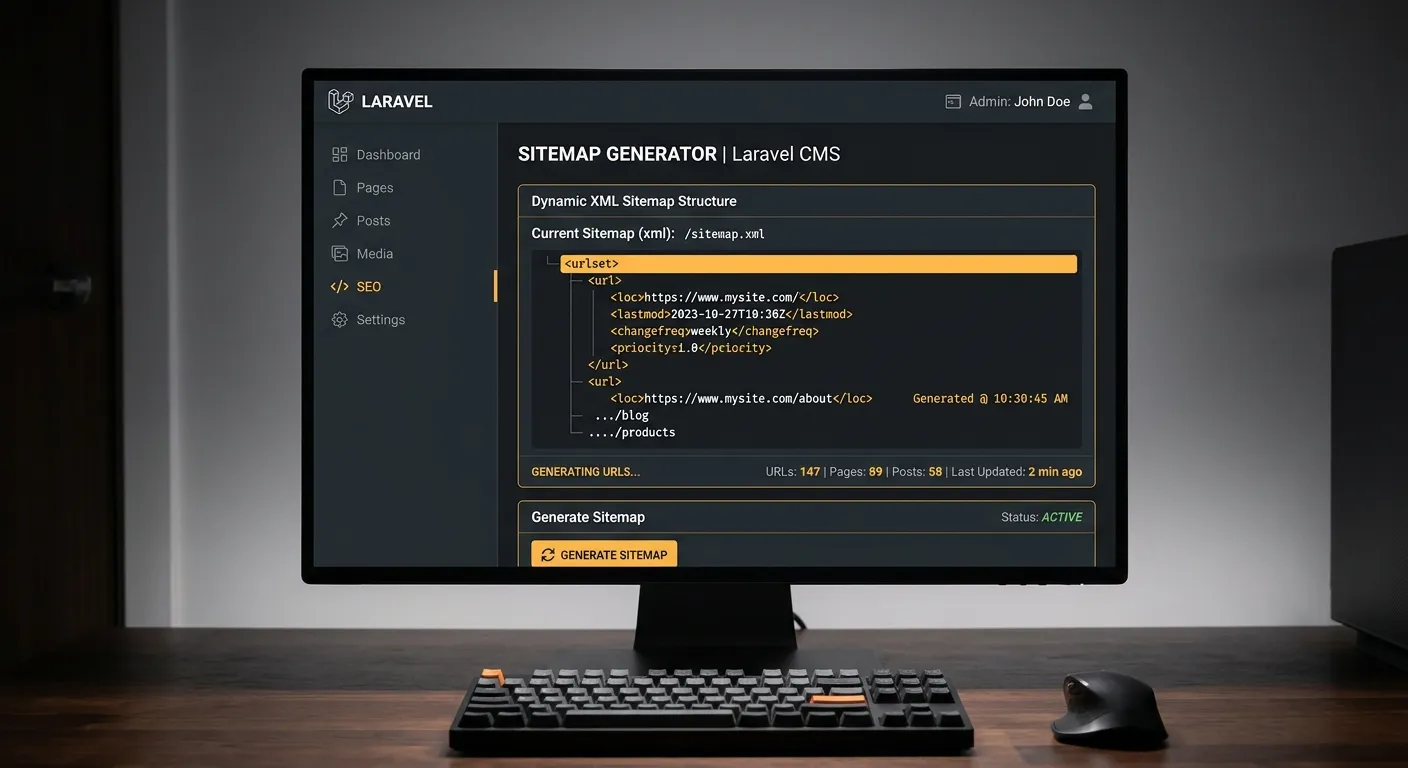
A properly structured Laravel CMS sitemap is not just a technical checklist; it's the backbone of your site's discoverability and a critical component for hiring top-tier developers to manage your enterprise content. Learn how to master it.
In the competitive landscape of web development, a Laravel CMS sitemap serves as your digital roadmap, guiding search engines through your content with precision. For businesses leveraging platforms like Waravel, automating this process is key to maintaining data integrity and SEO rankings post-migration from systems like WordPress.
Why Your Laravel CMS Sitemap is a Hiring & SEO Imperative
A dynamic sitemap in your Laravel CMS does more than list URLs. It signals to search engines that your site is well-maintained, structured, and rich with fresh content—qualities that attract both users and elite development talent. When you hire staff to manage your CMS, their first task should be auditing this critical component.
Automated URL Discovery
Advanced Laravel CMS platforms automatically index new pages, posts, and custom content types, ensuring your sitemap is never stale—a must for SEO.
Priority & Change Frequency
Control how search engines crawl your site by specifying priority levels and update frequencies for different content sections directly from your admin panel.
Image & Video Sitemaps
Beyond standard URLs, a robust Laravel CMS sitemap can include media entries, boosting your content's visibility in universal search results.
Building a Dynamic Sitemap in Your Laravel CMS: A Step-by-Step Guide
Whether you're using a custom-built Laravel CMS or a streamlined solution like Waravel, implementing a sitemap follows core principles.
Pro-Tip: Automation is Key
Manually updating a sitemap is unsustainable. Use Laravel's task scheduling ($schedule) to regenerate your sitemap XML daily or weekly. This ensures peak performance and is a hallmark of a professional setup that attracts expert developers.
1. Generate the Sitemap File
Utilize Laravel packages or custom code to create an XML file. The process typically involves querying your database for all public-facing models (Pages, Posts, Products) and writing them to a structured file in your public/ directory.
2. Submit to Search Engines
Once your sitemap is live at /sitemap.xml, submit it via Google Search Console and Bing Webmaster Tools. Integration with the Waravel Portal can streamline this monitoring.
Learn how to preserve and enhance SEO during a platform migration, a critical step before sitemap generation.
3. Monitor & Update Regularly
Your Laravel CMS sitemap should evolve with your site. Use analytics and crawl error reports to identify and fix broken links or missing pages. Consider hiring a Laravel specialist to set up automated alerts for sitemap errors.
Sitemaps After Migration: Securing Your SEO Investment
Migrating from WordPress to Laravel? A new sitemap is non-negotiable. Automated tools like those from Waravel not only transfer content but also help configure proper URL structures and redirects, forming the perfect foundation for your new sitemap.
- Preserve URL Equity: 301 redirects from old WordPress URLs must be in place before search engines crawl your new Laravel sitemap.
- Leverage Laravel Speed: A faster Laravel CMS means search engines can crawl your detailed sitemap more efficiently, potentially improving indexation speed.
- Centralize Management: Manage your sitemap, media, and content from a unified dashboard like the Waravel Portal.
Ready to Master Your Laravel CMS Sitemap?
Optimizing your sitemap is a continuous process that directly impacts visibility and growth. Whether you're building in-house expertise or looking to hire, the right tools and knowledge are essential.