Build Your Digital Foundation: The Ultimate Guide to Laravel CMS Builders
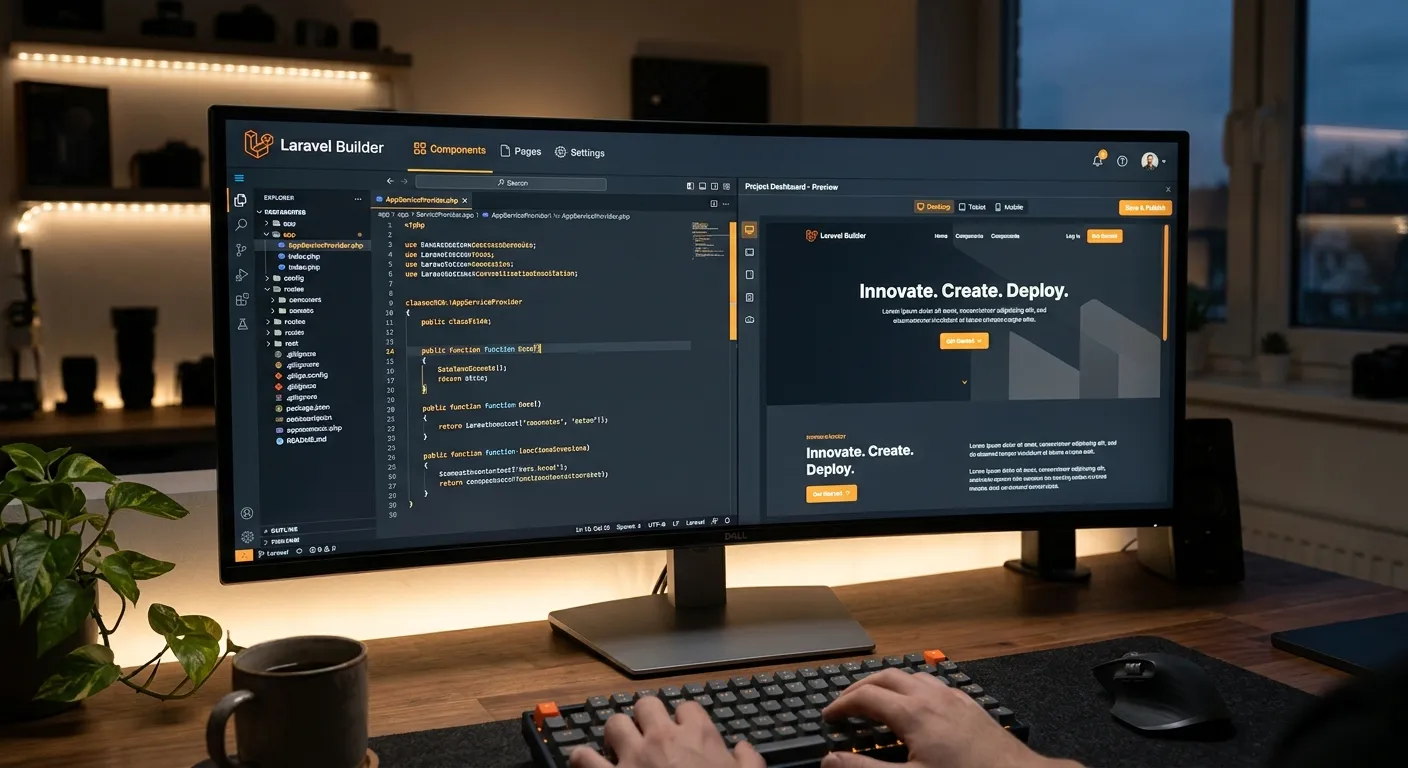
In the realm of modern web development, a robust Content Management System (CMS) is non-negotiable. For businesses and developers seeking unparalleled flexibility, security, and performance, leveraging a Laravel CMS builder is the strategic choice. This guide explores how these powerful tools transform complex development into streamlined, manageable processes.
Hire a Laravel CMS ExpertWhy Choose a Laravel-Powered CMS?
Unlike monolithic platforms, a CMS built on the Laravel framework offers a perfect blend of artisan craftsmanship and automated efficiency. It provides developers with a clean, elegant syntax and a comprehensive ecosystem, while offering businesses a secure, scalable, and maintainable platform. The move from restrictive systems to a Laravel-based solution represents a significant leap forward in data integrity and control.
Unmatched Flexibility
Laravel's modular structure means your CMS is not a rigid box. You can extend functionality infinitely with custom packages or leverage pre-built solutions from marketplaces like the Waravel Packages directory.
Enterprise-Grade Security
Laravel provides built-in protection against common threats like SQL injection, XSS, and CSRF. A CMS built on this foundation inherits these robust security features, giving you peace of mind.
Performance & Scalability
With built-in caching, efficient database queuing, and optimized performance, a Laravel CMS can handle traffic spikes and grow seamlessly with your business, unlike traditional platforms that often bog down.
Pro-Tip: Migration Made Simple
If you're considering a switch from a platform like WordPress, modern Laravel CMS builder tools offer automated migration pathways. This process preserves your SEO, content, and user data, turning a complex project into a manageable task. Explore guides on how to migrate WordPress to Laravel effortlessly.
Key Features of a Modern Laravel CMS Builder
A top-tier Laravel CMS builder goes beyond basic CRUD operations. It provides a comprehensive suite of tools designed for both developers and content managers.
Visual Page & Content Management
The best builders include intuitive drag-and-drop editors or flexible block systems that empower content teams without locking developers into restrictive templates. This bridges the gap between technical control and editorial freedom. Platforms like Waravel exemplify this approach, allowing you to build and manage your Laravel CMS with zero coding for basic operations.
- Live preview and inline editing
- Reusable content blocks and components
- Granular user role and permission management
- Integrated media library with asset optimization
Extensibility & The Package Ecosystem
The true power of Laravel lies in its ecosystem. A quality CMS builder provides seamless integration with Laravel packages for e-commerce, blogs, forums, analytics, and more. This turns your CMS into a fully-fledged application platform. Discover extensions in the Waravel Community.
Expert Insight
"Choosing a Laravel CMS builder isn't just about managing content today; it's about building a foundation that won't limit your growth tomorrow. Its inherent architecture allows you to pivot, add complex features like subscription billing with Laravel Cashier, or integrate with any API without fighting the core system."
Getting Started: Your Path to a Custom Laravel CMS
Implementing a Laravel-based CMS can follow several paths, from building a custom solution from scratch to using a dedicated builder platform.
Platforms like Waravel provide a complete, managed Laravel CMS builder environment. This is the fastest route to production, offering admin panels, user management, and core CMS features out-of-the-box. You can start by exploring the features and pricing, then registering for an account.
For unique, complex requirements, hiring a Laravel developer to build a custom CMS might be optimal. This offers total control but requires more time and investment. Ready to assemble your team? Post a job to hire specialized Laravel talent who can bring your vision to life.
For teams entrenched in WordPress, a strategic migration to Laravel unlocks new potential. Automated tools can handle the heavy lifting, transferring content, users, and SEO rankings. Learn about the specialized migration tools that make this possible without data loss, as detailed in this comprehensive guide.
Actionable Next Steps
For Decision Makers & Businesses
- Audit Your Needs: List must-have features vs. nice-to-haves.
- Evaluate Builders: Test platforms like Waravel via their portal.
- Plan Your Team: If building custom, hire a Laravel CMS builder expert.
For Developers & Agencies
- Explore the Ecosystem: Study Laravel CMS alternatives and their architectures.
- Leverage the Tools: Use automated builders to speed up client projects.
- Join the Community: Get support and share knowledge on the support forums.
Ready to Build Something Powerful?
Whether you're migrating an existing site or starting from scratch, the combination of Laravel and a modern CMS builder provides the ideal foundation for a fast, secure, and scalable web presence.