CMS Migration Checklist: How to Move Your Site Without Downtime and Hire Staff Today
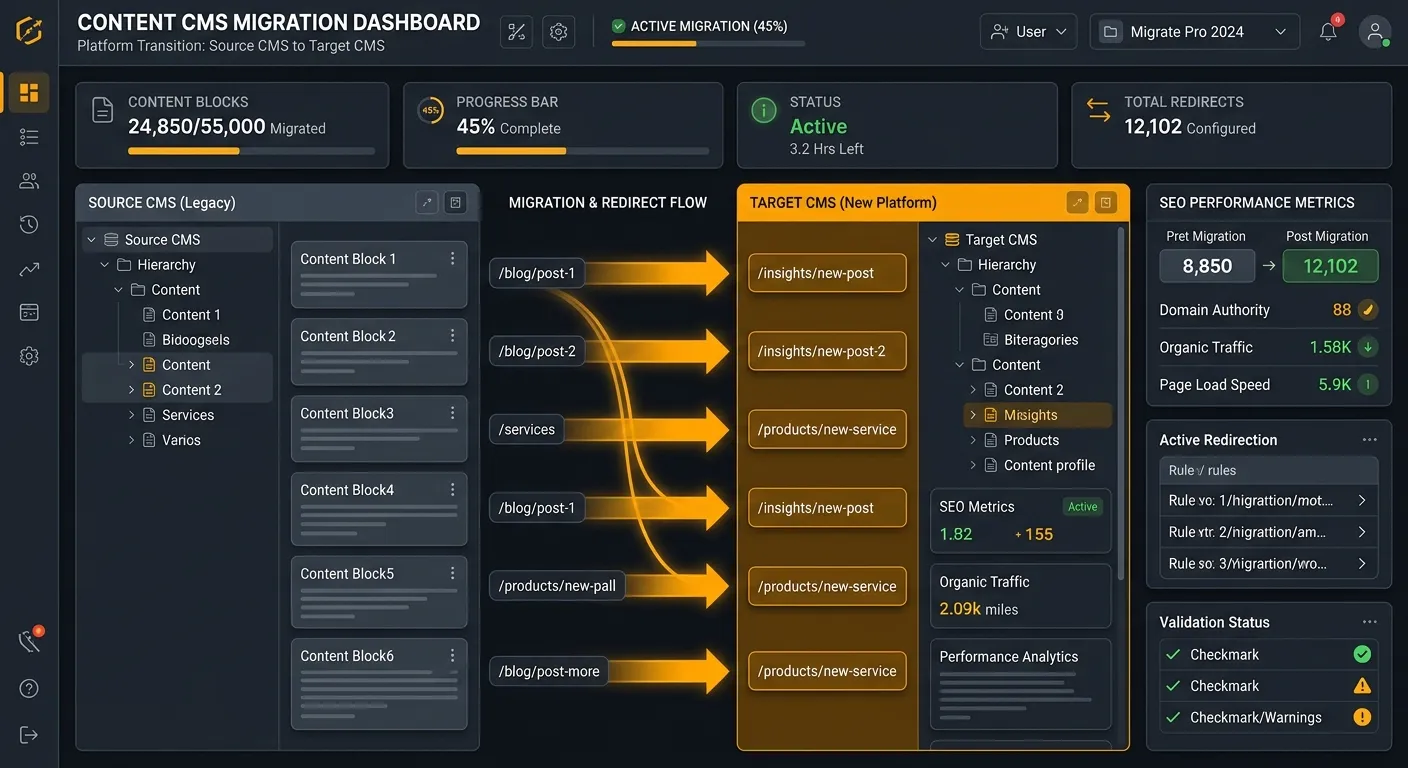
A cms migration checklist helps teams move your site without downtime, protect SEO, and hire staff today when expert support is needed. Whether you are moving from WordPress to Laravel, upgrading a headless CMS, or consolidating legacy content, a structured checklist preserves data, rankings, and performance.
Why a CMS Migration Checklist Matters
A CMS migration touches content, URLs, metadata, plugins, user roles, forms, analytics, and database relationships. Without a documented process, you risk losing posts, breaking redirects, duplicating pages, or exposing security gaps. Teams using Waravel’s automated tools can reduce manual errors, but the checklist still matters because every site has unique content structures, integrations, and SEO requirements.
10-Step CMS Migration Checklist
- Define scope: inventory pages, posts, media, taxonomies, custom fields, users, roles, forms, analytics, and third-party integrations. Export a sitemap and database backup before starting.
- Map content types: match old CMS fields to new CMS models. Confirm titles, slugs, categories, tags, authors, dates, featured images, and custom metadata have clear destinations.
- Plan URLs and redirects: preserve high-value URLs where possible. Build a redirect map for changed paths. Avoid redirect chains and test 301 status codes.
- Clean data before moving: remove spam comments, duplicate media, outdated drafts, broken links, and unused plugins or modules.
- Test migration in staging: run a full import on a non-production environment. Compare record counts, media paths, user permissions, and form submissions.
- Preserve SEO assets: keep meta titles, descriptions, headings, alt text, schema, canonical tags, XML sitemap, robots.txt, and Open Graph data.
- Validate performance and accessibility: measure Core Web Vitals, page weight, image optimization, keyboard navigation, and mobile responsiveness.
- Secure the platform: review SSL, admin access, password policies, database permissions, backups, and package updates.
- Train editors and stakeholders: document how to publish, edit, schedule, and archive content in the new CMS.
- Launch and monitor: go live during low-traffic windows, watch error logs, crawl the site, check search console, and confirm analytics events.
Essential Checklist Categories
Pre-Migration Audit
Use tools like Screaming Frog, Google Search Console, and database queries to understand content volume, broken pages, and ranking URLs before you move anything.
Data Mapping
Create a spreadsheet that links each source field to its destination field. This is especially important when migrating from WordPress to Laravel because taxonomies, custom fields, and media relationships may not map one-to-one.
SEO Handover
Document rankings, backlinks, and conversion pages. If you need expert help, you can Hire Staff Today through Waravel’s portal to support content, development, or QA tasks.
Testing and Monitoring
Run automated link checks, crawl budgets, and user acceptance tests. Compare pre- and post-migration reports weekly for 30 days.
Editor Enablement
Provide role-based training, short video guides, and a content governance document so editors can work confidently in the new CMS.
Platform Support
Keep support contacts handy. Waravel users can access portal support, community guidance, and packages for extensions.
Common CMS Migration Mistakes to Avoid
- Migrating without a backup or rollback plan.
- Assuming plugins will transfer automatically.
- Ignoring user roles and permissions.
- Changing URLs without redirect mapping.
- Launching without editor training.
- Skipping mobile and accessibility checks.
How to Use Waravel in Your CMS Migration Checklist
If your team is moving from WordPress to Laravel, Waravel can simplify the process with automated migration tools, a Laravel-based CMS, and zero-coding page management. Review the WordPress to Laravel migration tool, compare pricing, or register in the portal to test the platform. For deeper guidance, read how automated migration protects data integrity, explore a Laravel CMS October alternative, or learn how to build and manage your Laravel CMS with zero coding.
You can also visit the home page, review the dashboard, inspect features, or read the detailed guide on migrating your entire WordPress site to Laravel without losing data.
Need Help Executing Your CMS Migration Checklist?
A clear cms migration checklist becomes even more powerful when paired with the right platform and the right people. Hire staff today to support migration, QA, or content cleanup, or start with Waravel to automate your move from WordPress to Laravel.