Master Laravel Socialite OAuth for Effortless User Authentication
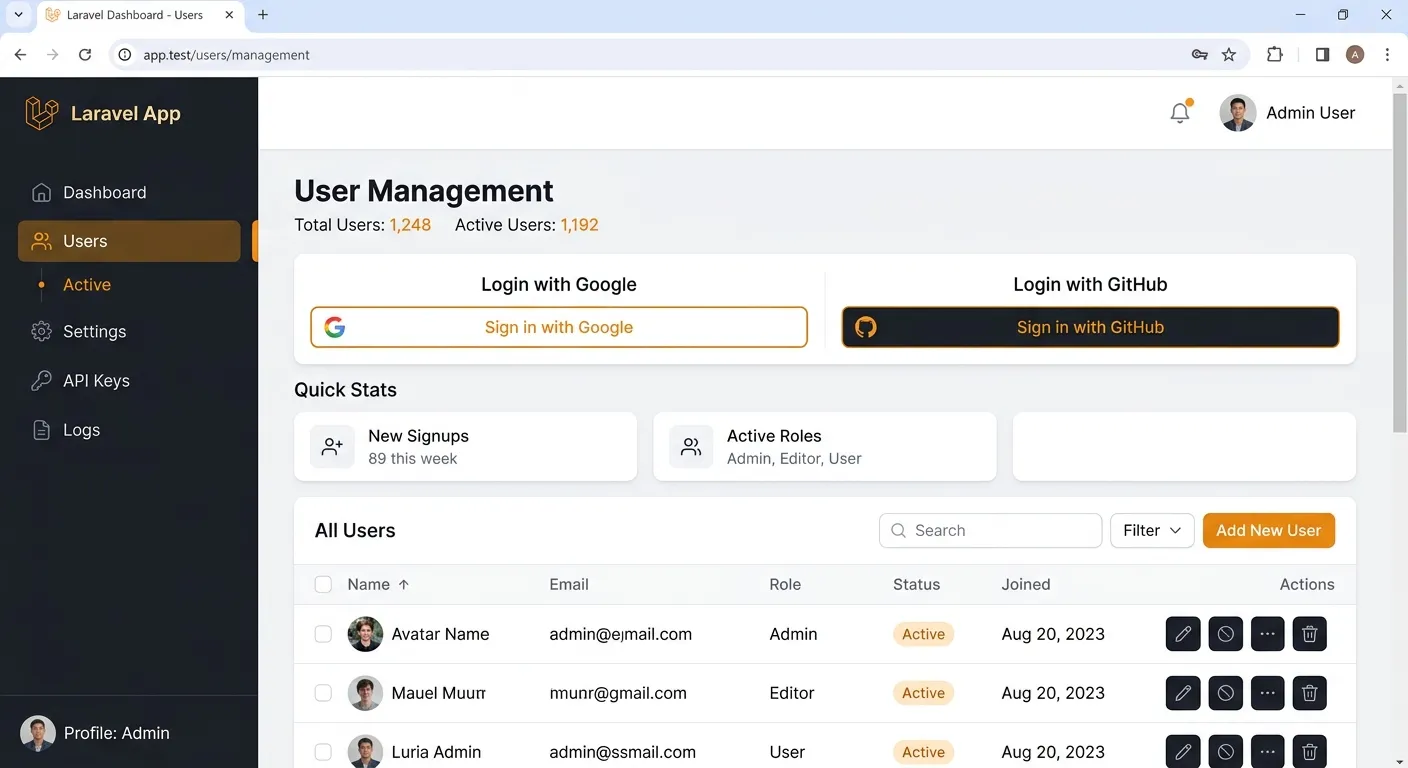
Laravel Socialite provides an elegant, expressive interface for OAuth authentication with providers like Facebook, Twitter, Google, LinkedIn, GitHub, GitLab, and Bitbucket. This powerful package simplifies what is traditionally a complex process, allowing you to offer seamless social login functionality and dramatically improve user onboarding. In this comprehensive guide, we'll explore how to implement, customize, and secure Laravel Socialite OAuth in your applications.
Simplified Integration
Socialite abstracts away the verbose OAuth 1.0 and OAuth 2.0 specifications, providing a clean, unified API. This means you can integrate multiple providers with minimal code changes, saving development time and reducing complexity.
Enhanced User Experience
By allowing users to log in with existing social accounts, you remove friction from the registration process. This can significantly increase conversion rates and improve user satisfaction, as they don't need to remember another password.
Robust & Secure
Built on Laravel's secure foundation, Socialite handles token management, CSRF protection, and state parameters correctly. It encourages best practices for OAuth flows, helping you avoid common security pitfalls associated with custom implementations.
Implementing Laravel Socialite OAuth: A Step-by-Step Guide
Getting started with Laravel Socialite OAuth is straightforward. First, install the package via Composer. Then, configure your OAuth credentials for each provider in your .env file. Socialite's expressive syntax allows you to redirect users to the provider and handle the callback with just a few lines of code in your controller.
Implementation Quick Reference
Install the package and publish the configuration file. Add your provider credentials (Client ID & Secret) from the respective developer platforms to your config/services.php and .env file.
composer require laravel/socialitePro Tip: Handling Multiple Providers
When implementing Laravel Socialite OAuth for multiple providers, design your database schema to support it from the start. A common approach is a polymorphic relationship or a separate social_profiles table linked to your main users table. This allows a single user to log in via Google, GitHub, etc., without creating duplicate accounts. For managing complex user data from such integrations, consider a robust platform like Waravel's CMS.
Advanced Customization & Security Best Practices
Beyond basic setup, Laravel Socialite OAuth offers extensive customization. You can specify scopes to request additional permissions, retrieve detailed user profiles, and even use custom Guzzle HTTP options. However, with great power comes great responsibility.
Essential Security Measures
- ✓ Validate State Parameters: Socialite does this automatically, but never disable it for stateless applications without implementing your own validation.
- ✓ Use Environment Variables: Never hardcode client secrets. Use Laravel's
env()helper or theconfig()function. - ✓ Implement Proper Error Handling: Plan for scenarios where the user denies permission or the OAuth provider is unavailable.
Common Use Cases & Extensions
- → Single Sign-On (SSO): Use Socialite as a client to connect to enterprise OAuth 2.0 servers like Okta or Auth0.
- → Multi-Provider Account Linking: Allow users to link multiple social identities to one central account for flexibility.
- → Automated Profile Population: Use data from social profiles (like name and avatar) to pre-fill registration forms.
Integrating Socialite Within a Larger Laravel Ecosystem
Laravel Socialite OAuth rarely exists in isolation. It's often part of a larger authentication system that may include traditional email/password login, two-factor authentication, and API token management via Sanctum or Passport. Ensuring a cohesive user experience across these methods is key.
For teams managing complex applications, leveraging a professional platform can accelerate development. Waravel provides tools and a structured environment that complements packages like Socialite. If you're migrating from a legacy system like WordPress and want to incorporate modern OAuth logins, an automated migration tool can handle the complex data transfer, allowing you to focus on features like social authentication. Need help setting this up? Hire dedicated Laravel developers to implement a secure, professional authentication system tailored to your needs.
Ready to Implement Professional OAuth?
Streamline your user onboarding with a robust Laravel Socialite OAuth implementation. Whether you're building from scratch or enhancing an existing app, having the right team and tools makes all the difference.