Master Laravel CMS Blade Components: Build Dynamic Websites Without the Coding Headache
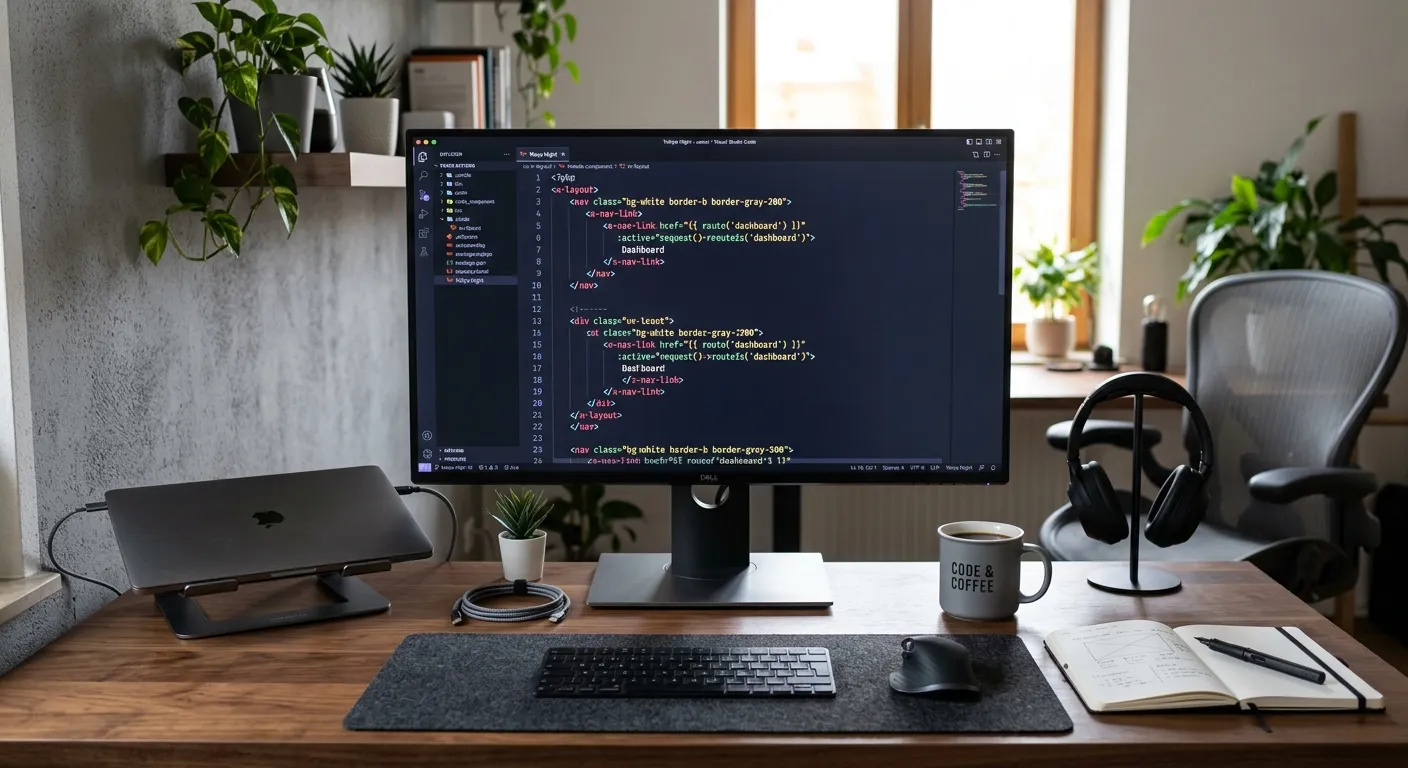
Discover how Laravel CMS Blade components empower developers and content teams to create flexible, reusable, and powerful content management systems. This 2026 guide dives deep into building, managing, and scaling with a component-driven architecture.
Hire Expert Laravel Developers TodayIn the evolving landscape of web development, leveraging Laravel CMS Blade components has become a cornerstone for building scalable and maintainable applications. Unlike monolithic templates, components promote reusability, separation of concerns, and a cleaner development workflow, making them essential for any modern Laravel CMS project.
Why Component-Driven Architecture Wins
Reusability & Consistency
Define a component once—like a page header, card grid, or contact form—and deploy it across countless pages. This ensures UI consistency and dramatically reduces development time.
Simplified Content Management
Non-technical editors can assemble pages using pre-built, CMS-registered components, making platforms like Waravel incredibly powerful for teams.
Optimized for Laravel Headless CMS 2026
Blade components seamlessly integrate with headless architectures, serving as the perfect presentation layer for API-driven content from a modern Laravel headless CMS 2026 setup.
Building Your Component Library: A Practical Guide
Creating effective Blade components involves more than just splitting HTML. It's about designing a system of interchangeable parts that communicate via clear interfaces (props, slots). For instance, a `
The future points towards Laravel headless CMS 2026 trends, where Blade components act as"smart" templates that fetch data from a separate Laravel API backend. This separation allows front-end developers to work independently, using Blade's familiar syntax while the CMS handles complex data relationships.
Use anonymous components for simple UI snippets and class-based components for complex logic. Leverage component attributes to pass data and slots for injectable content blocks.
Integrate your components with pre-built packages to add functionality like SEO tags, breadcrumbs, or interactive forms without writing boilerplate code.
If you're migrating from a system like WordPress, Blade components offer a fresh, modern paradigm. Tools can automate the conversion of template parts into reusable Laravel components.
Explore guides like Migrate WordPress to Laravel Effortlessly to understand how your content structure translates into a component-based system.
Pro-Tip: The CMS Registration Layer
The true power of Laravel CMS Blade components is unlocked when they are registered within your CMS. This allows content editors to select from a library of vetted components when building pages, combining the flexibility of Laravel with the usability of a visual builder.
Platforms like Waravel provide this registration layer out-of-the-box. You can register for an account and start mapping your custom components in minutes, turning development work into editable content blocks.
From Concept to Live Page: See It in Action
Understanding component theory is one thing; seeing a page built from scratch using a visual component editor clarifies the workflow. The following video demonstrates how pages are constructed in a modern Laravel CMS environment.
Ready to Build with Components?
Adopting a component-driven approach with Laravel accelerates development, reduces bugs, and creates a better experience for both developers and content editors. Whether you're building a new Laravel headless CMS 2026 project or modernizing an existing site with automated migration tools, mastering Blade components is a critical skill.
The Future is Component-Based
As we look towards 2026, the line between traditional and headless CMS continues to blur. Blade components stand at the intersection, offering a developer-friendly syntax that can render data from any source. This makes Laravel an ideal backbone for enterprises seeking agility without sacrificing control.
To delve deeper into building a CMS with this philosophy, explore resources like building a Laravel CMS with zero coding or join discussions on the Waravel community forum. The journey towards a more efficient, component-driven web starts with a single Blade file.