Laravel Menu Builder: Ship Dynamic Navigation Without Writing a Single Custom Component
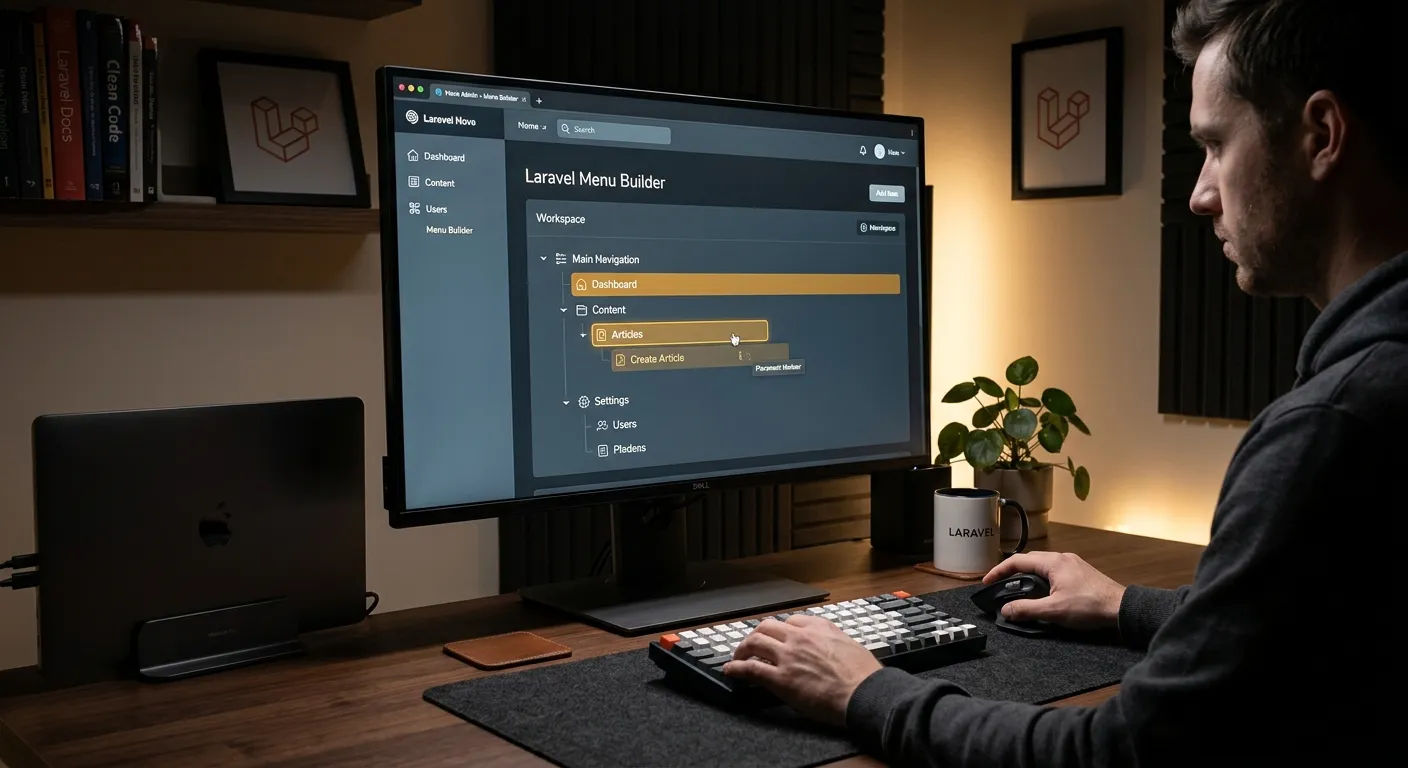
Every serious Laravel application needs a reliable laravel menu builder. Whether you are constructing a multi-level admin sidebar, a public-facing mega menu, or a role-based navigation tree, the right menu builder saves dozens of hours of repetitive Blade and route-binding work. In this guide, we break down what makes a Laravel menu builder production-ready and how platforms like Waravel streamline the entire process from registration to deployment.
A modern laravel menu builder should let you define menu items, assign permissions, handle nested children, and render responsive HTML—all without touching a controller. If you are currently hand-coding navigation arrays in config/menu.php, you are adding maintenance debt that compounds with every new release.
Core Features Every Laravel Menu Builder Must Deliver
Drag-and-Drop Nesting
A quality laravel menu builder lets you reorder, nest, and flatten menu items visually. No more editing deeply nested PHP arrays by hand.
Role & Permission Awareness
Menu items should auto-hide based on the authenticated user's role. The best builders integrate directly with Laravel's Gate and Policy system.
Responsive Rendering
Your laravel menu builder must output clean, semantic HTML that adapts to mobile hamburger menus, desktop mega menus, and tablet layouts automatically.
Database-Driven Menus
Static config files break when non-technical editors need changes. A database-backed menu builder gives marketing teams self-service control.
Multi-Language Support
Enterprise Laravel apps often serve global audiences. Your menu builder should handle translations per locale without extra middleware.
Active-State & Breadcrumb Logic
Automatically highlight the current page and generate breadcrumbs. This single feature eliminates the most common navigation bug in Laravel projects.
How Waravel Simplifies Menu Management in Laravel
If you are migrating from WordPress or building a new zero-code Laravel CMS, Waravel's built-in menu builder eliminates the need for third-party packages. You configure navigation hierarchies directly inside the admin dashboard, assign them to user roles, and publish instantly.
For teams handling complex WordPress-to-Laravel migrations, preserving menu structure is critical for SEO. Waravel's migration tools map your existing navigation to a native laravel menu builder structure, ensuring every parent-child relationship carries over intact. You can explore the full workflow in the Waravel Community documentation.
Start by registering on the Waravel Portal to access the menu builder alongside the pages, media, and marketplace modules. Review available packages to extend menus with conditional visibility rules or external link validation.
Quick-Start Checklist
- ✓Define top-level menu groups in the admin panel
- ✓Assign child items with drag-and-drop ordering
- ✓Set role-based visibility for each item
- ✓Preview responsive output before publishing
- ✓Add a homepage link as the root item
Pro Tip: Cache Your Menu Queries
Every page load that renders a database-driven menu fires at least one query. In production, wrap your laravel menu builder output with Laravel's Cache::remember() and bust the cache only when menu items change. This single optimization can reduce navigation query overhead by 90% on high-traffic sites. Check the Waravel Support Center for implementation guidance.
Watch: Laravel Tools That Include Menu & Navigation Workflows
Choosing the Right Menu Builder for Your Team
Enterprise teams need audit trails, multi-tenant menu scoping, and API-driven menu updates. Evaluate builders that expose REST endpoints so your CI/CD pipeline can sync navigation changes across environments. Review the Waravel pricing tiers to find the plan that includes advanced role permissions and SSO integration.
Startups benefit from a laravel menu builder that requires zero configuration. Waravel's out-of-the-box features let you ship a fully functional admin navigation in under ten minutes, freeing developers to focus on product logic instead of Blade partials.
Agencies managing dozens of client sites need a menu builder that supports white-label branding, per-client menu templates, and bulk updates. Compare this approach against manual coding strategies to see why automation protects data integrity across client portfolios.
Final Thoughts on Laravel Menu Builders in 2026
The laravel menu builder landscape has matured significantly. Packages like Spatie's laravel-menu and Konekt's menu builder remain popular, but integrated CMS platforms now bundle menu management as a first-class feature. If you are evaluating an October CMS alternative for Laravel or simply want navigation that"just works," start with the Waravel migration tool and build your menus inside the same dashboard where you manage pages and media.